Switch between different organizations to see each one's decks on its own dashboard.
When an organization invites you to their team, accept the invitation.
Once accepted, the new organization will appear in your workspace drop-down menu.
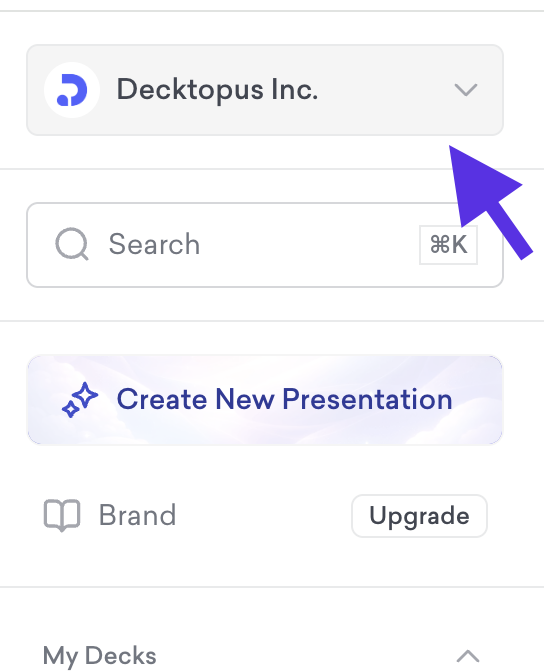
Click the drop-down menu and select the organization you want to switch to.
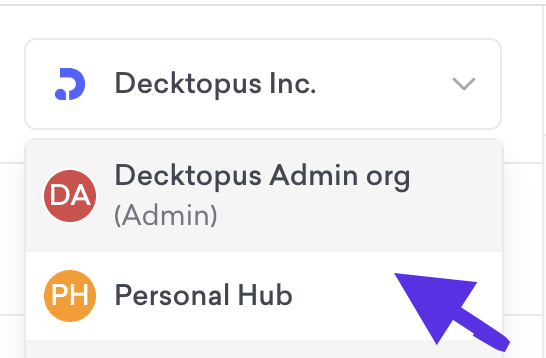
You can repeat this anytime to move between any organizations you've joined.

That's all!
Switching organizations makes it easy to manage decks for different teams, clients, or projects without juggling multiple accounts.
If you require any additional help, feel free to contact us at [email protected].
