Manage your team in Decktopus by adding or removing members from your organization in just a few clicks.
To use this feature, you need a Business AI or Enterprise subscription with more than one seat.
To create your organization in Decktopus, click on your avatar to open the sidebar menu.
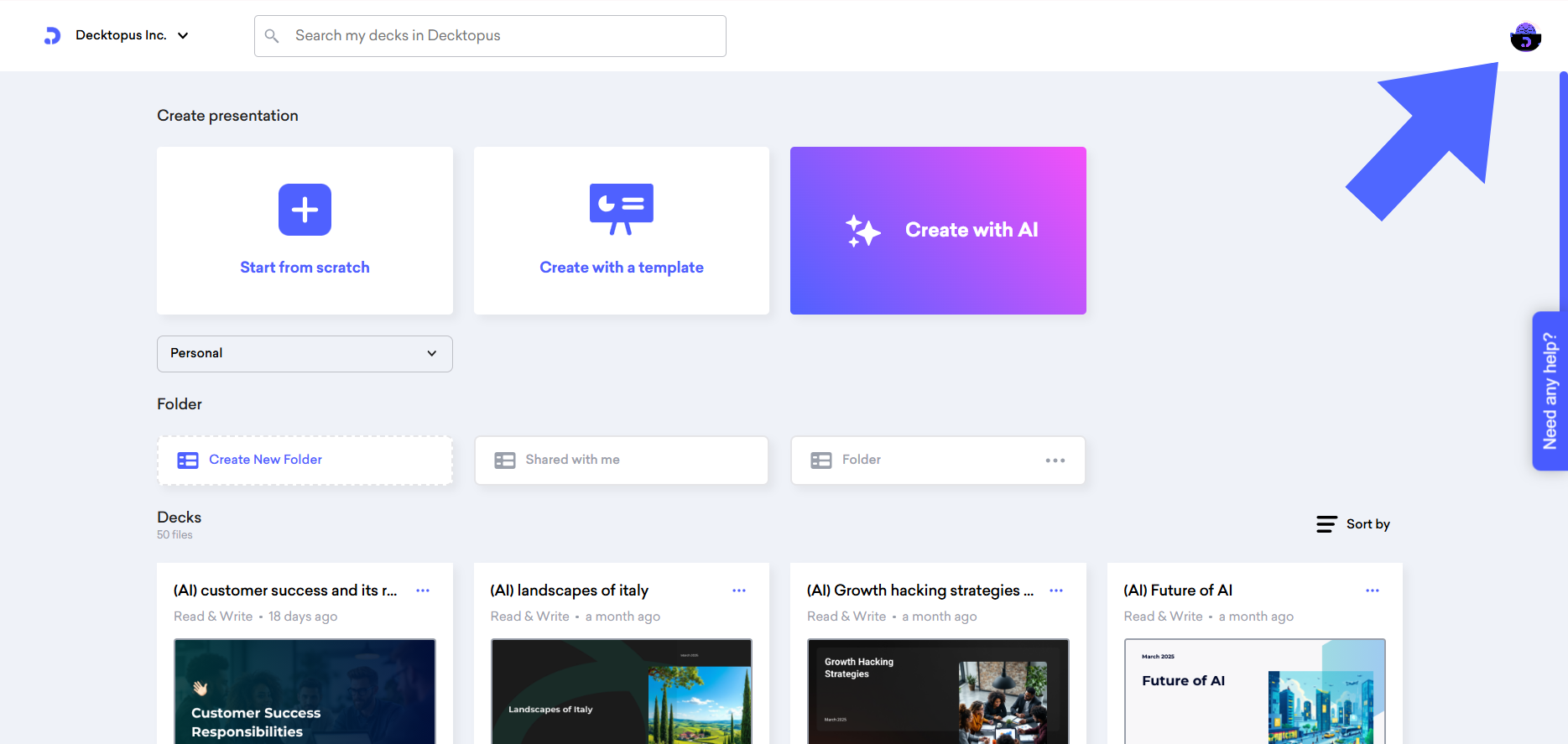
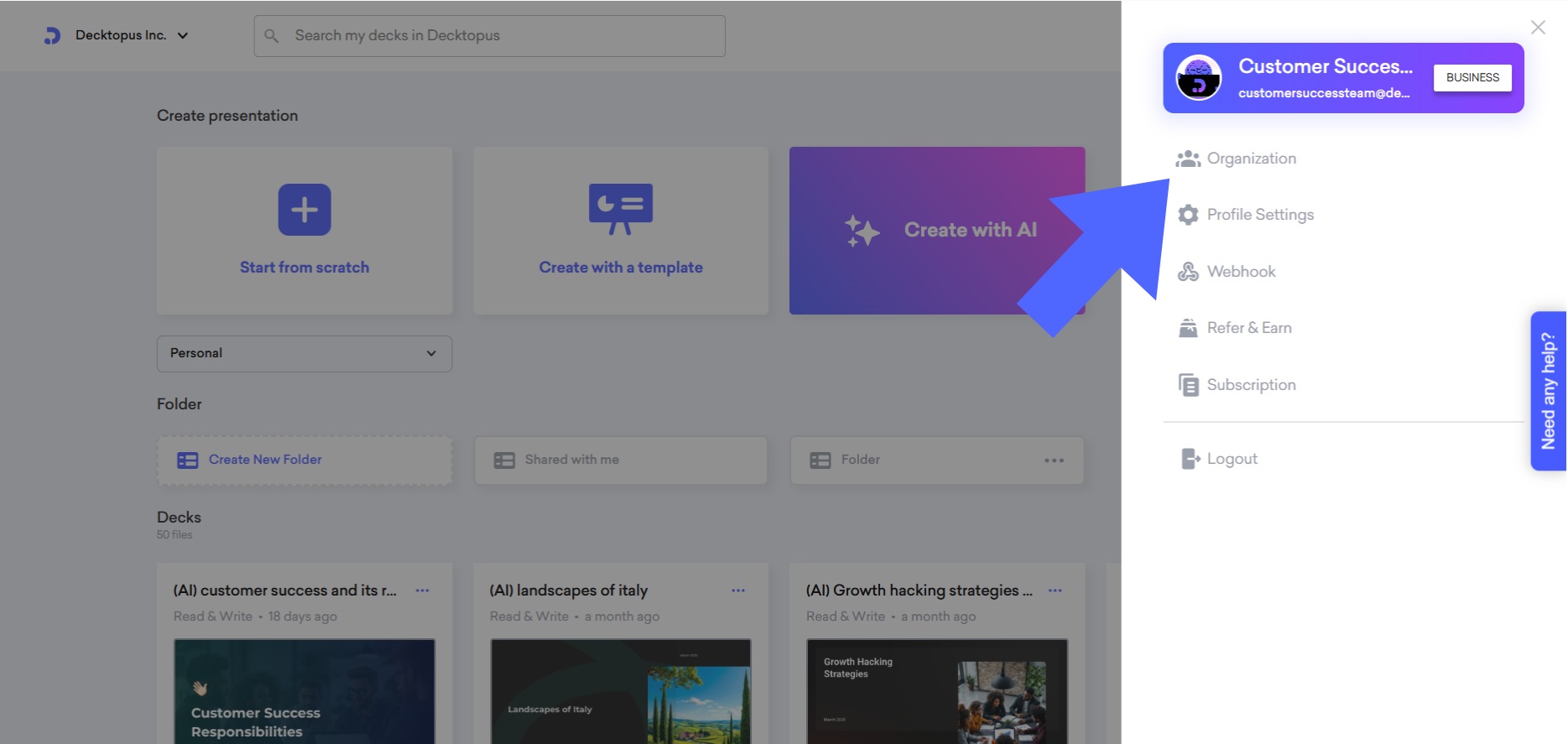
Then click "Organization" to see your organization’s details.
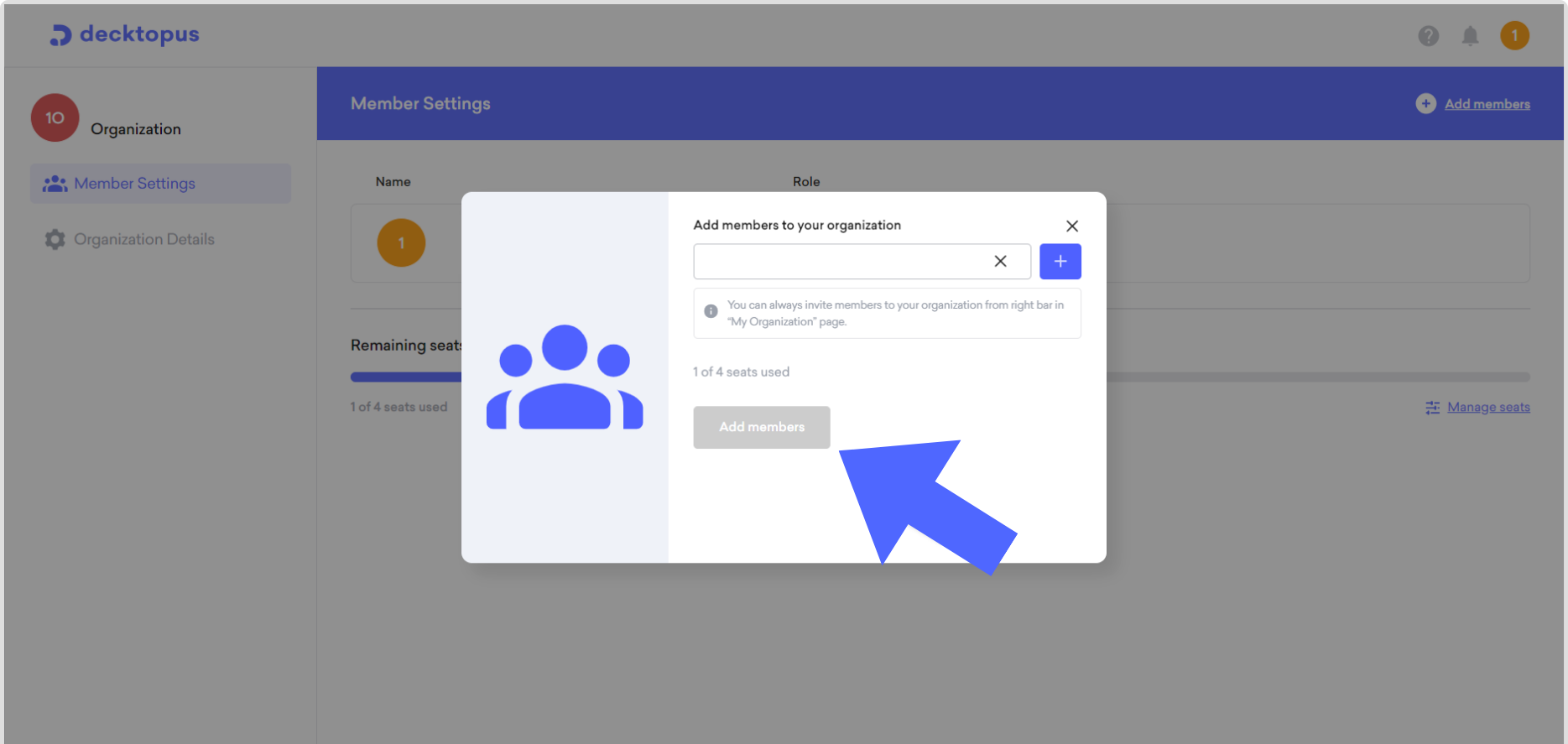
To add new members, click on "Add members" write the email address of the new member, and hit "Add members"
An invitation will be sent to the invited user, and when the user accepts it, you can edit their role in the organization.

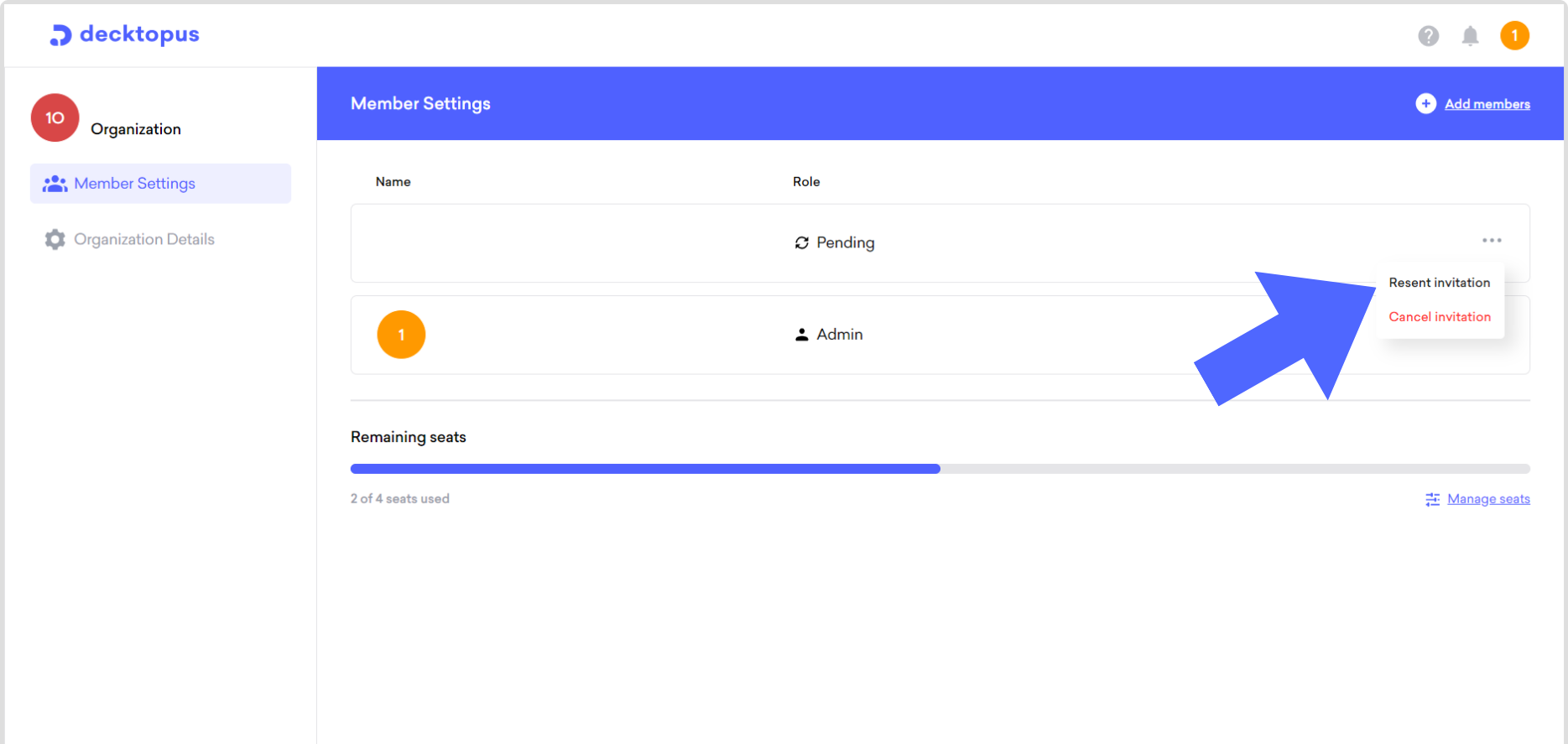

By clicking three dots, you can adjust the user's role in your organization.
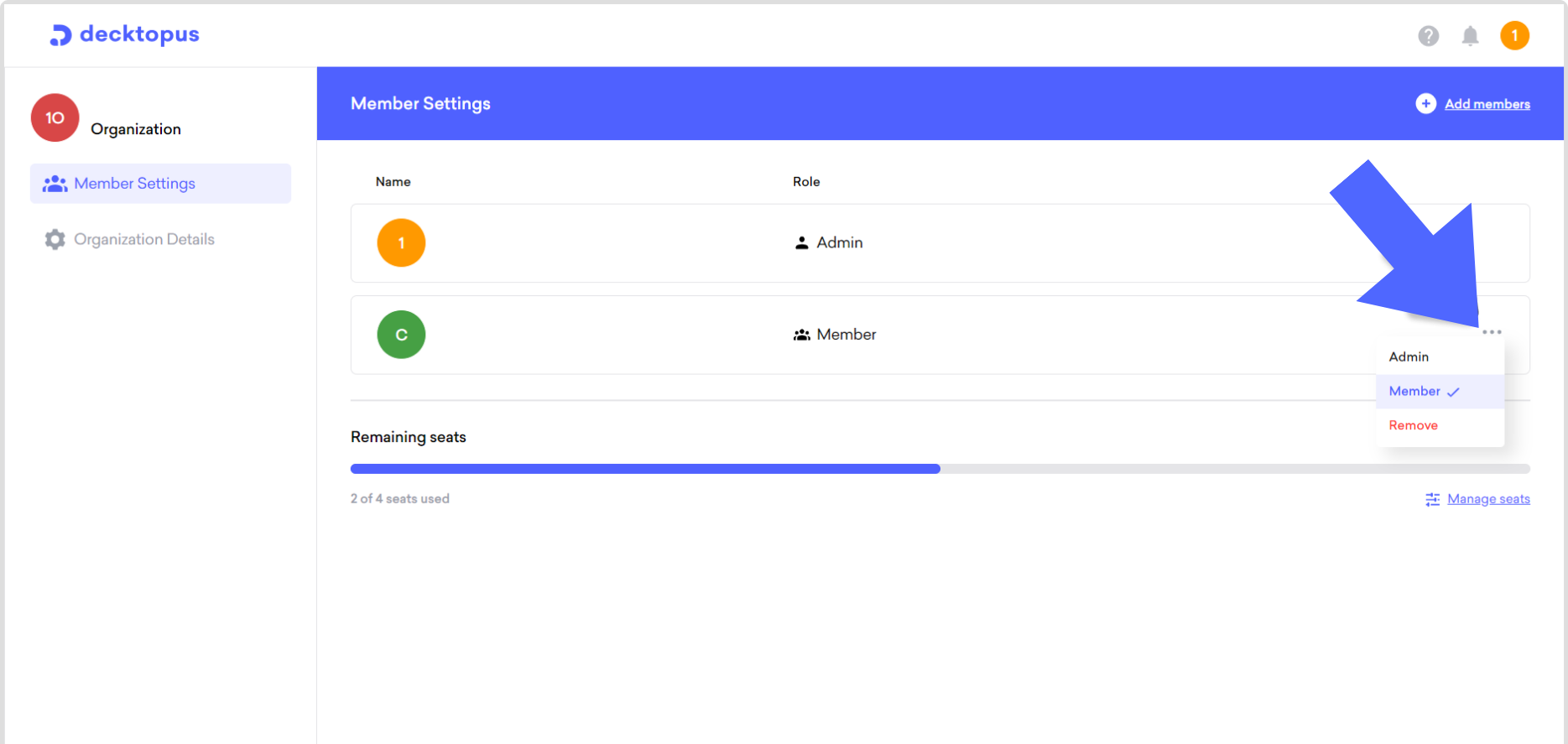
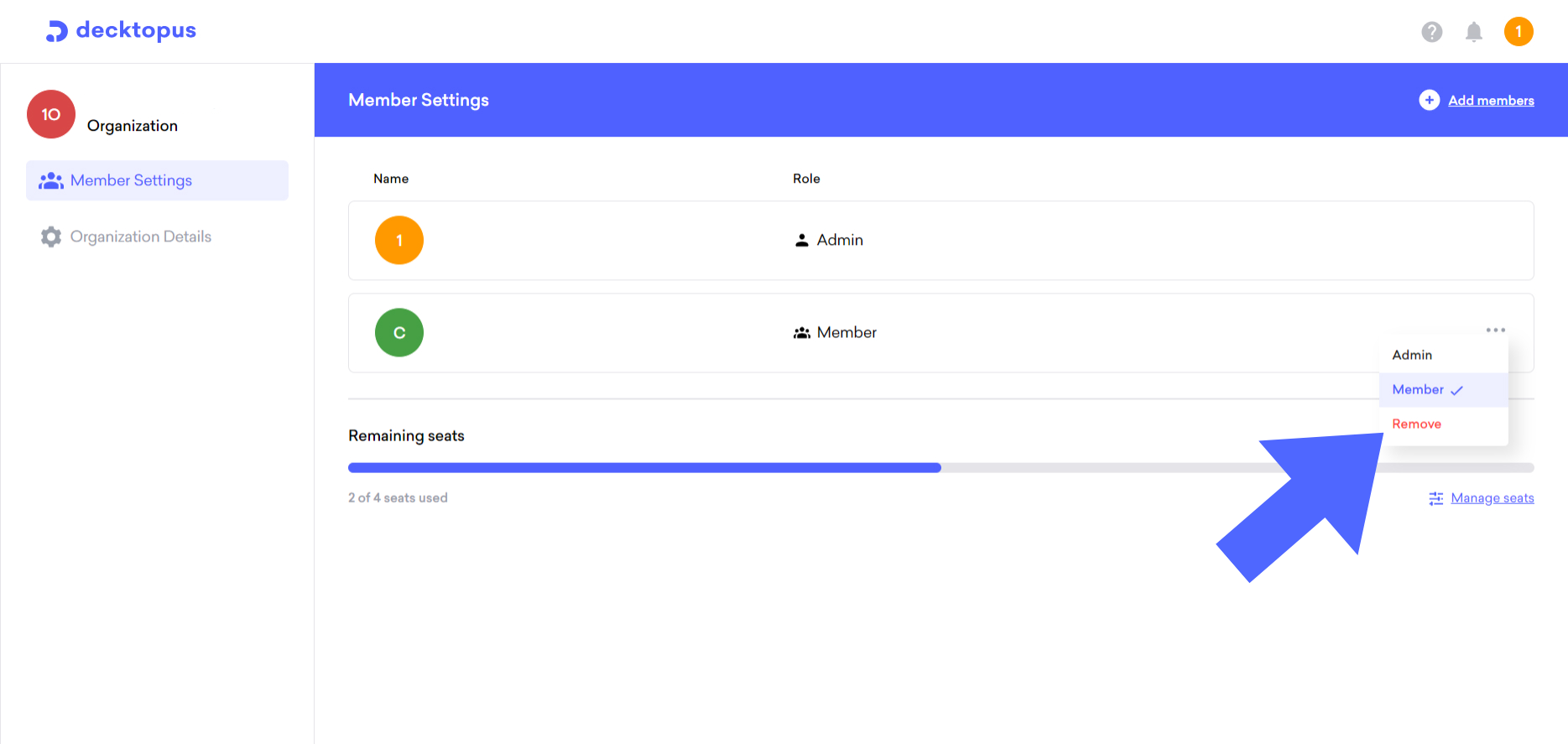
To remove the member, click on "Remove" and the user will be removed from your organization.
That's all!
If you require any additional help, feel free to contact us at [email protected].
