Once your presentation is ready, exporting it takes just a few clicks. Decktopus lets you download from inside the editor or directly from the dashboard, in your choice of format and quality. Export is available on Pro and Business plans.
You can download your presentation in two ways:

From the editor:
Open the presentation and click Download at the top right.
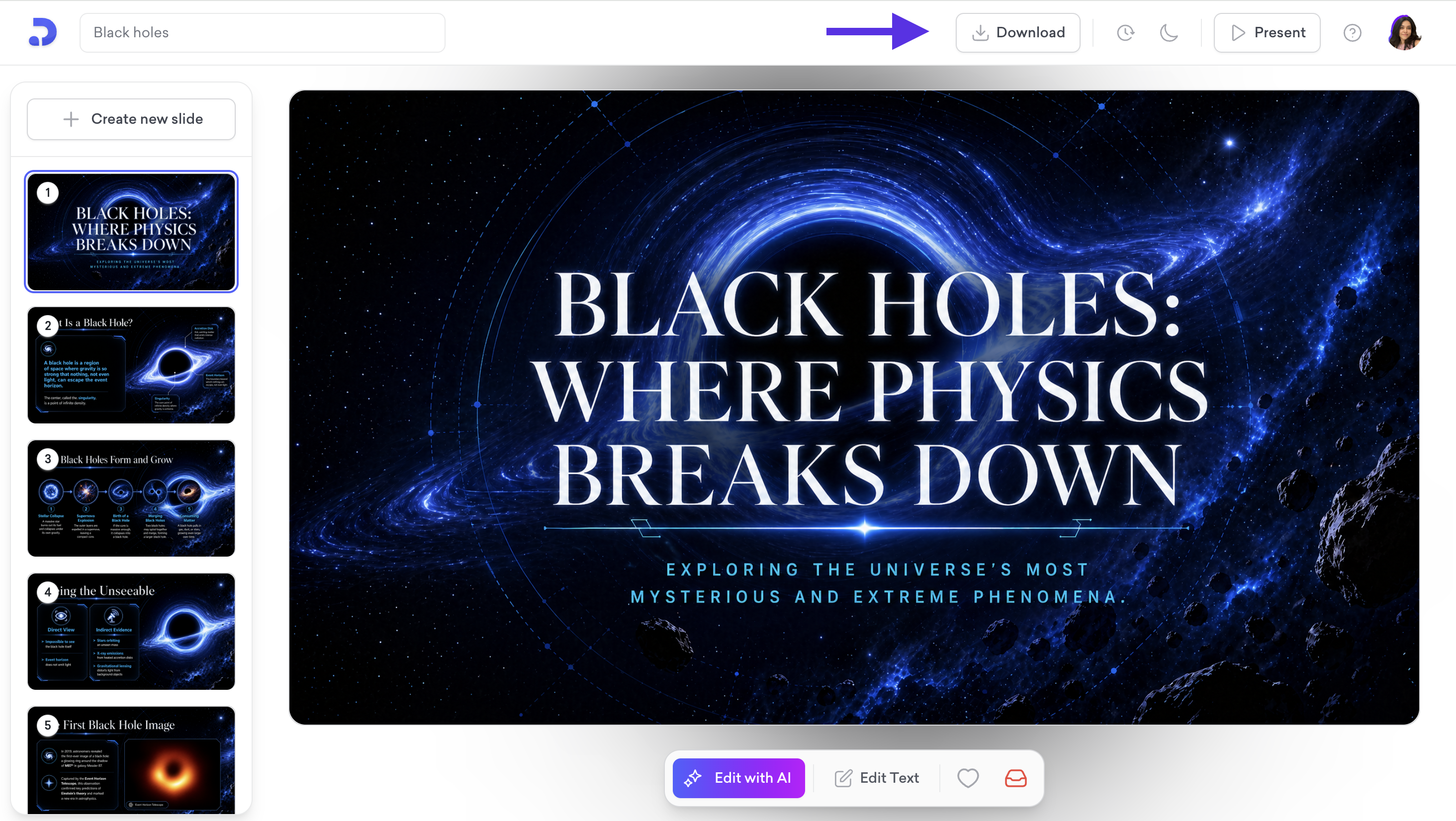
Choose your format:
PDF: A fixed-format file that looks the same on any device. Best for sharing or printing.
PPT: A fully editable file you can open in PowerPoint, Keynote, or Google Slides.
PNG: Exports each slide as a separate image file.
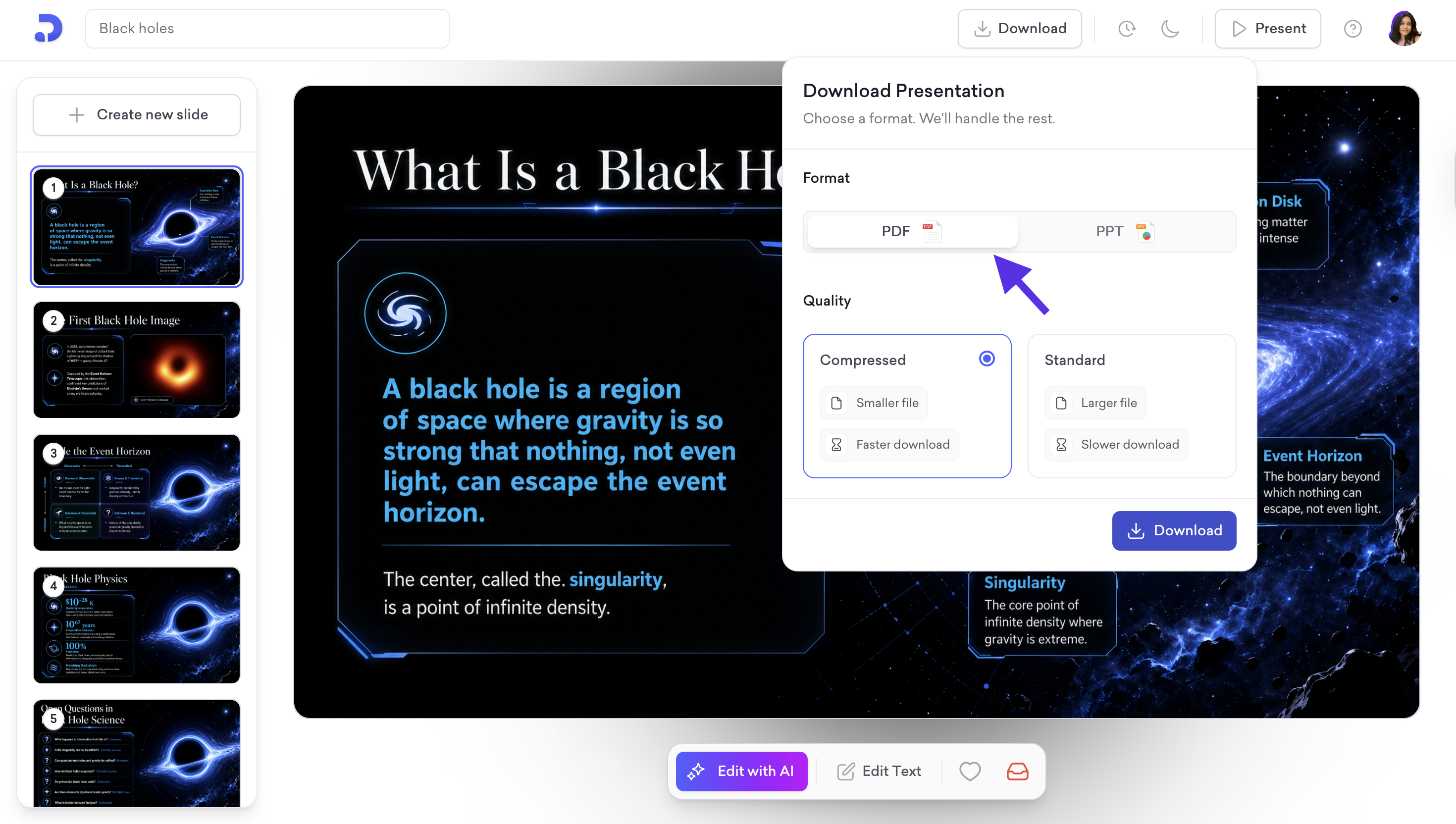
Choose your quality:
Compressed: Smaller file size, faster download.
Standard: Higher resolution, larger file size.
You can also download your deck from the dashboard.
From your dashboard:
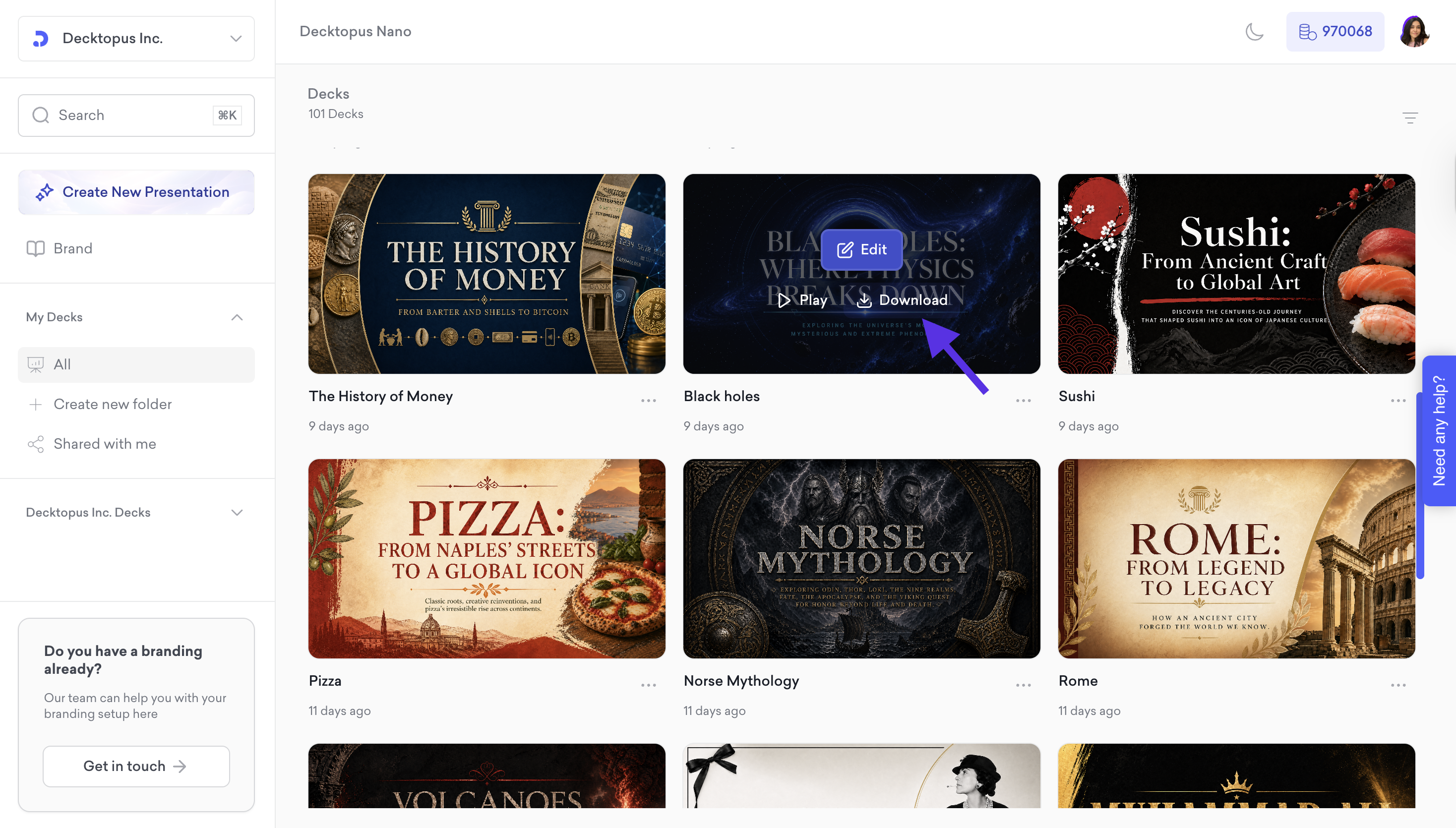
Hover over the presentation you want to export and click Download on the deck card.
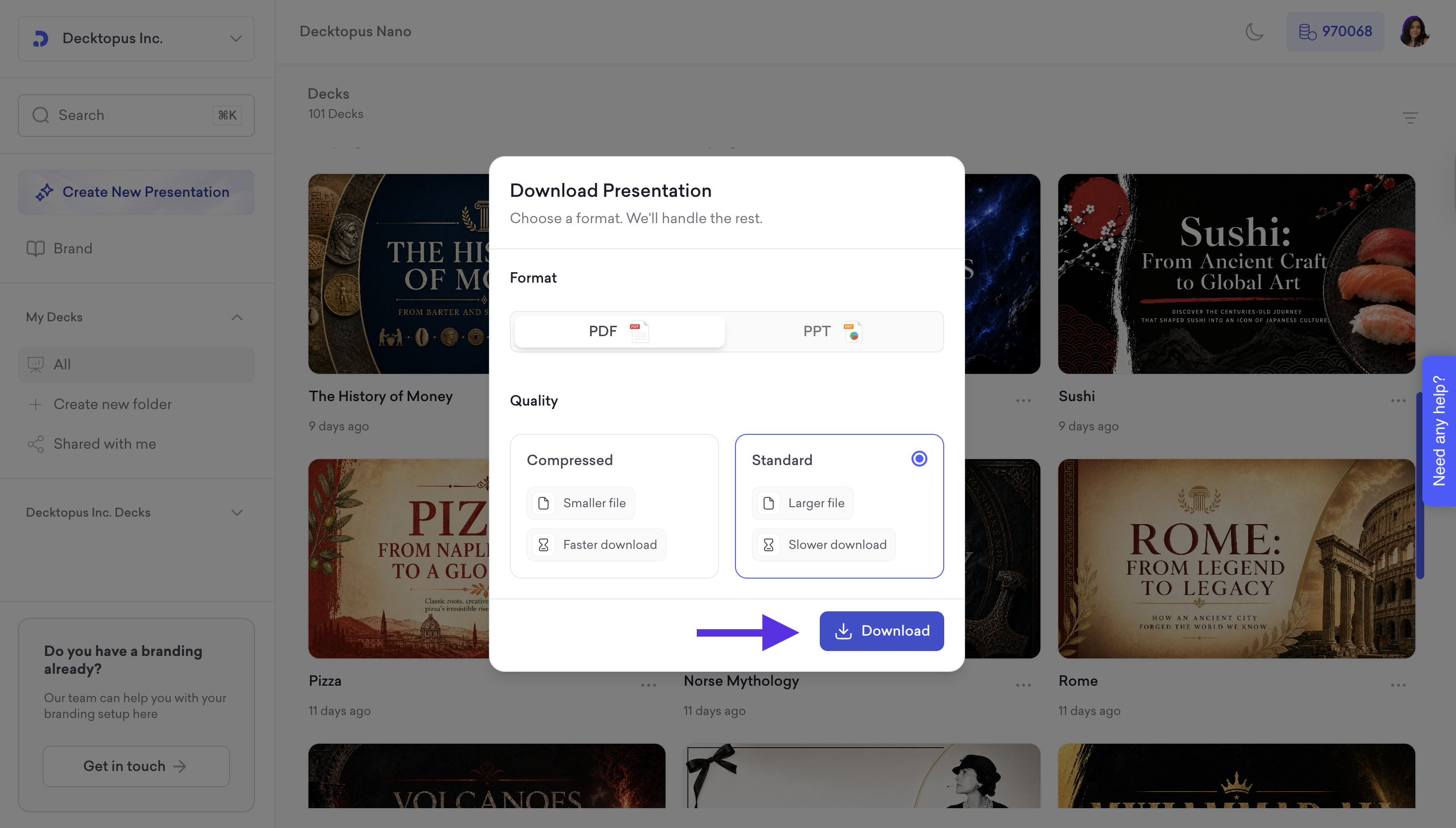
Then, in the Download Presentation menu:
Choose your format:
PDF: A fixed-format file that looks the same on any device. Best for sharing or printing.
PPT: A fully editable file you can open in PowerPoint, Keynote, or Google Slides.
PNG: Exports each slide as a separate image file.
Choose your quality option:
Compressed: Smaller file size and faster download.
Standard: Higher resolution, larger file size, and slower download.
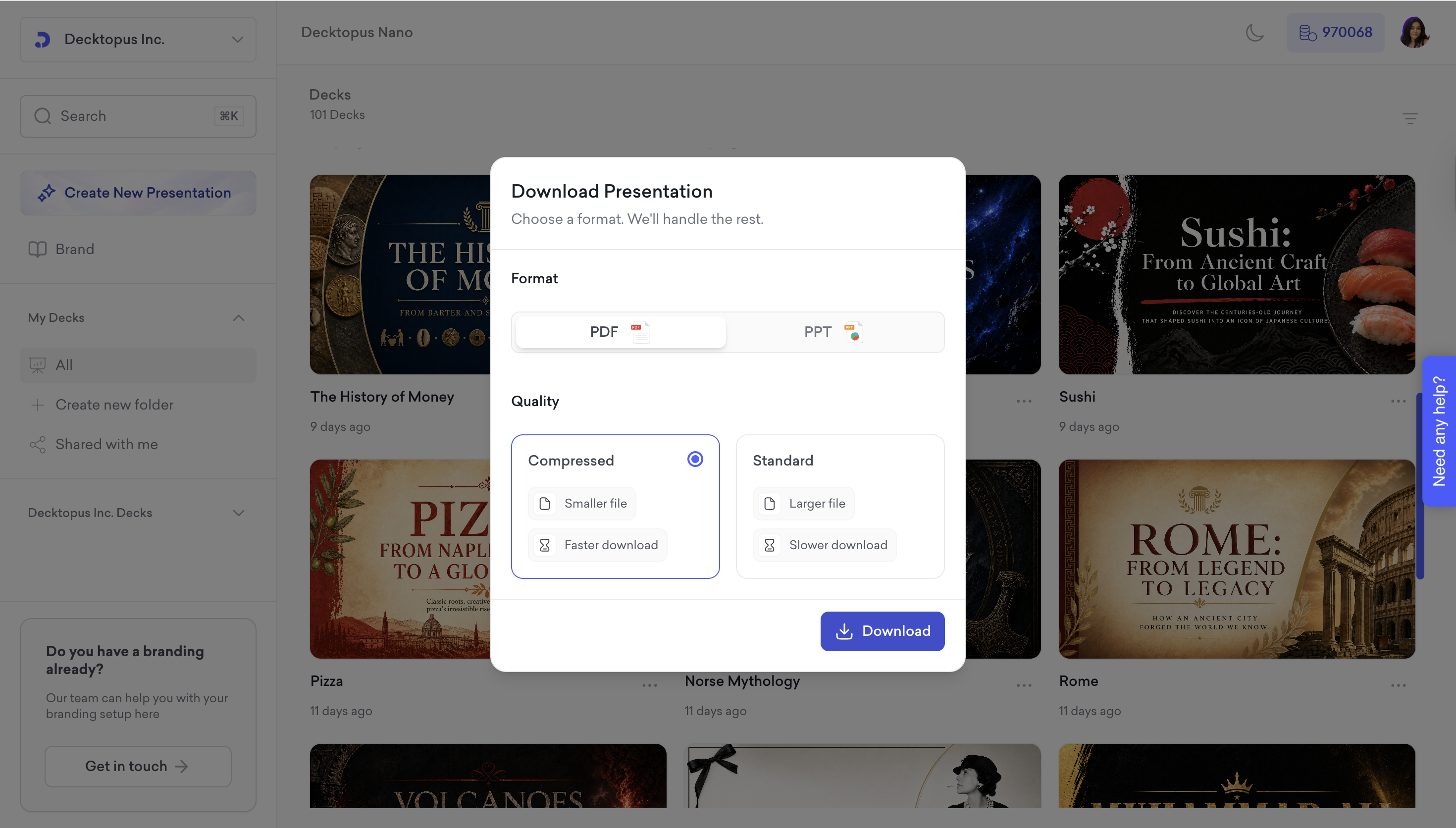
Click Download to save the file to your device.
Your exported deck will be automatically saved to your device in just a few seconds!
That's all!
Watch our video tutorial to see the full download and export process.
If you require any additional help, feel free to contact us at [email protected].
