
Whether you're managing multiple projects, collaborating with teammates, or simply seeking to keep your presentations neatly organized, the Folder Feature offers unparalleled convenience. In this article, we'll explore how Decktopus' Folder Feature revolutionizes presentation management, enabling users to streamline their workflow and focus on crafting engaging content.
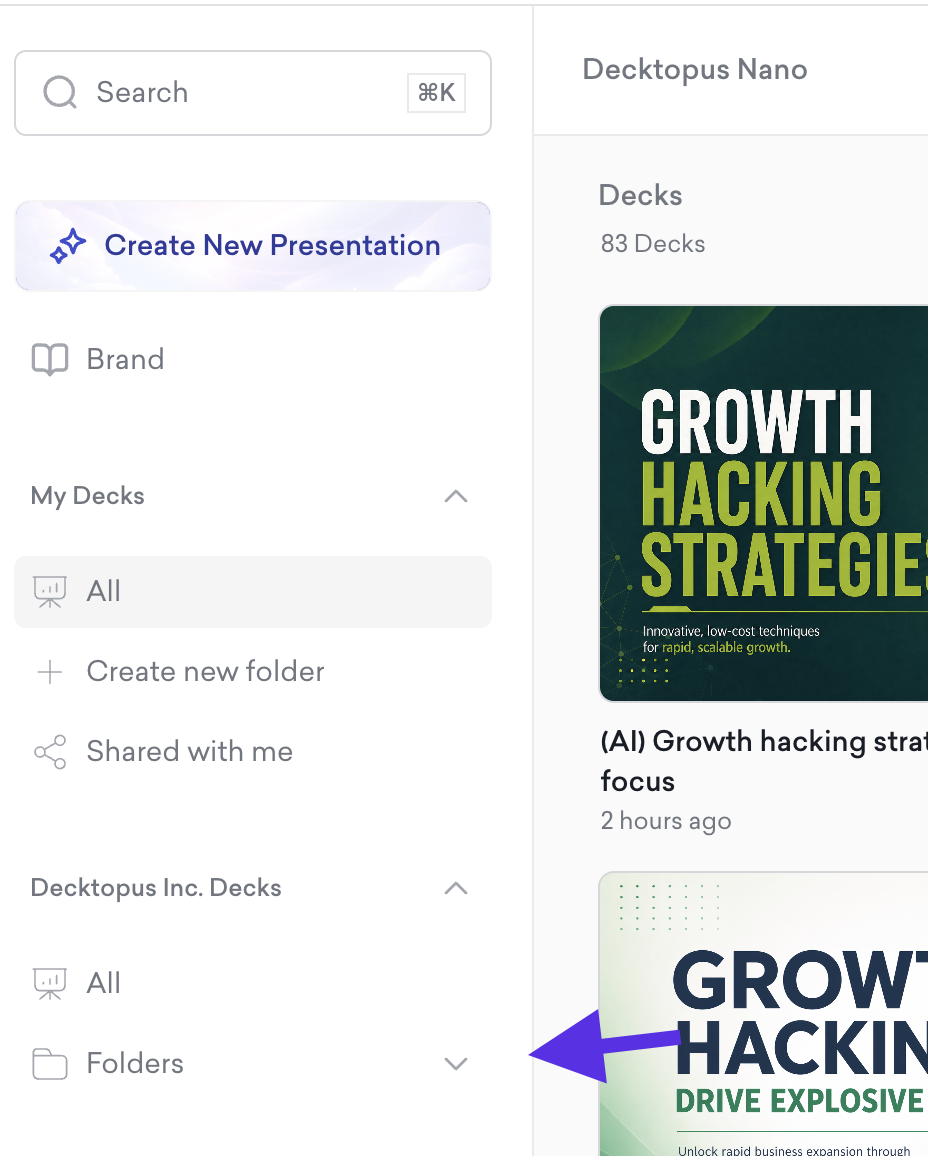
Find the Folder section right on your dashboard – click on the Folder part on your dashboard.
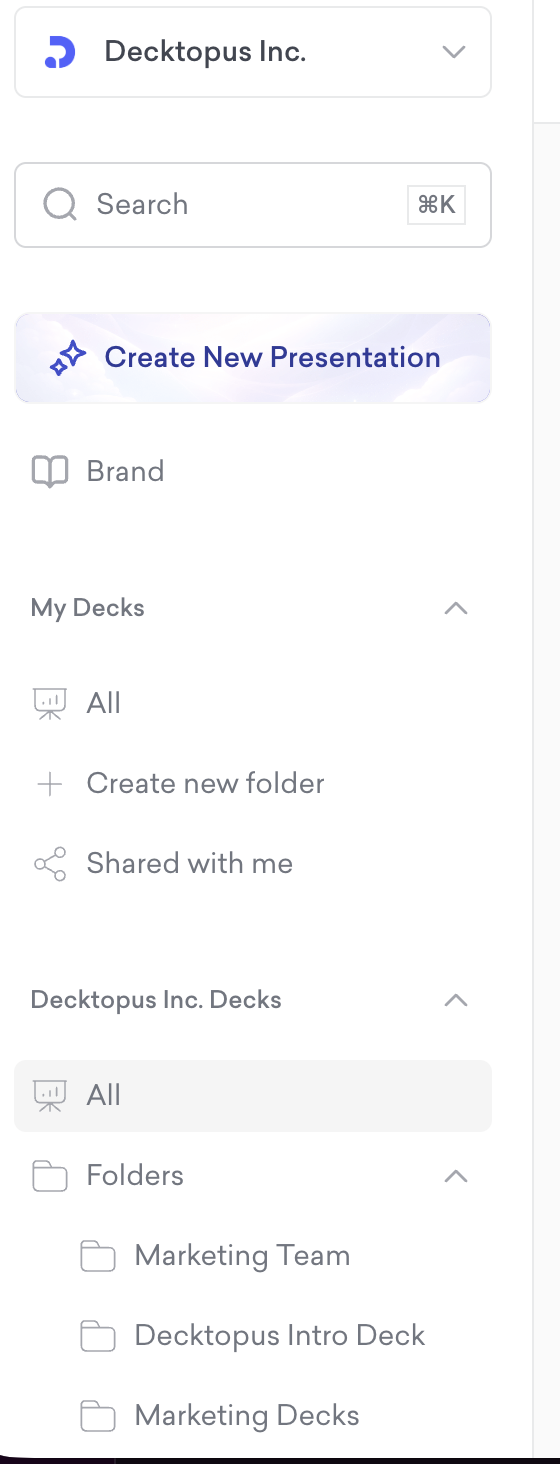
You can see your existing folders here.
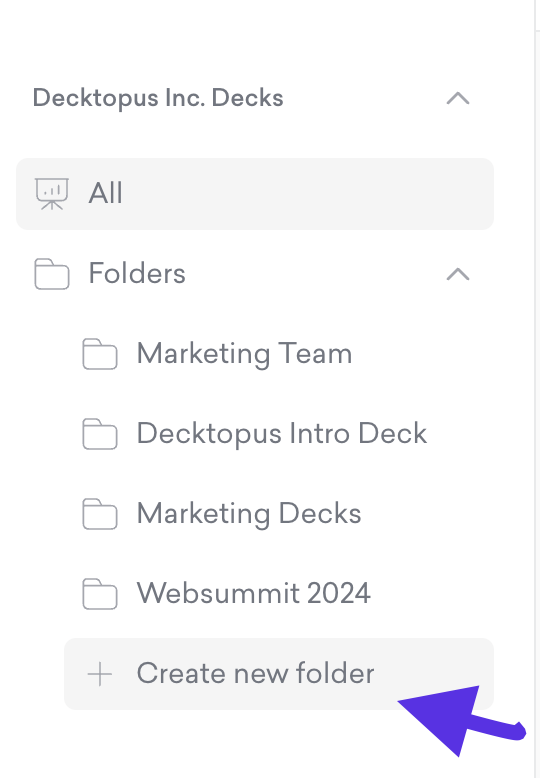
If you want to create a new folder, click Create new folder
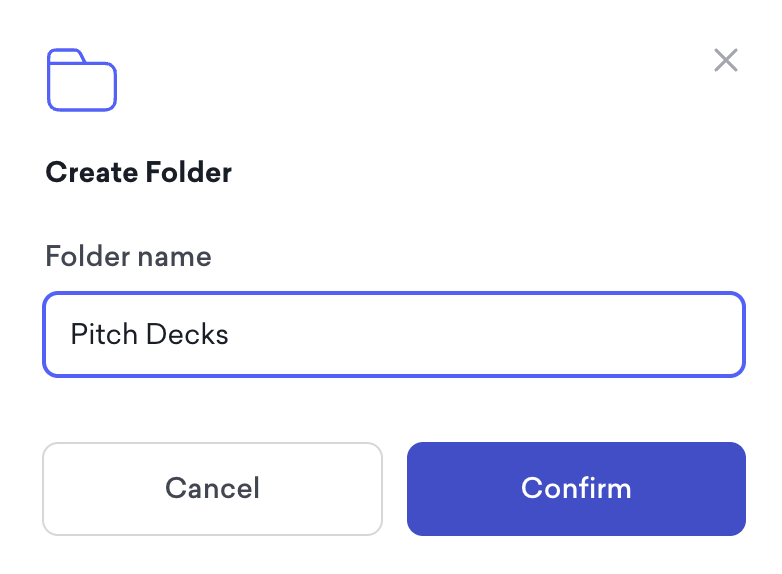
Then type a name for your new folder
That's all!