
Keeping your presentations organized starts with giving them clear names. In Decktopus, you can rename a presentation from the dashboard or from inside the editor.
Watch our quick video to see how to rename a presentation in seconds:
How to Rename from the Dashboard
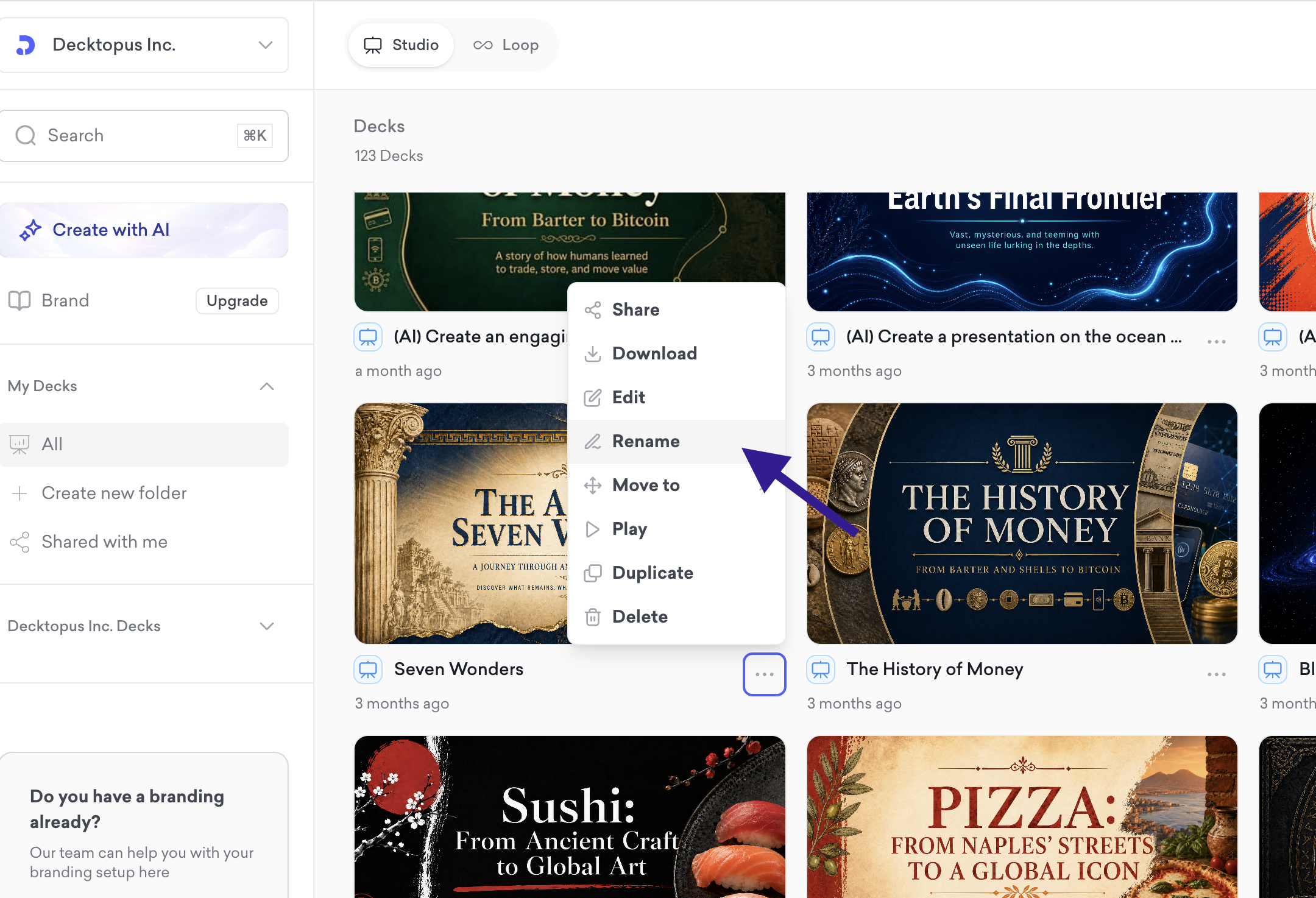
Go to your dashboard and hover over the presentation you want to rename
Click the three dots icon on the deck card
Select Rename from the dropdown menu
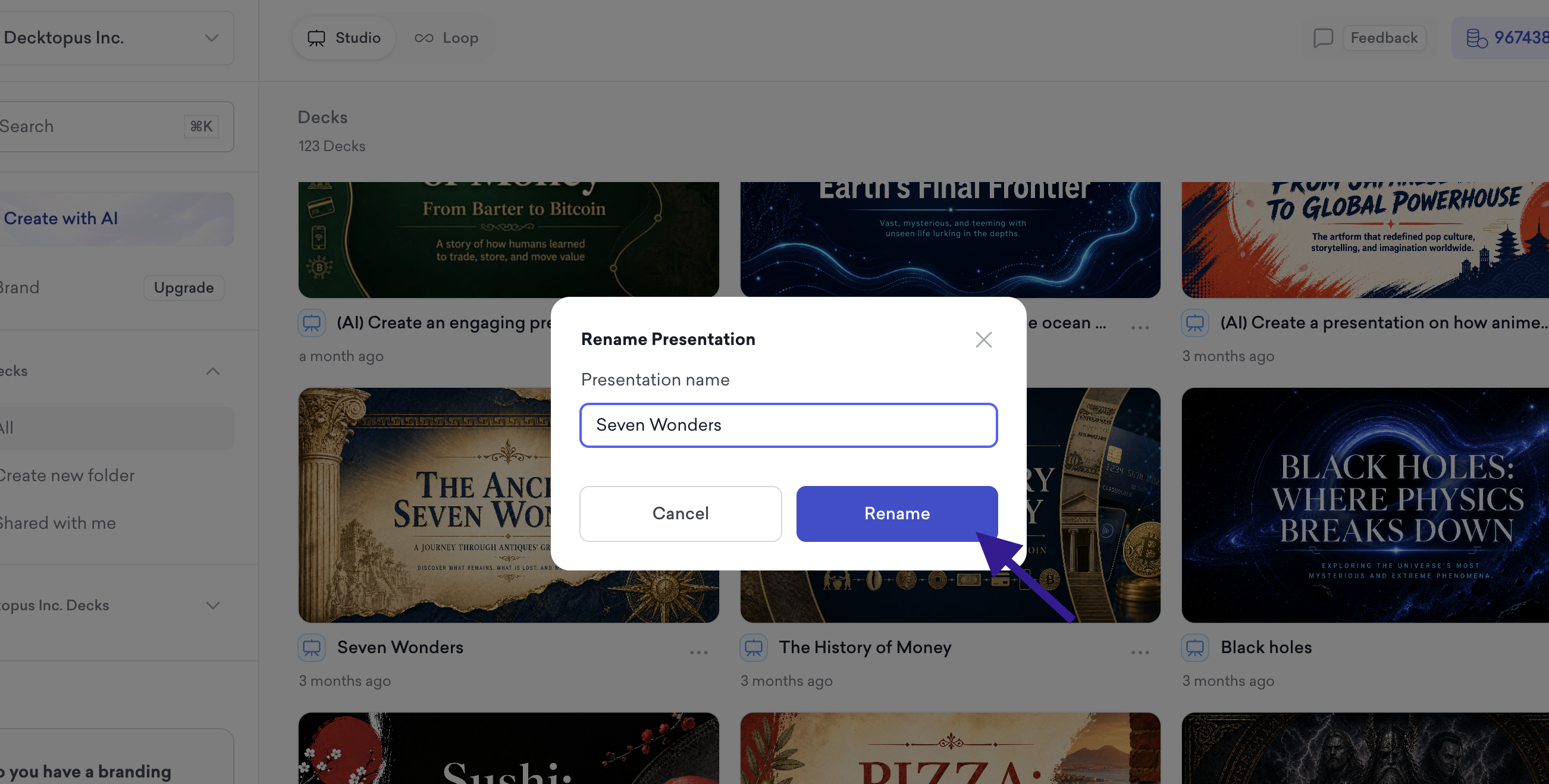
Type the new name in the Rename Presentation field
Click Rename to save
How to Rename from the Editor
Open the presentation
Click on the presentation name in the top left corner of the editor
Type the new name directly into the field
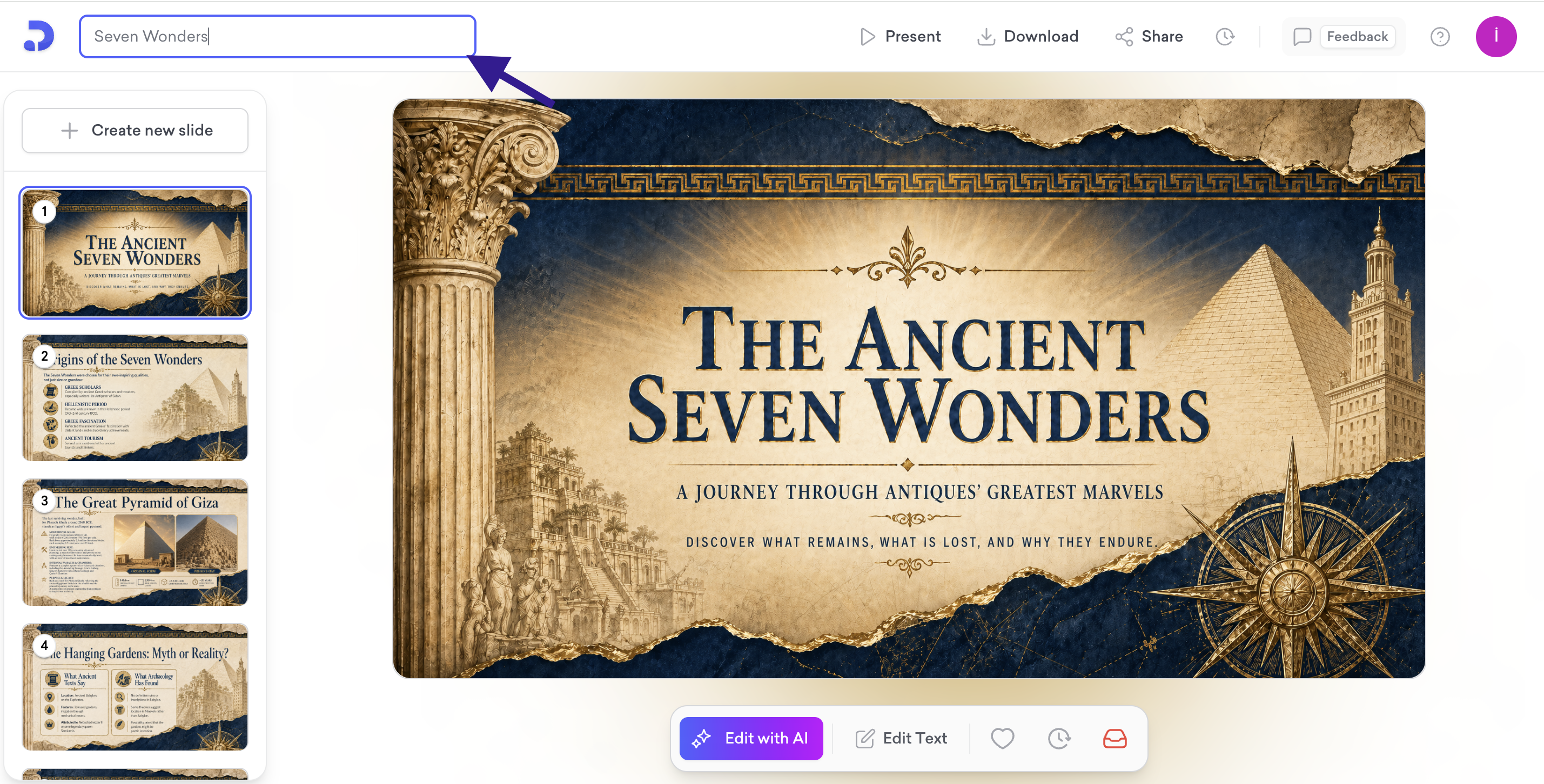
The name updates automatically when you click away.
That's all!
For any questions, contact us at [email protected].