When you share a presentation in Decktopus, you don't share a static file — you share a live link. Any edits you make after sharing are automatically reflected at the same URL, so your audience always sees the most current version without you needing to send a new link.
How to Share a Presentation
You can open the Share modal in two ways: from inside the editor by clicking Share in the top toolbar, or from the dashboard by hovering over a deck and clicking Share.
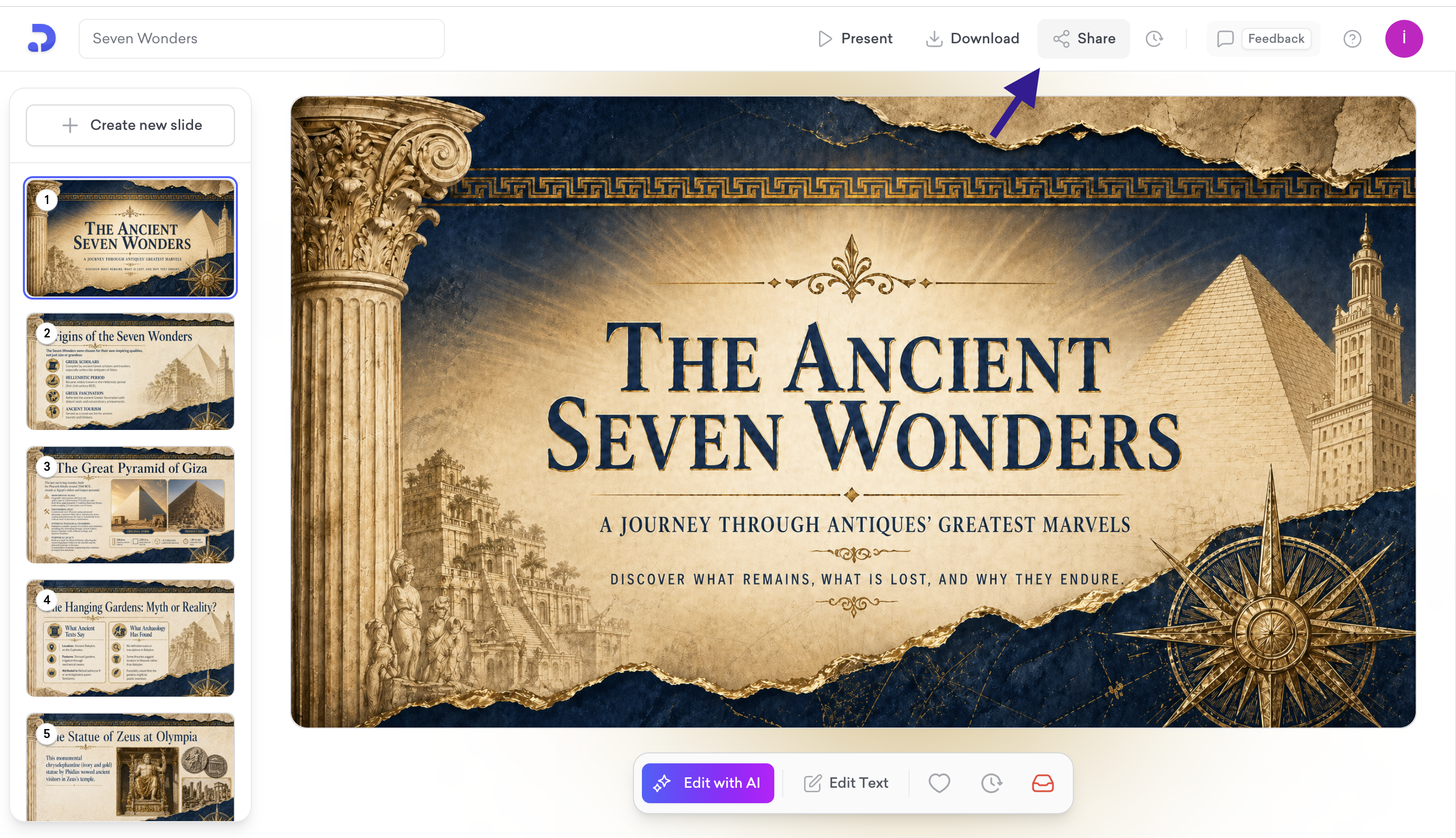
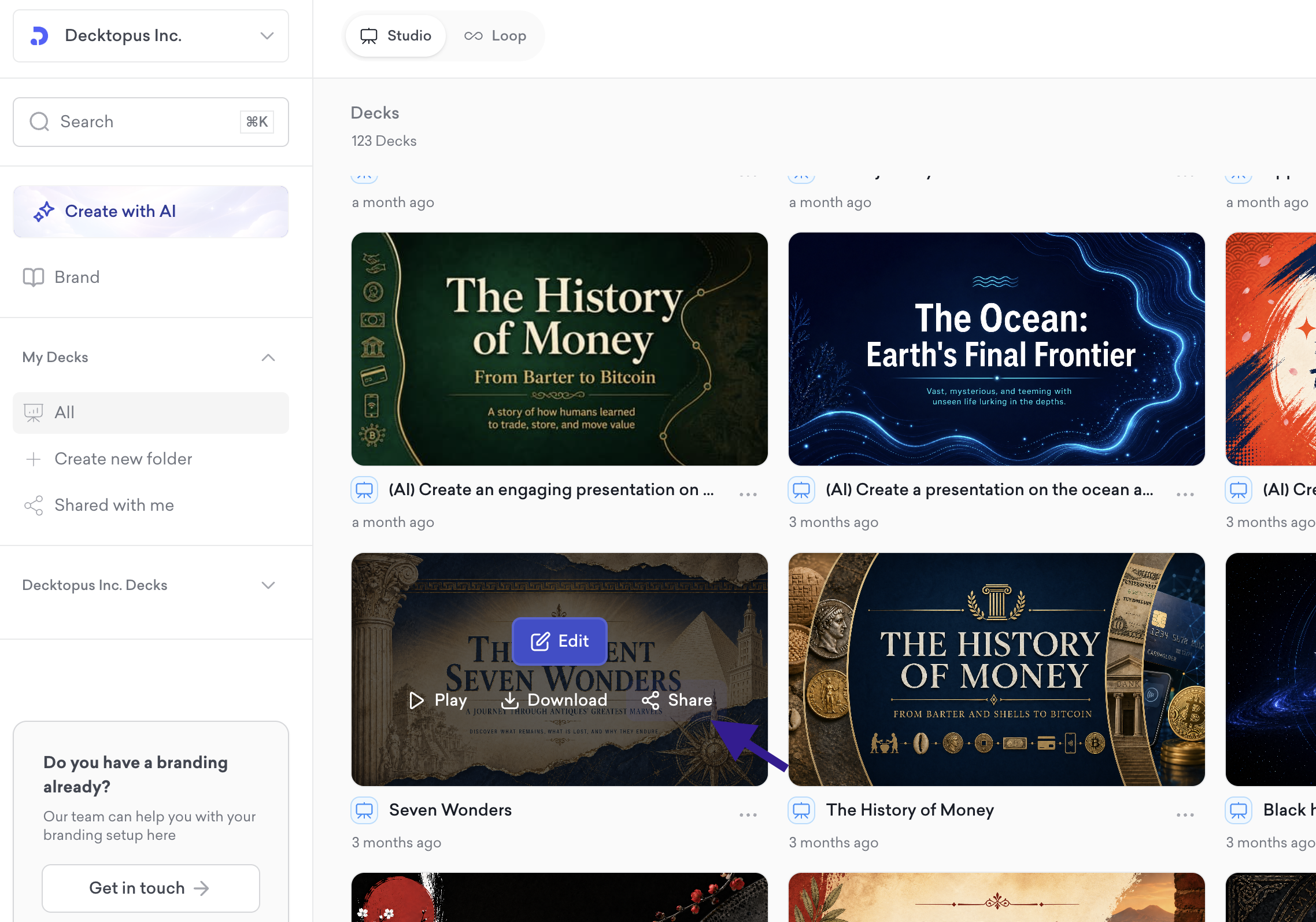
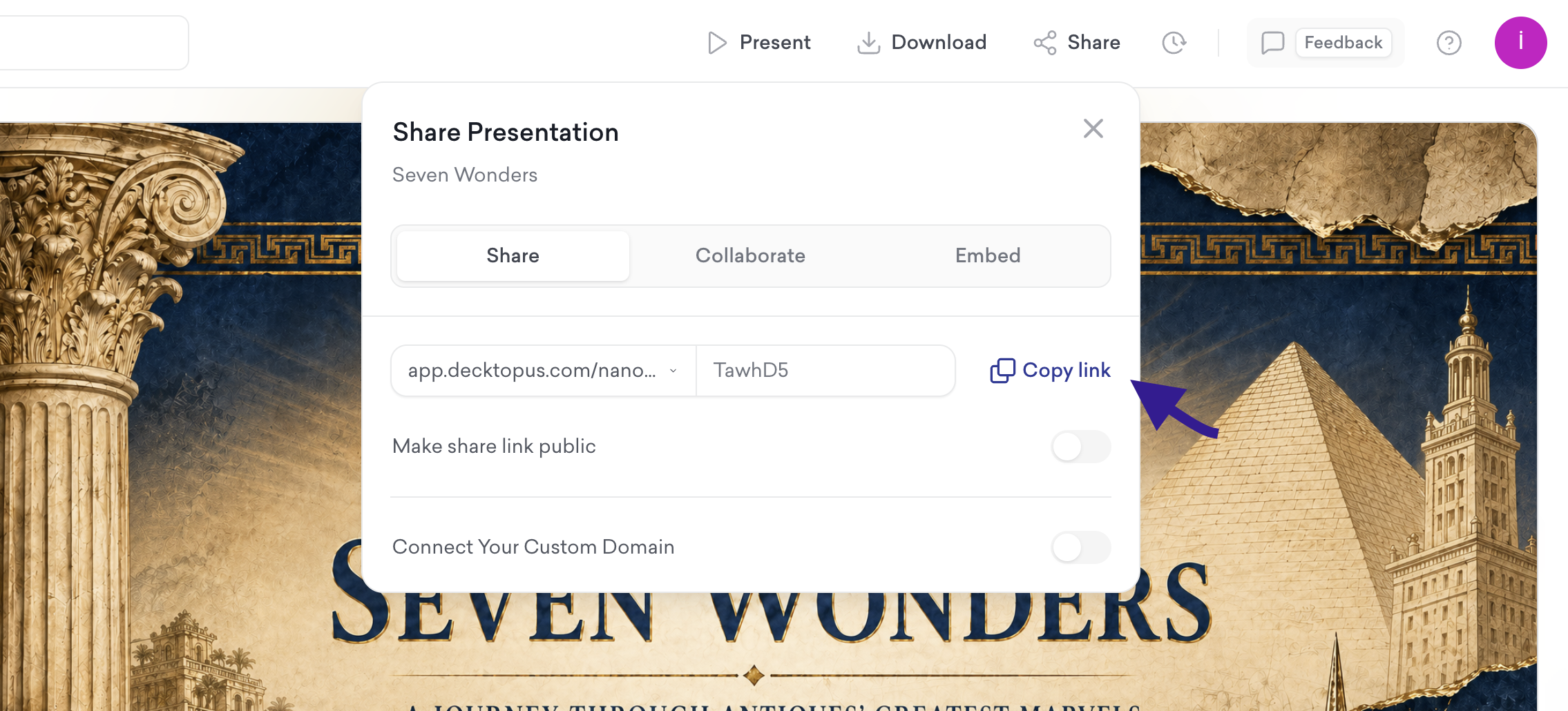
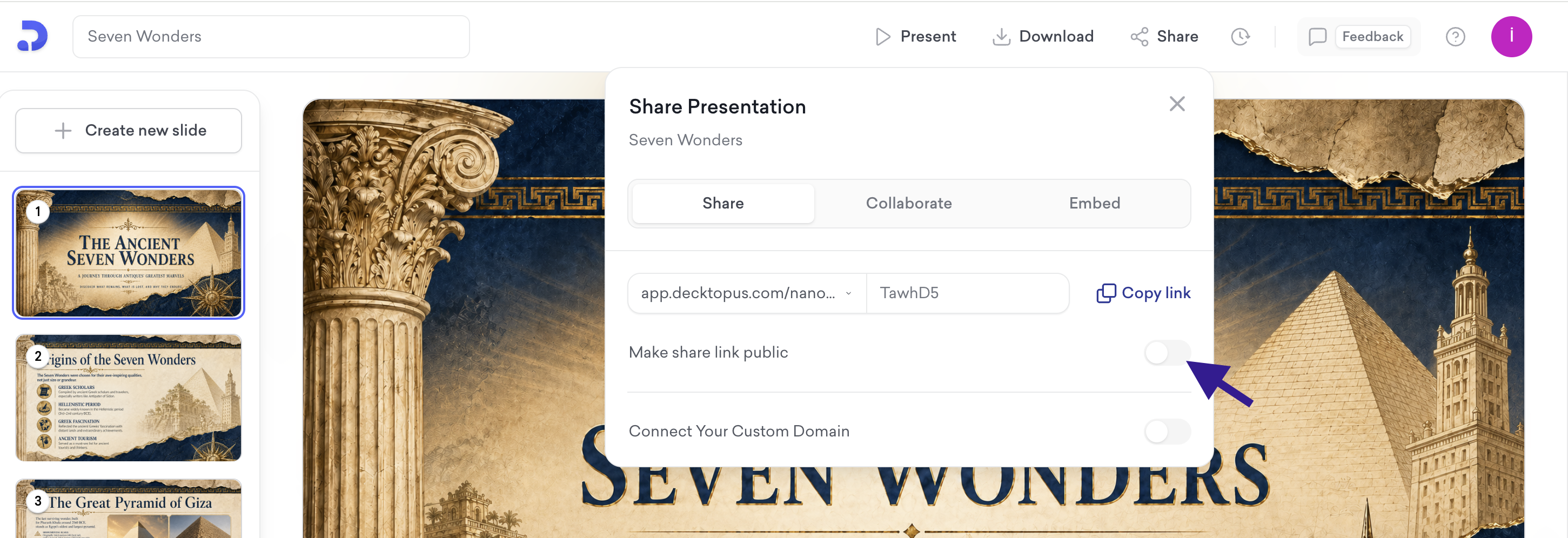
Once the Share modal is open:
Make sure you're on the Share tab
Toggle Make share link public to on
Click Copy link and share it with your audience
How Auto-Update Works
Once your live link is active, any changes you make to the presentation are automatically reflected at the same URL. You don't need to generate a new link or notify recipients — anyone who opens the link will see the latest version. This applies to presentations, proposals, and portfolios.
Controlling Access
To stop sharing, toggle Make share link public off. The link will immediately stop granting access to anyone who opens it.
Team Collaboration
From the Collaborate tab in the Share modal, you can invite team members to give them access to the deck. Select a team member from the user list and they will be able to view and work on the presentation.
Note: This is not real-time co-editing — invited members get deck access and can work on it independently. Available on Business plan only.
Embed
From the Embed tab in the Share modal, you can embed your presentation on any external website. Decktopus generates an iframe HTML code block that you can copy and paste into your page. Click Copy embed code to grab it.
Deck Analytics
From the Share modal or directly from the deck view, you can access Deck Analytics to track viewer engagement. See who opened your deck, how long they spent, and which slides got the most attention. You can also enable Email Gate to require viewers to enter their email before accessing the deck, turning every shared link into a lead generation tool. For full details, see the Deck Analytics help article.
Custom Domain
From the Share tab, under Connect Your Custom Domain, you can connect your own subdomain to the shared deck. Enter your subdomain and click Connect. Status shows as "Ready" once active. Setup is done by the organization owner. Available on Business plan only.
That's all!
For any questions, contact us at [email protected].
