
If your presentation content is already in good shape but the design feels outdated or inconsistent, the Redesign option lets you give it a new look without touching the text or structure. Decktopus keeps everything you've written and applies a fresh visual style on top.
Getting Started
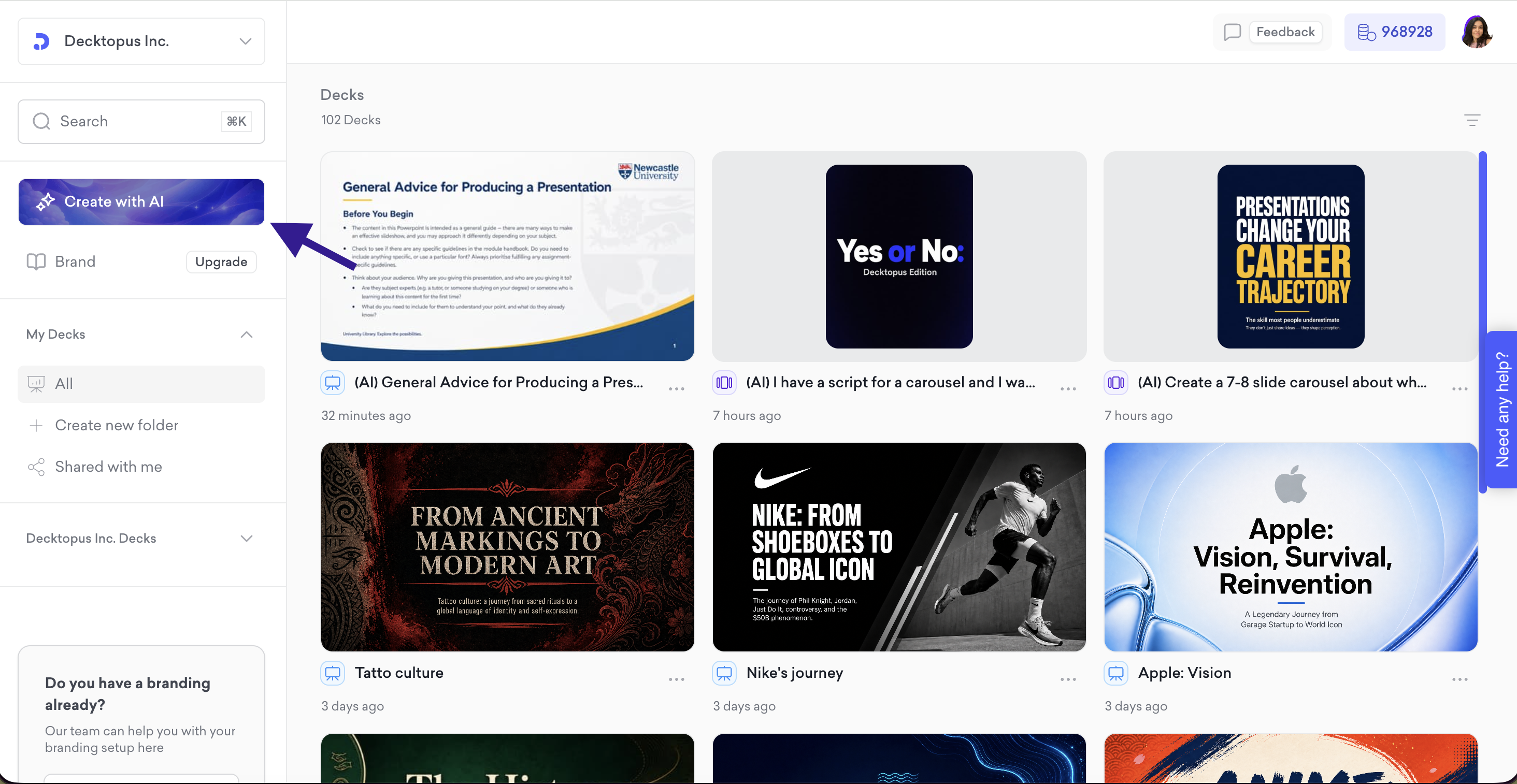
Go to your dashboard and click Create with AI
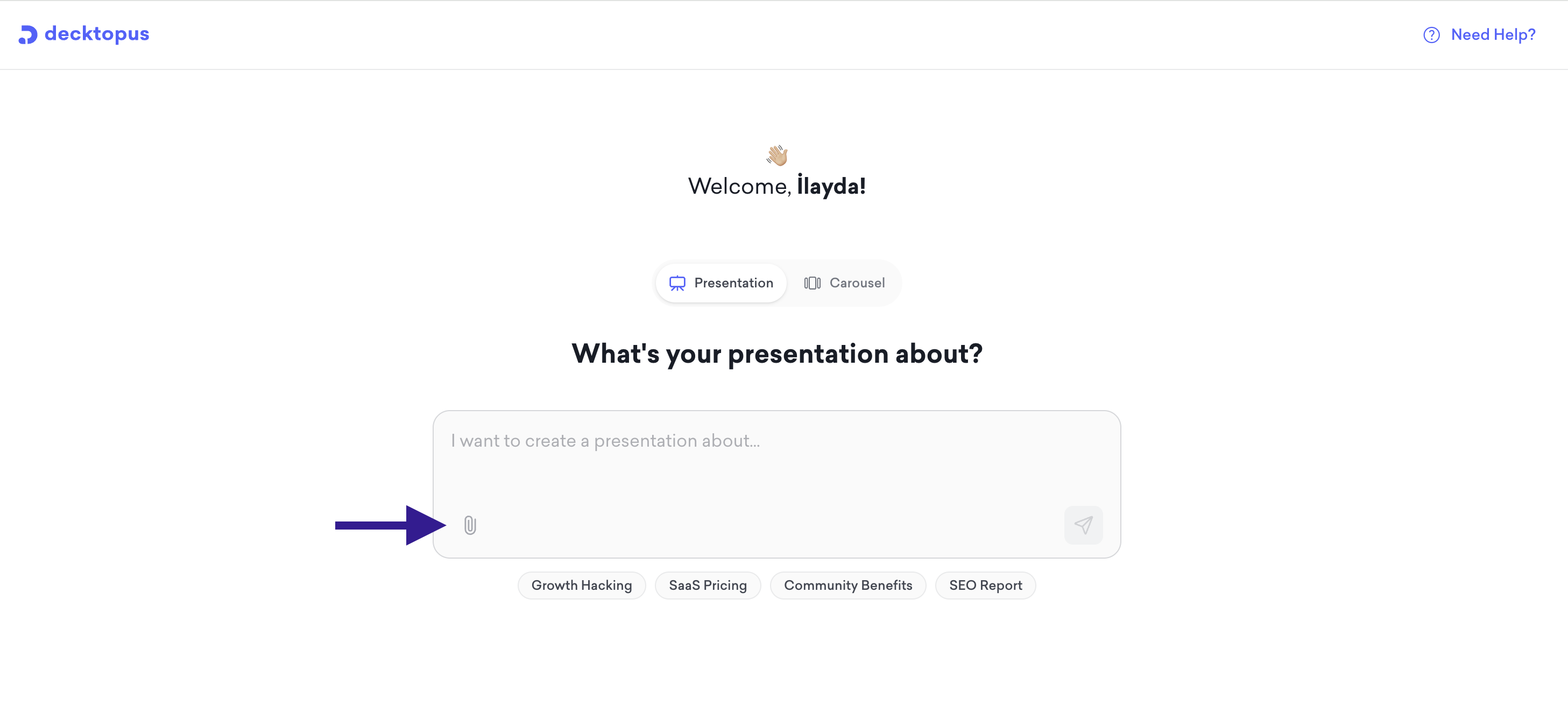
Click the paperclip icon on the prompt screen to attach your file
Once uploaded, select Redesign
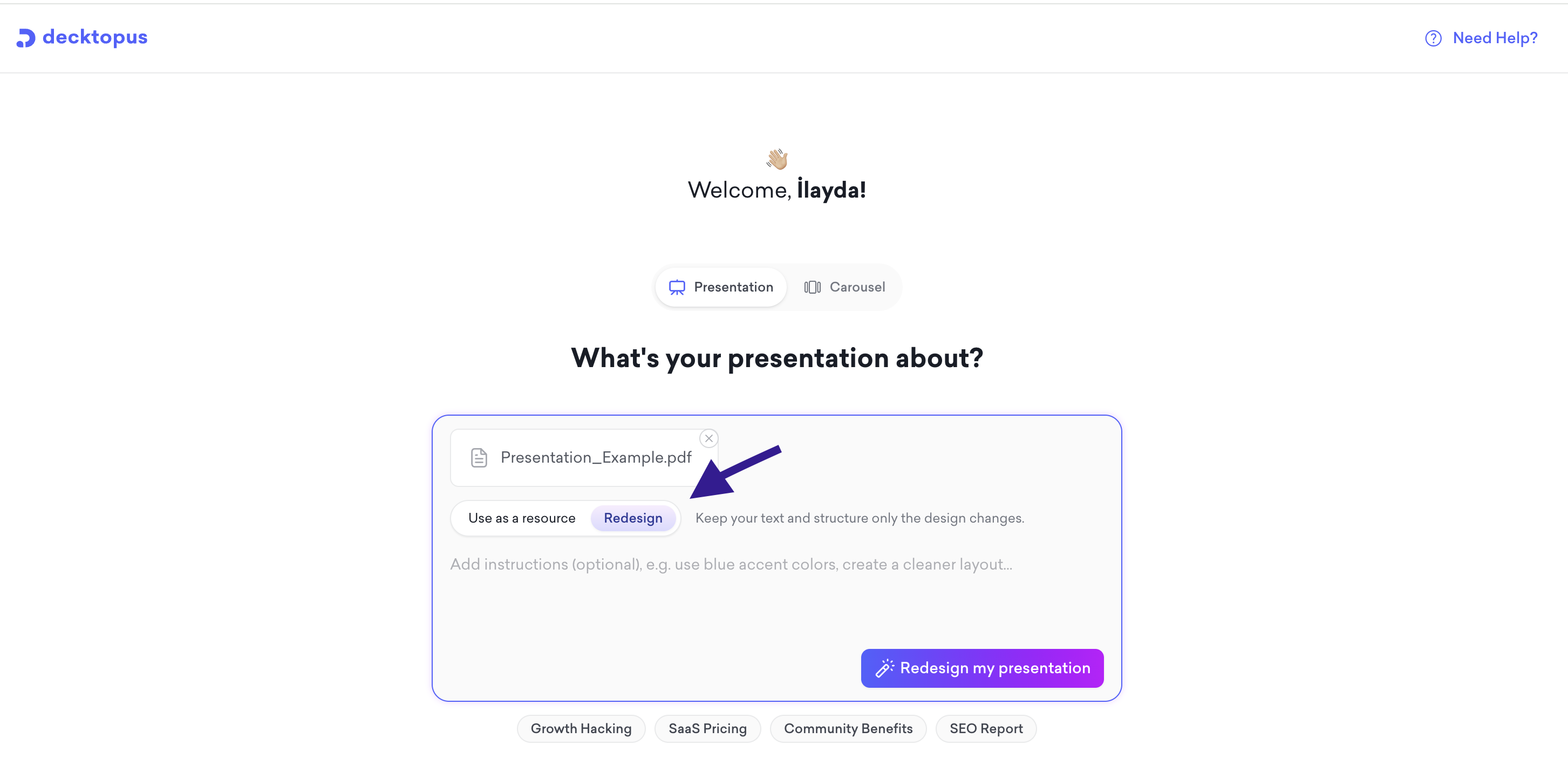
Optionally, add instructions to guide the new design, for example "use blue accent colors" or "create a cleaner layout." You can also leave this blank and let the AI decide
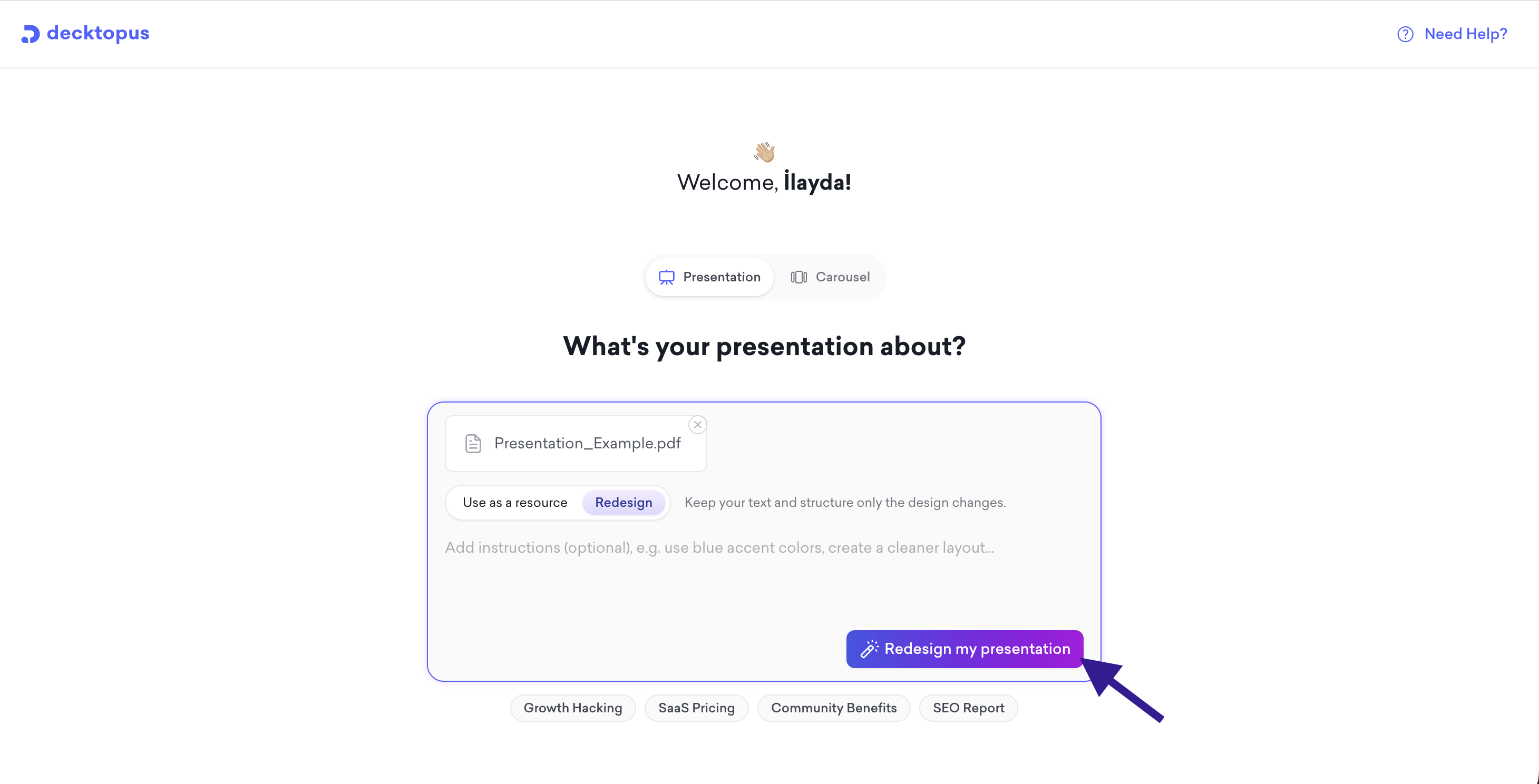
Click Redesign my presentation to continue
Choosing a Style
You will then be asked how the presentation should be styled. If you have created presentations before, your previously used styles will appear as ready-to-pick options. You can also select Import from website with AI to apply your brand automatically, or choose Create style with AI to let the AI handle the design entirely.
After Generation
Once the redesigned presentation is ready, you land in the editor. Your original text and structure are preserved, and you can make any final adjustments using Edit with AI or Edit Text. When you are done, download as PDF or PPT, or present directly from the editor.
That's all!
For any questions, contact us at [email protected]