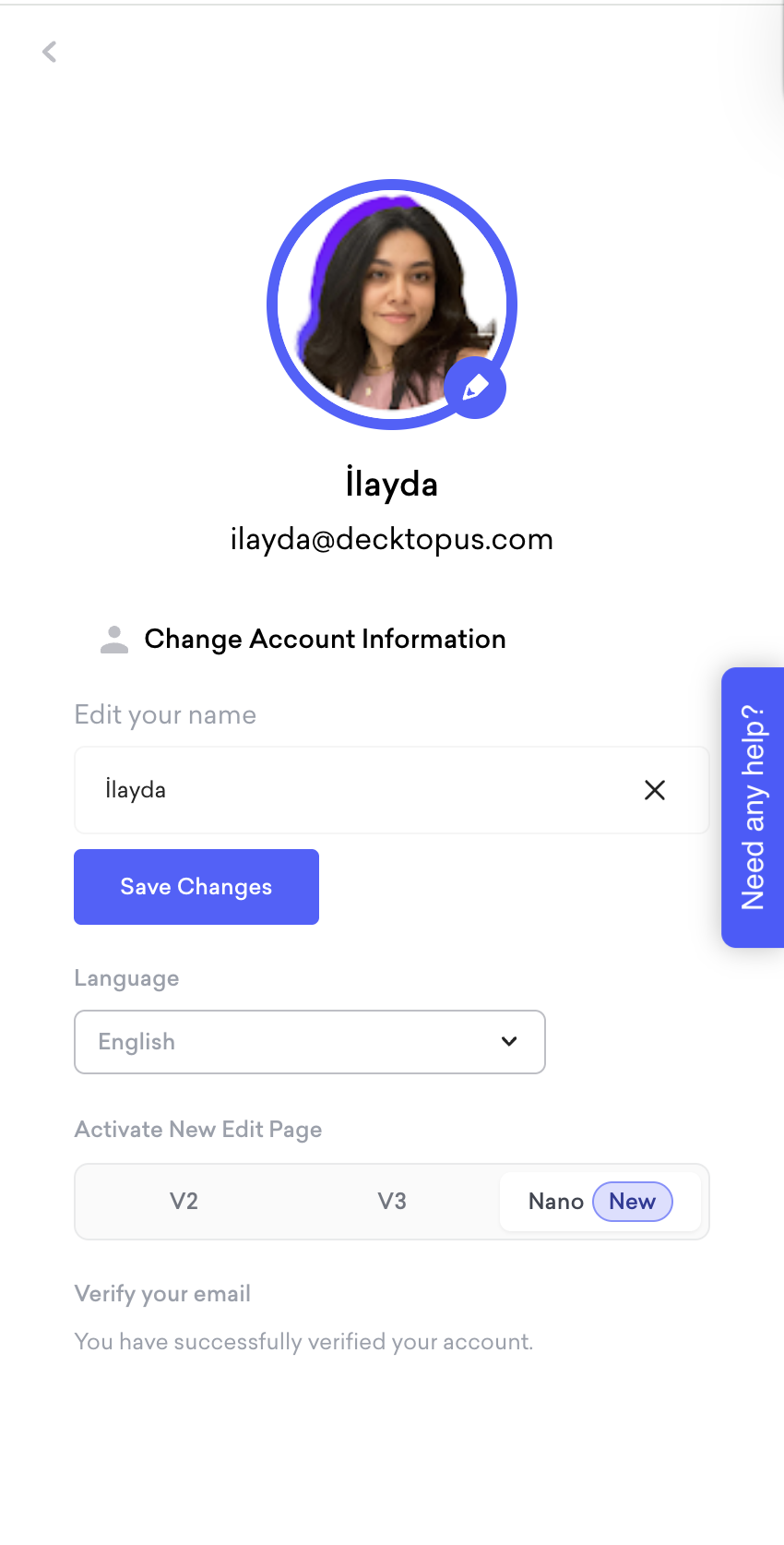
Decktopus has multiple editors: Nano, V3, and V2. Nano is the current product and the recommended option for all new users. V2 and V3 are legacy editors and are no longer being actively developed.
Decktopus Nano
Generates slides as AI images, producing fully designed, visually rich slides from a text prompt
Prompt-based editing — describe the change you want, and AI applies it instantly
Built-in version history so every generation is saved and restorable
Brand kit integration for automatic brand consistency across slides
Style import from your website URL
Present mode built in
Export to PDF and PowerPoint (Pro and Business plans)
Zapier integration available
Decktopus Classic (V2 / V3)
Template-based editor with manual drag and drop editing
Which should you use?
If you are a new user, use Nano. It is faster, more powerful, and where all new features are being built.
To switch editors, go to your Profile Settings and select your preferred version under Activate New Edit Page. You can choose between V2, V3, or Nano.