
You can add a new slide to your presentation at any point in the editor, either as a blank slide or by generating one with AI.
Add a blank slide:
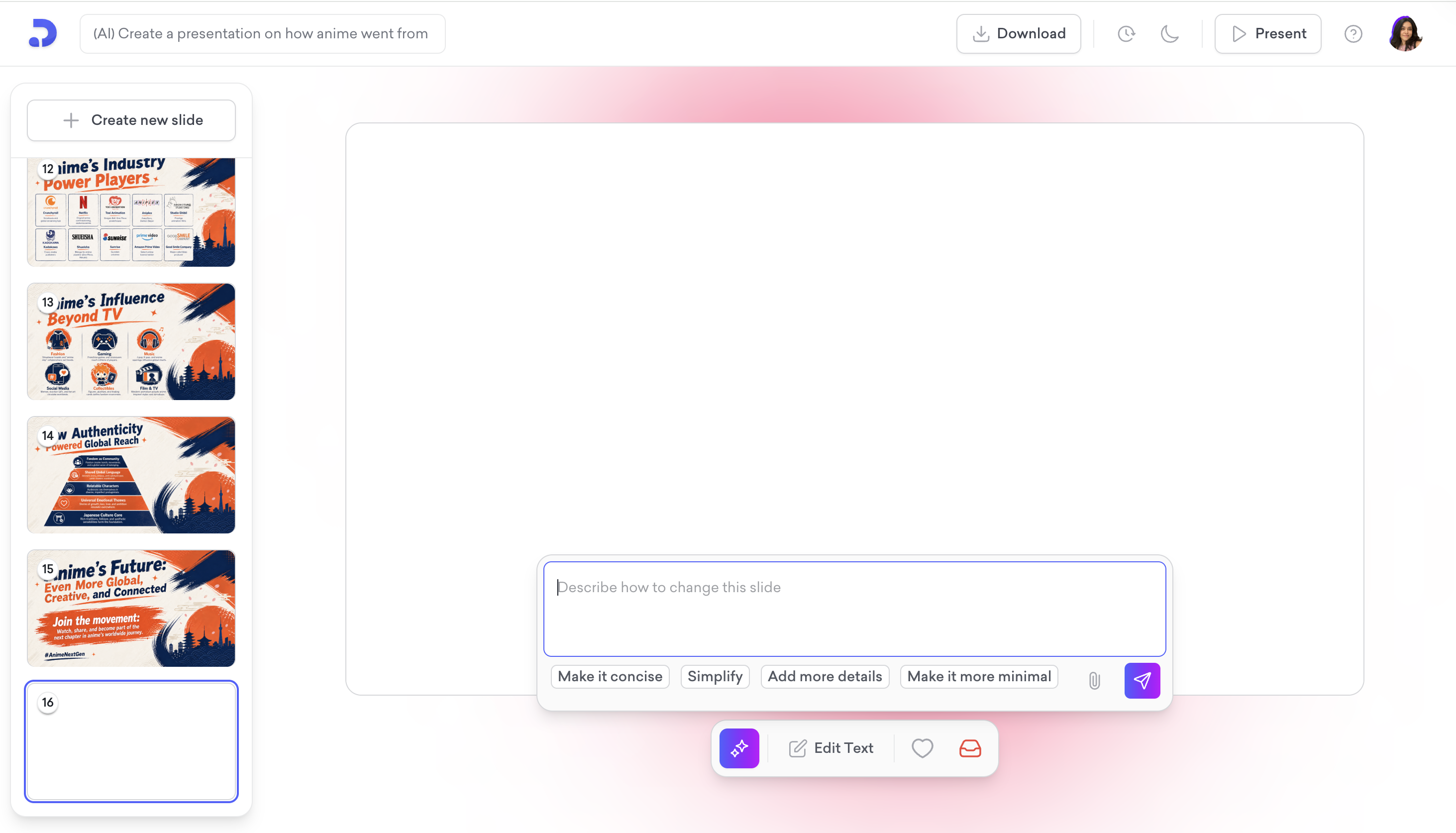
Click + Create new slide at the top of the slide panel on the left. A blank slide is added to the end of your presentation.

Generate a slide with AI:
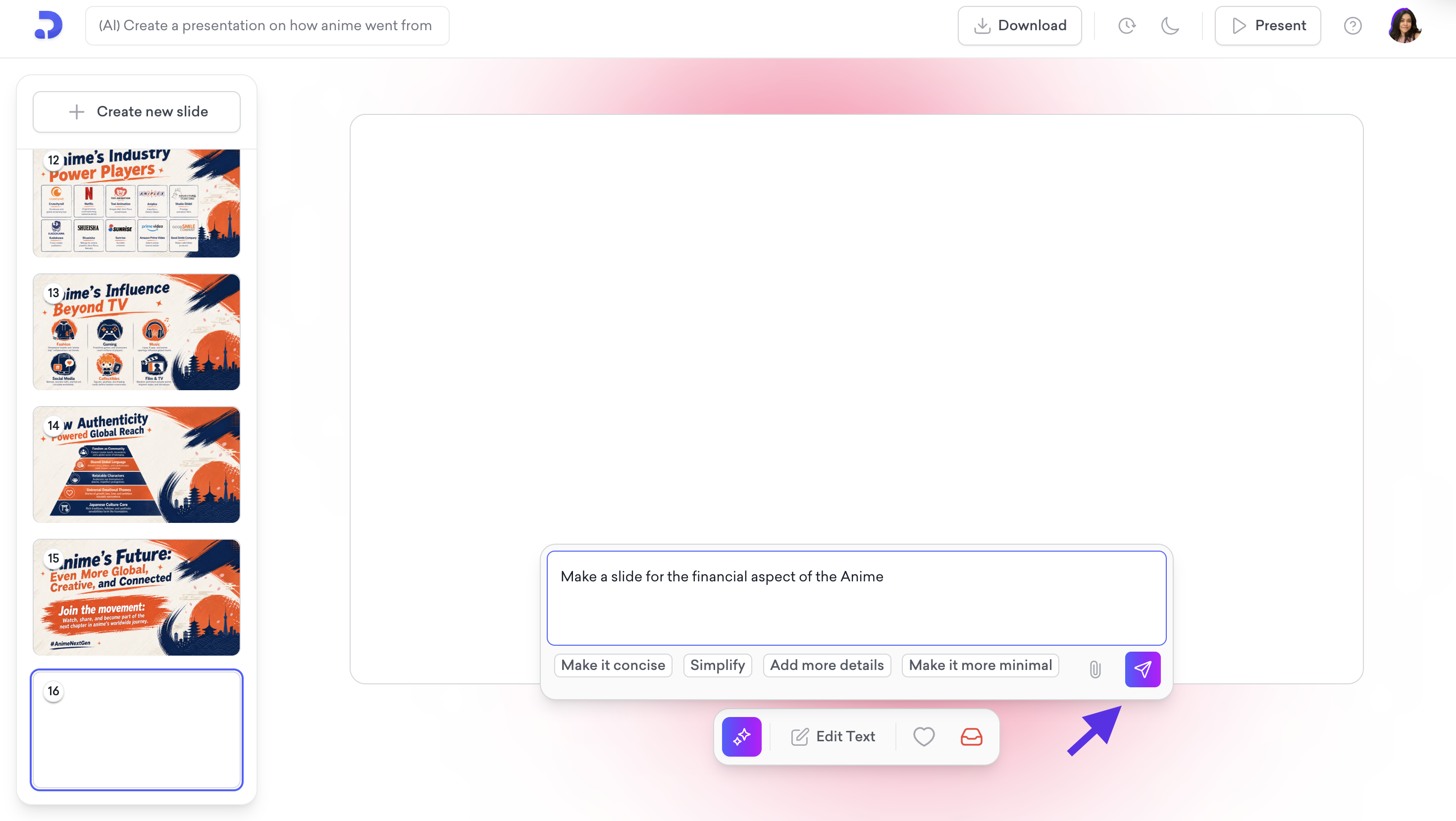
The AI prompt bar appears at the bottom of the screen. Type a description of what you want the slide to cover, for example "Make a slide for the financial aspect of the Anime."
Click the send icon to generate the slide.

That is all!