Decktopus has a built-in present mode that lets you display your slides in full screen directly from the browser, no downloads or extra software needed.
You can start presenting in two ways:
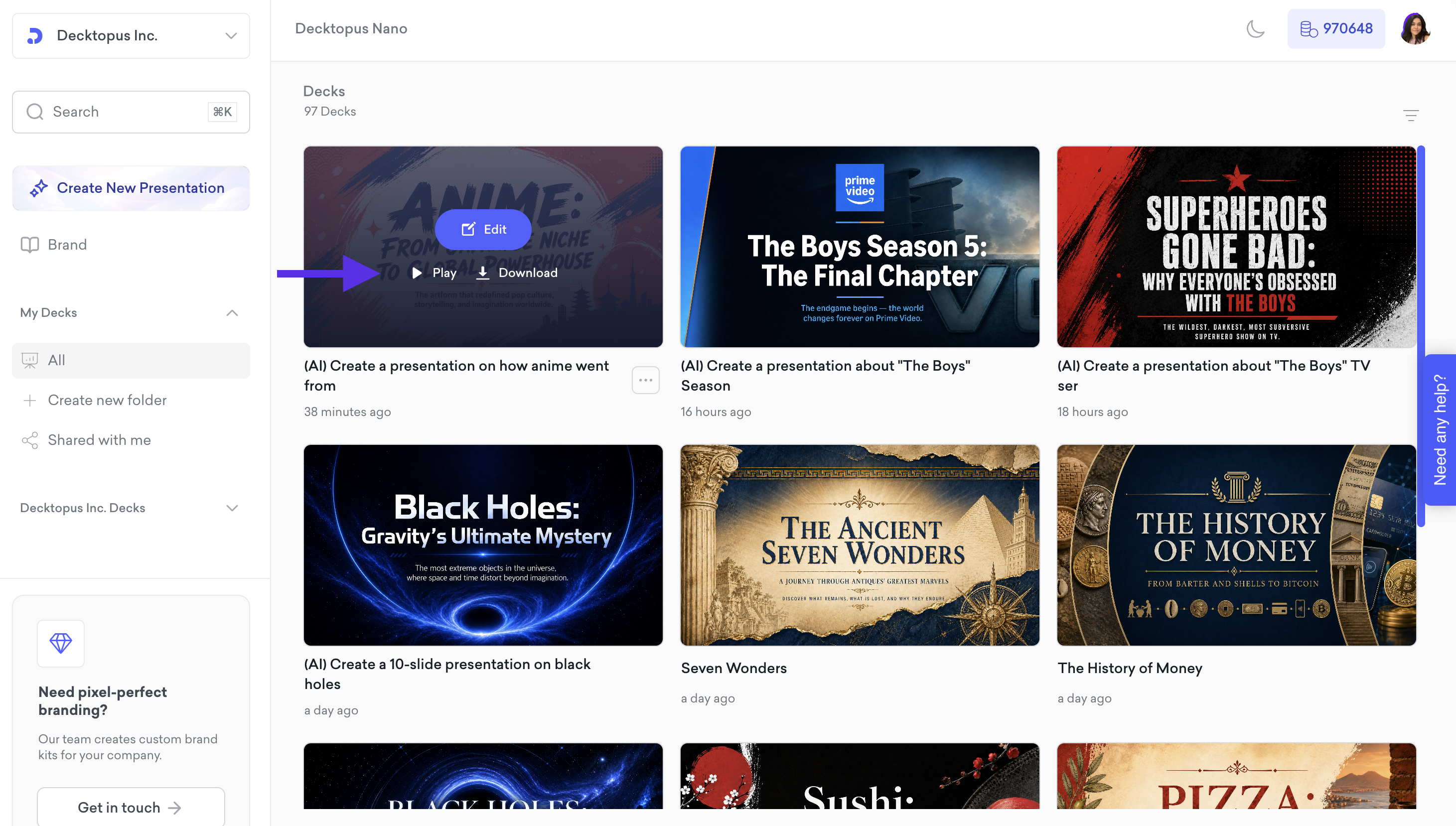
From the dashboard, hover over your presentation and click Play.
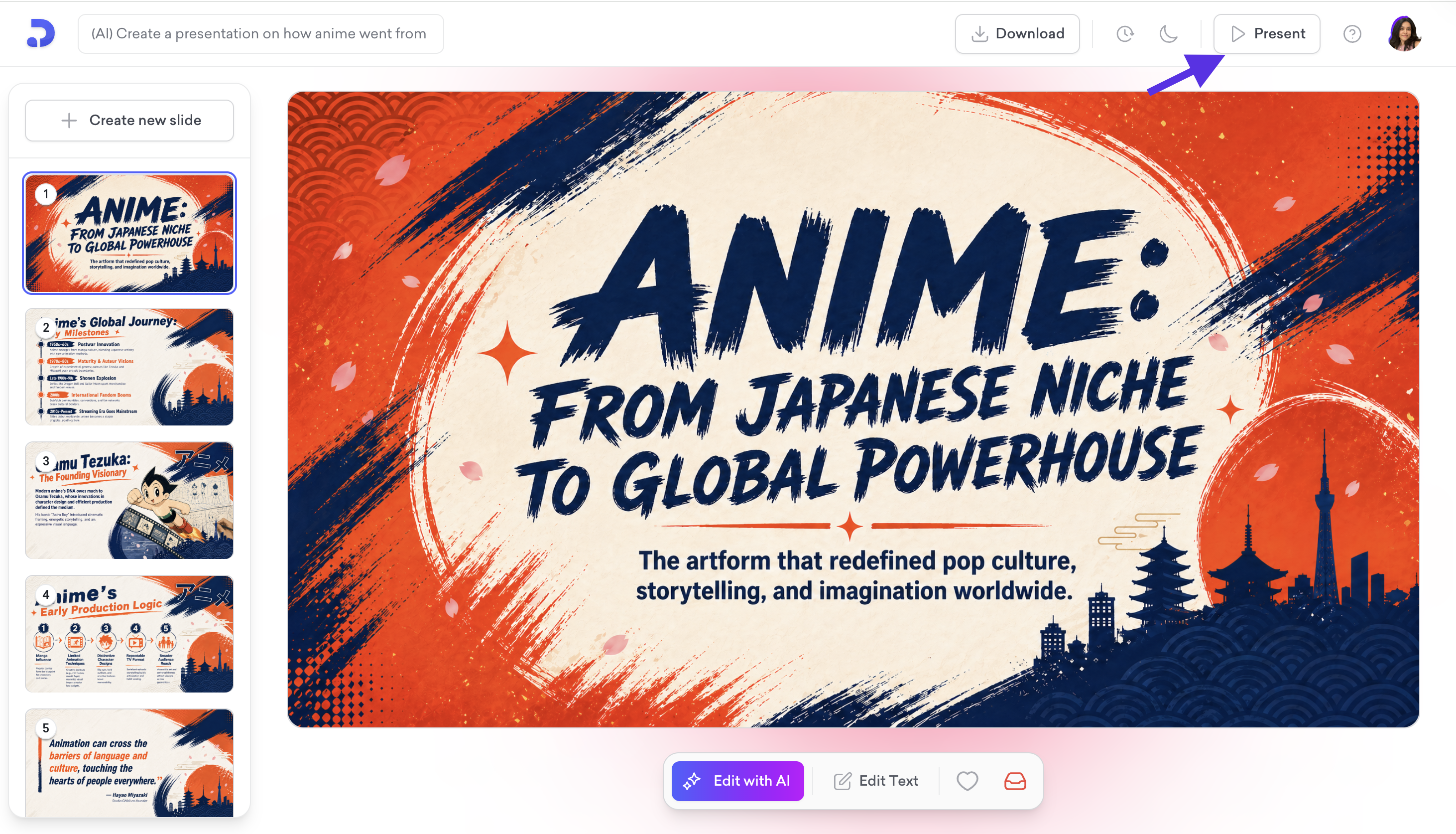
From the editor, click the Present button at the top right.

Once in present mode, use the arrow buttons at the bottom to navigate between slides. The slide counter shows your current position in the presentation. To go back to the editor, click Edit in the top right corner. To exit full screen, click the full screen icon at the bottom right.
