In Decktopus, slides are not deleted directly from the editor. To delete a slide, you first archive it and then permanently delete it from the Archived Slides panel.
Open your presentation in the editor and select the slide you want to delete.
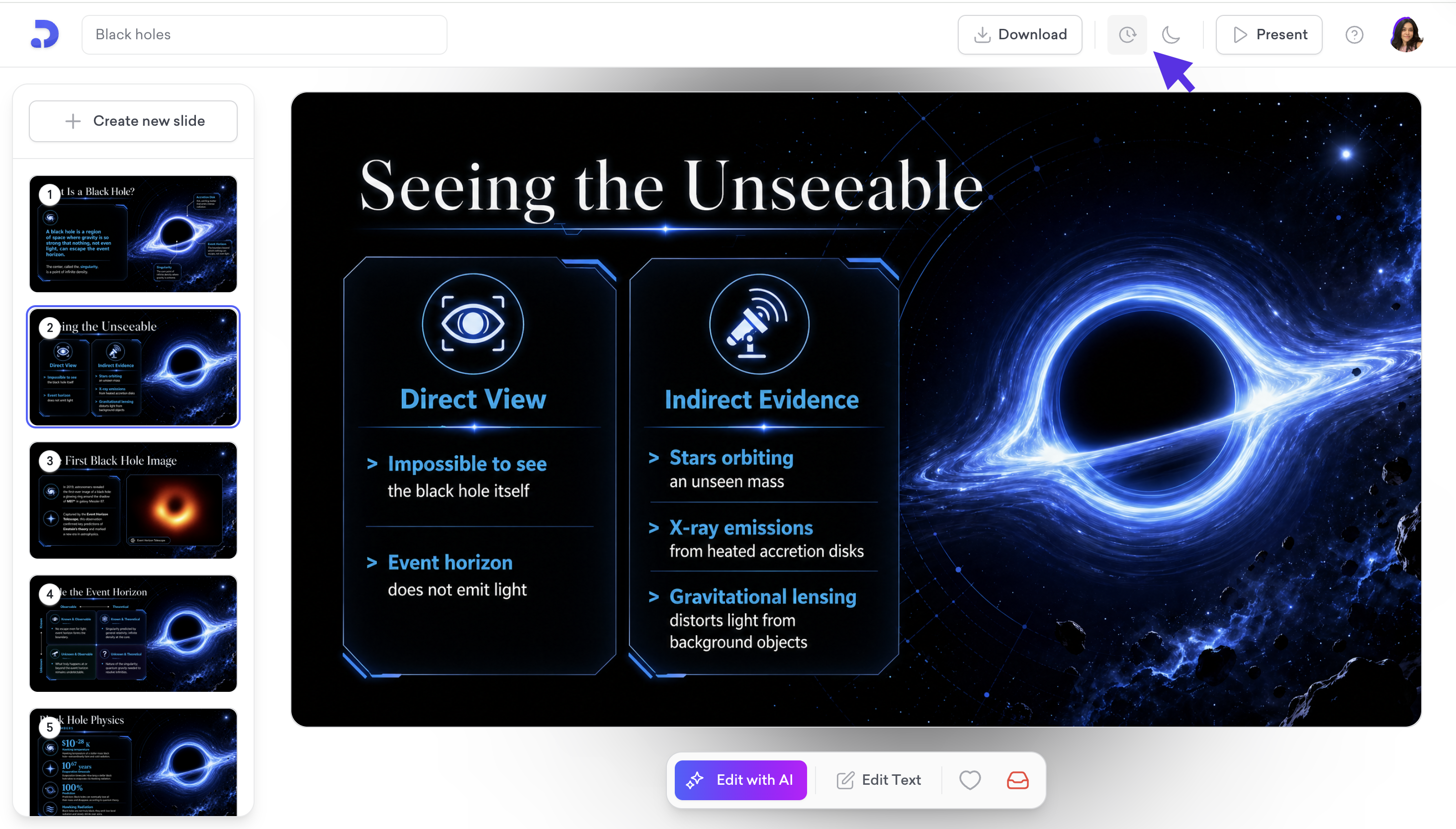
Click the Archive slide button at the bottom right of the editor (the red inbox icon). The slide is removed from your presentation and moved to the Archived Slides panel.

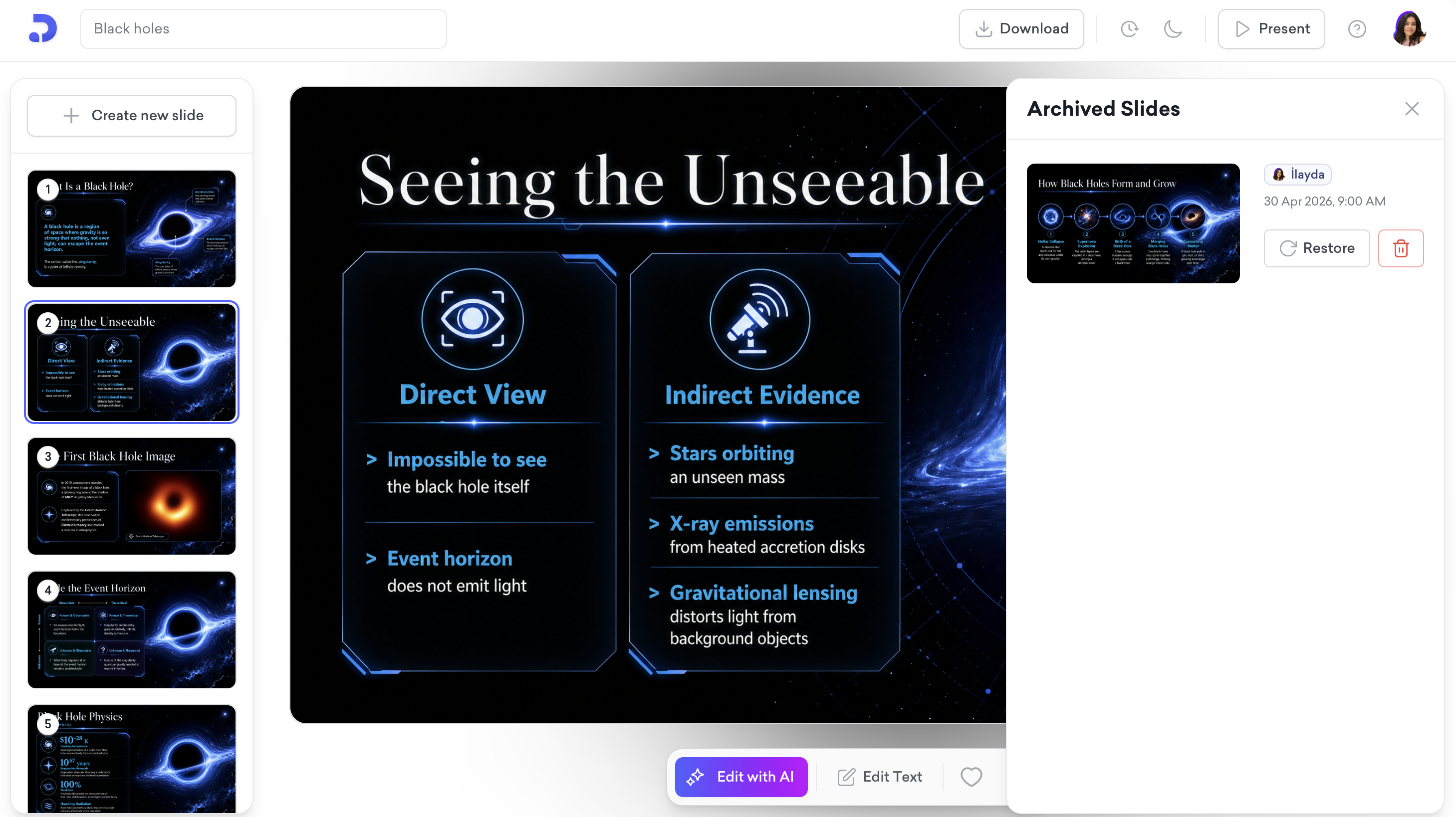
To access the Archived Slides panel, click the archive icon in the editor.
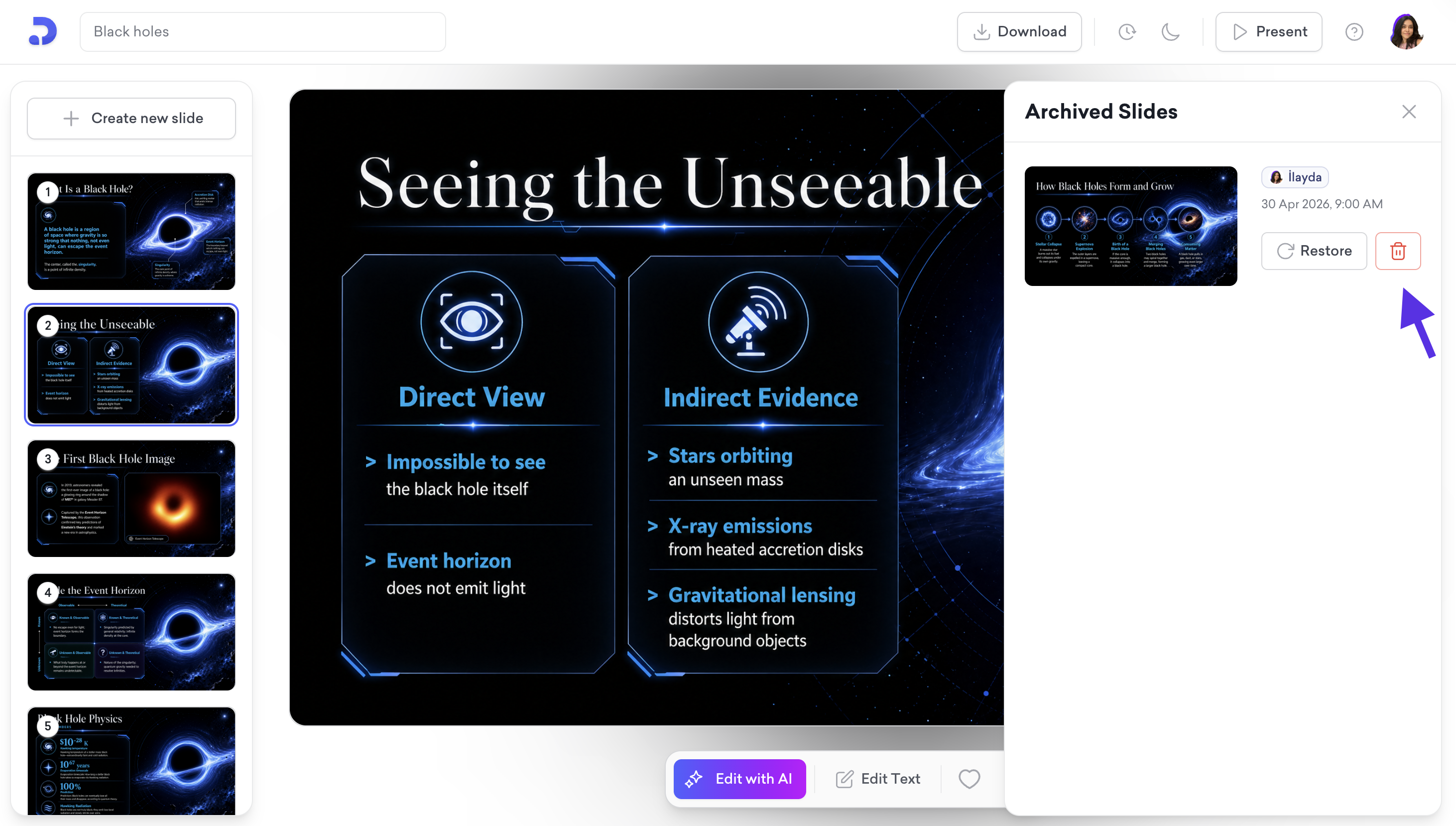
Find the slide and click the delete icon to permanently delete it.
That's all!
If you require any additional help, feel free to contact us at [email protected].
