
Before Decktopus builds your presentation, it generates a slide outline for you to review. You can adjust the structure, rename slides, reorder them, or remove any that don't fit.
After choosing your style, the outline screen will appear with all your slides listed.
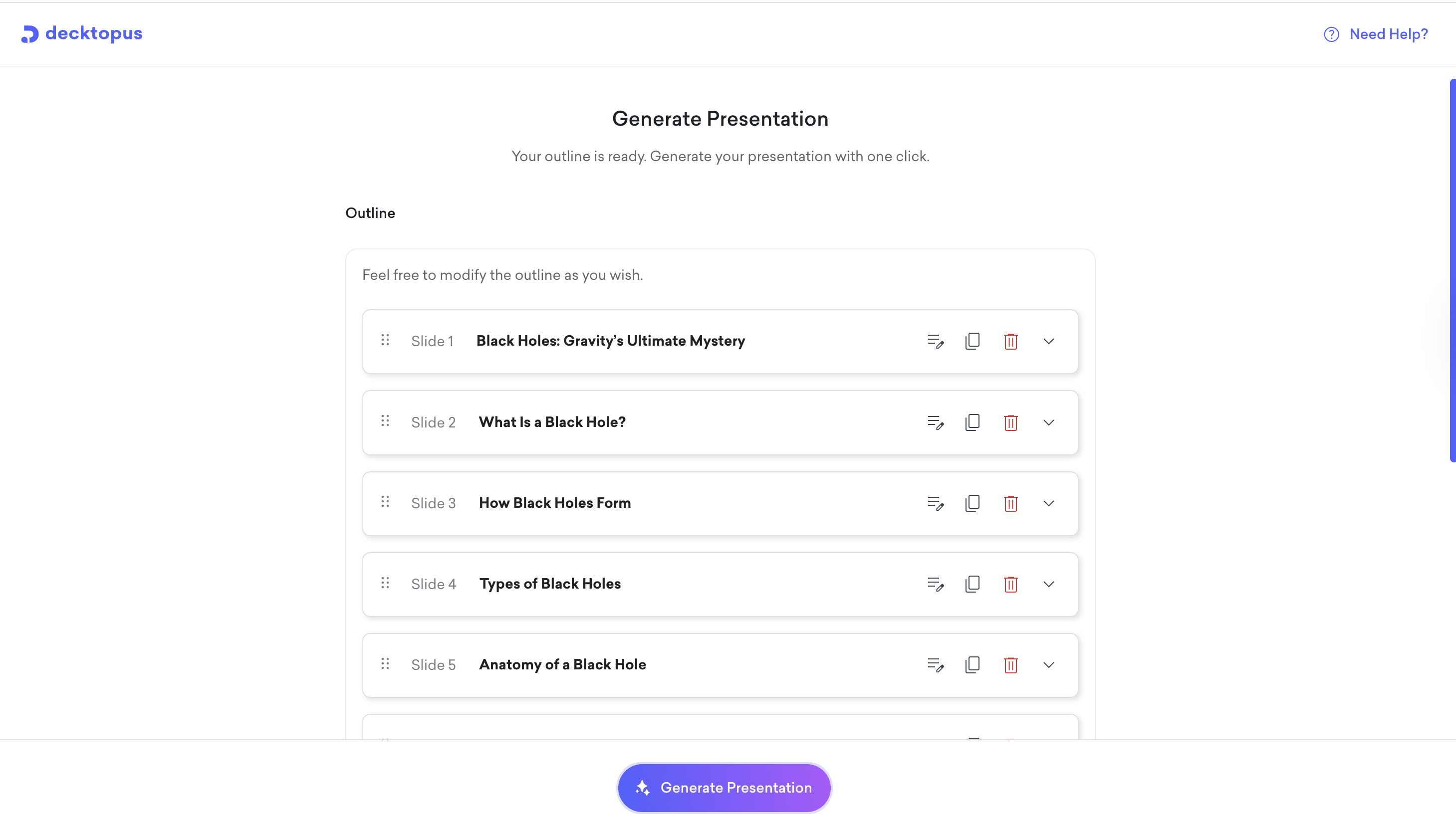
To reorder slides, drag and drop them using the handle on the left side of each slide row.
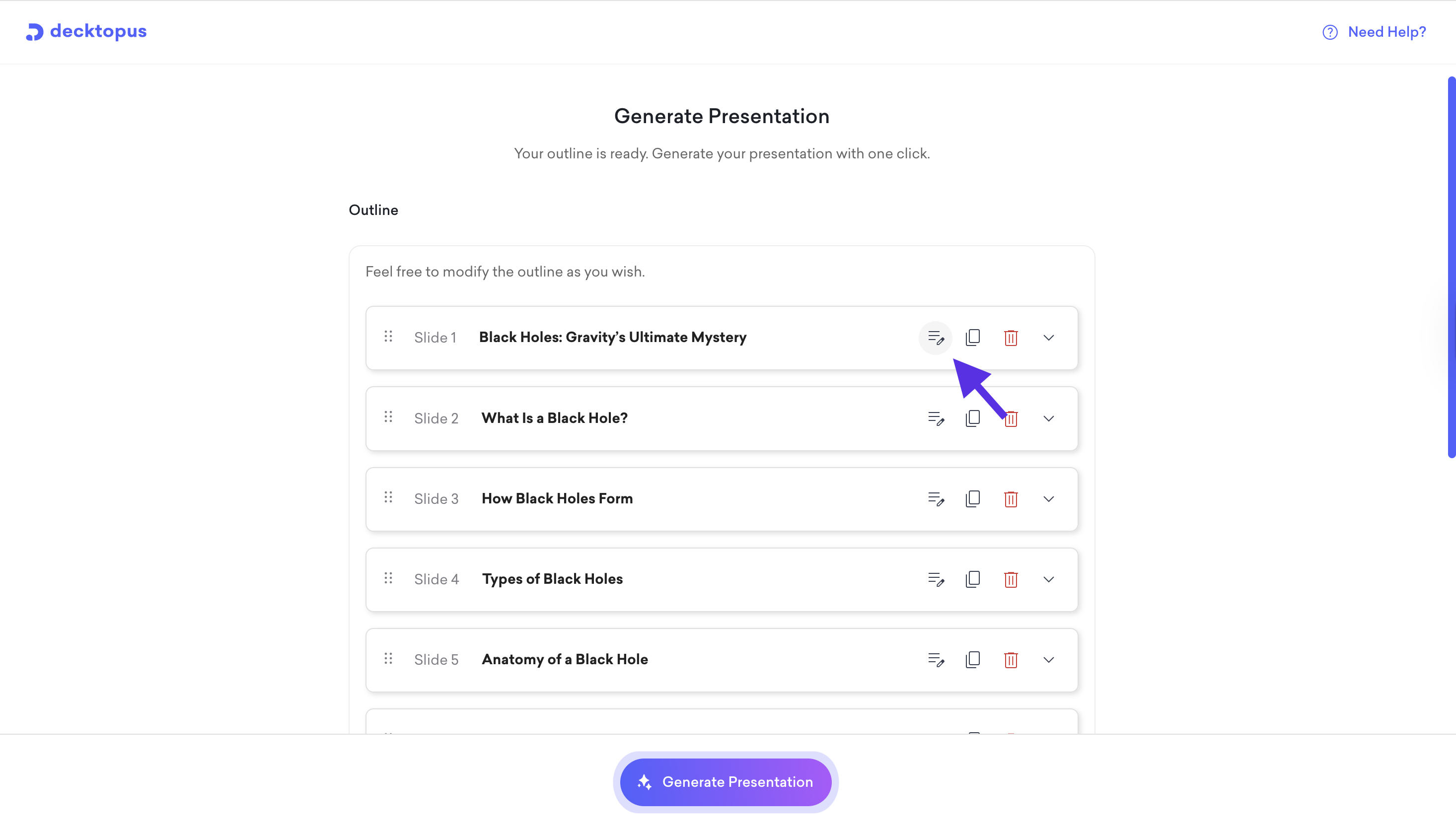
To edit a slide title, click the edit icon next to the slide.
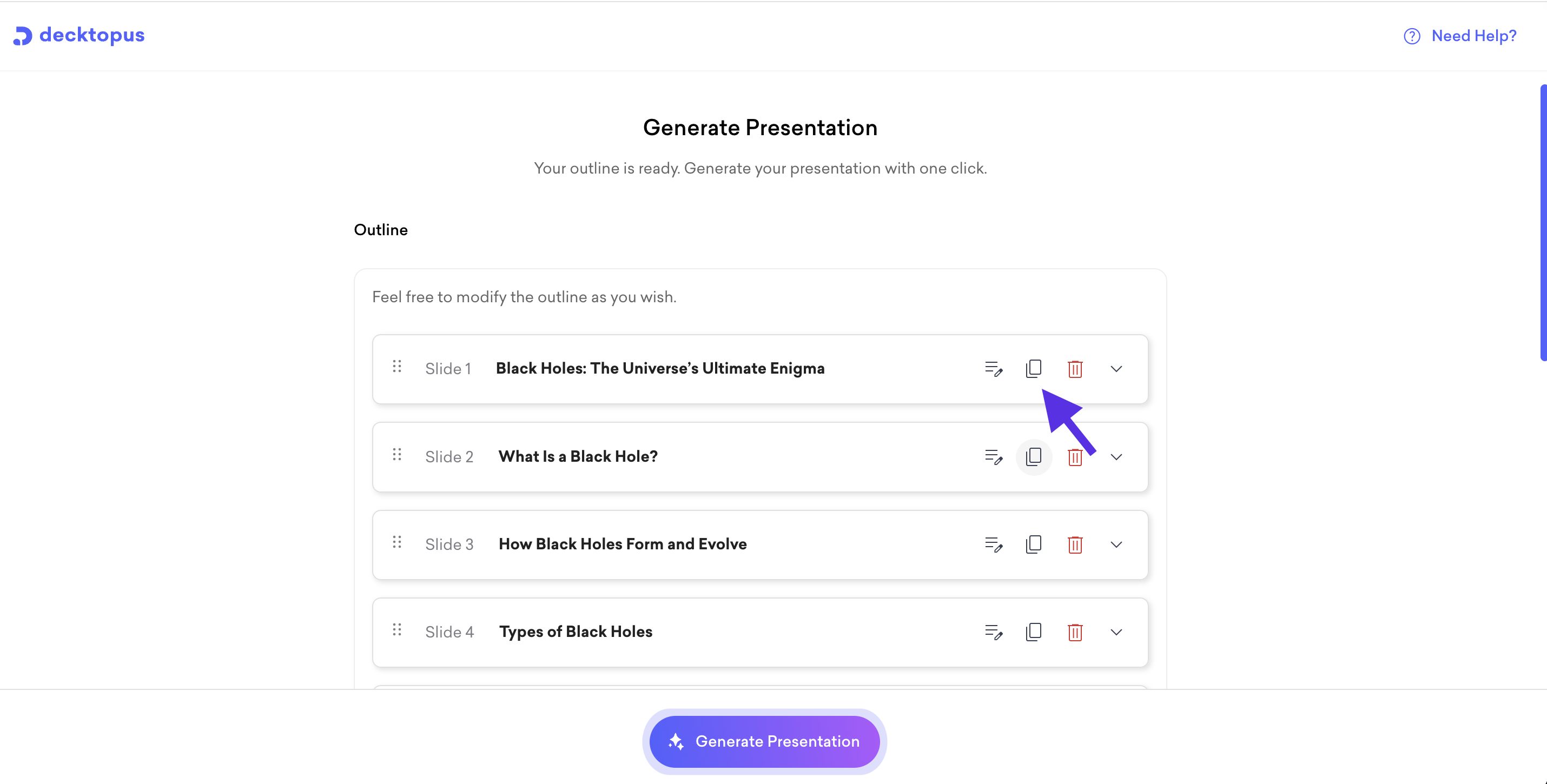
To duplicate a slide, click the duplicate icon.
To remove a slide, click the delete icon.
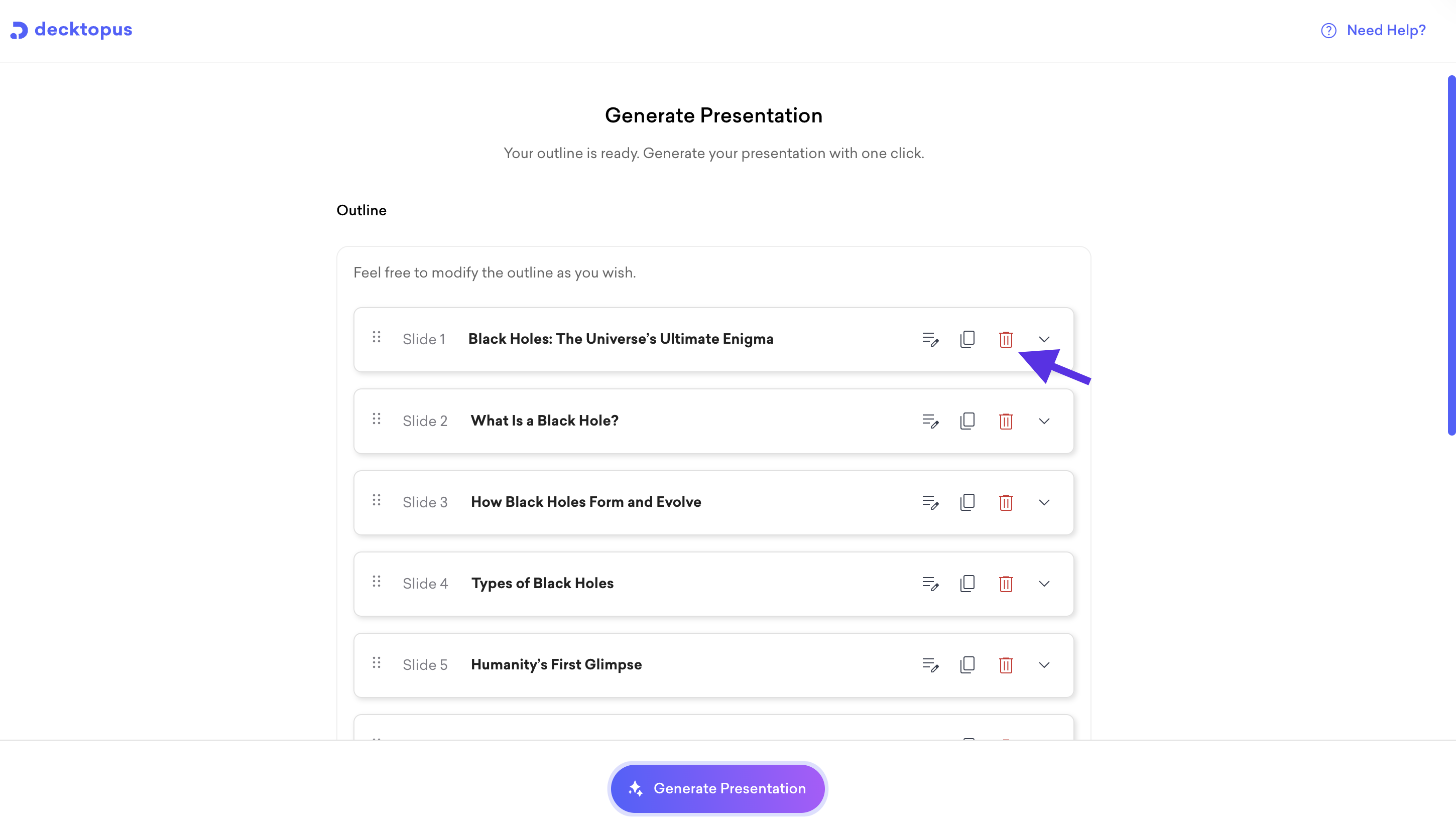
To expand a slide and see more details, click the arrow on the right.
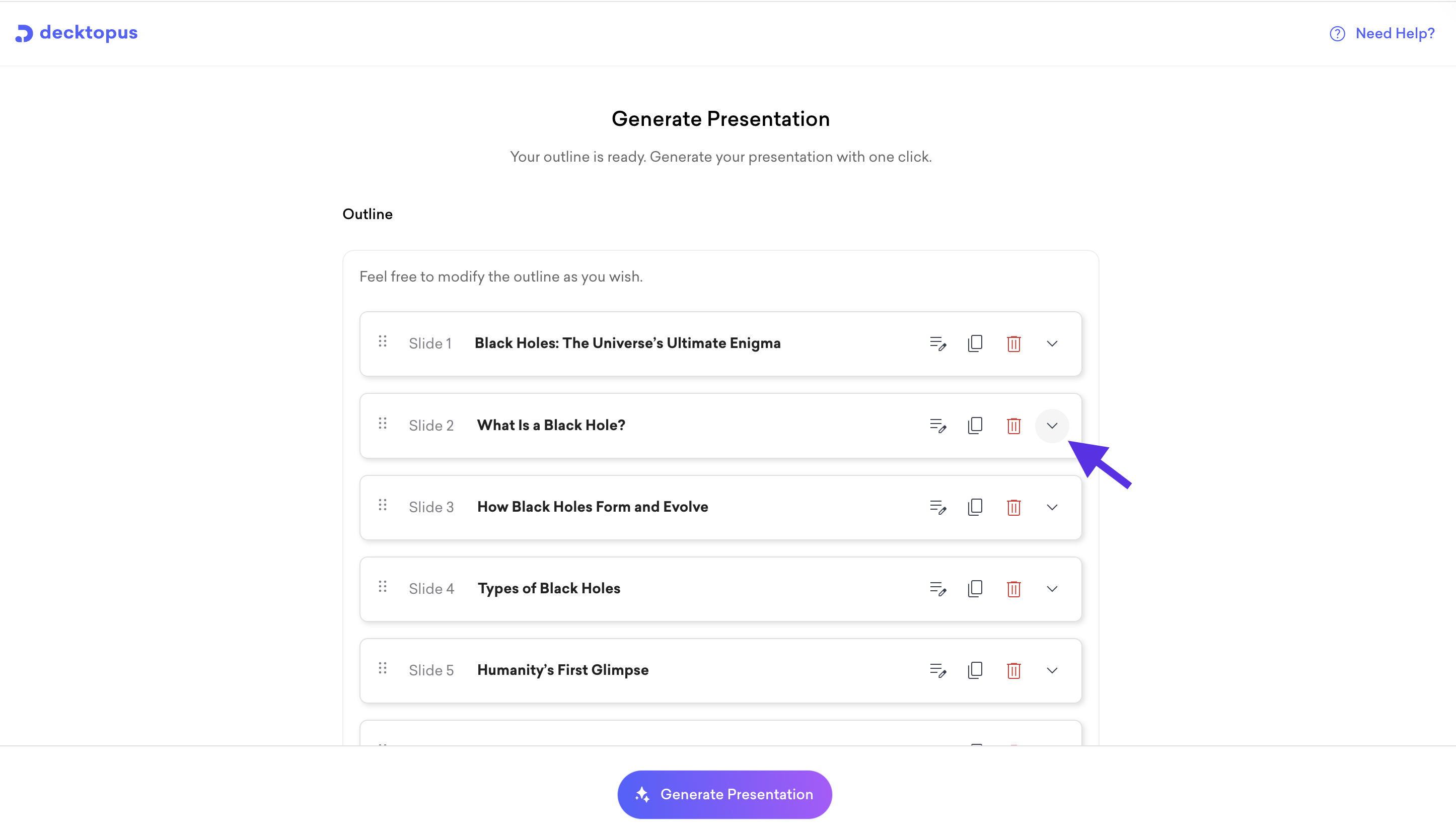
Once you're happy with the outline, click Generate Presentation at the bottom of the screen.
That is all!