
You can upload a file to give the AI more context and generate a presentation based on your existing content.
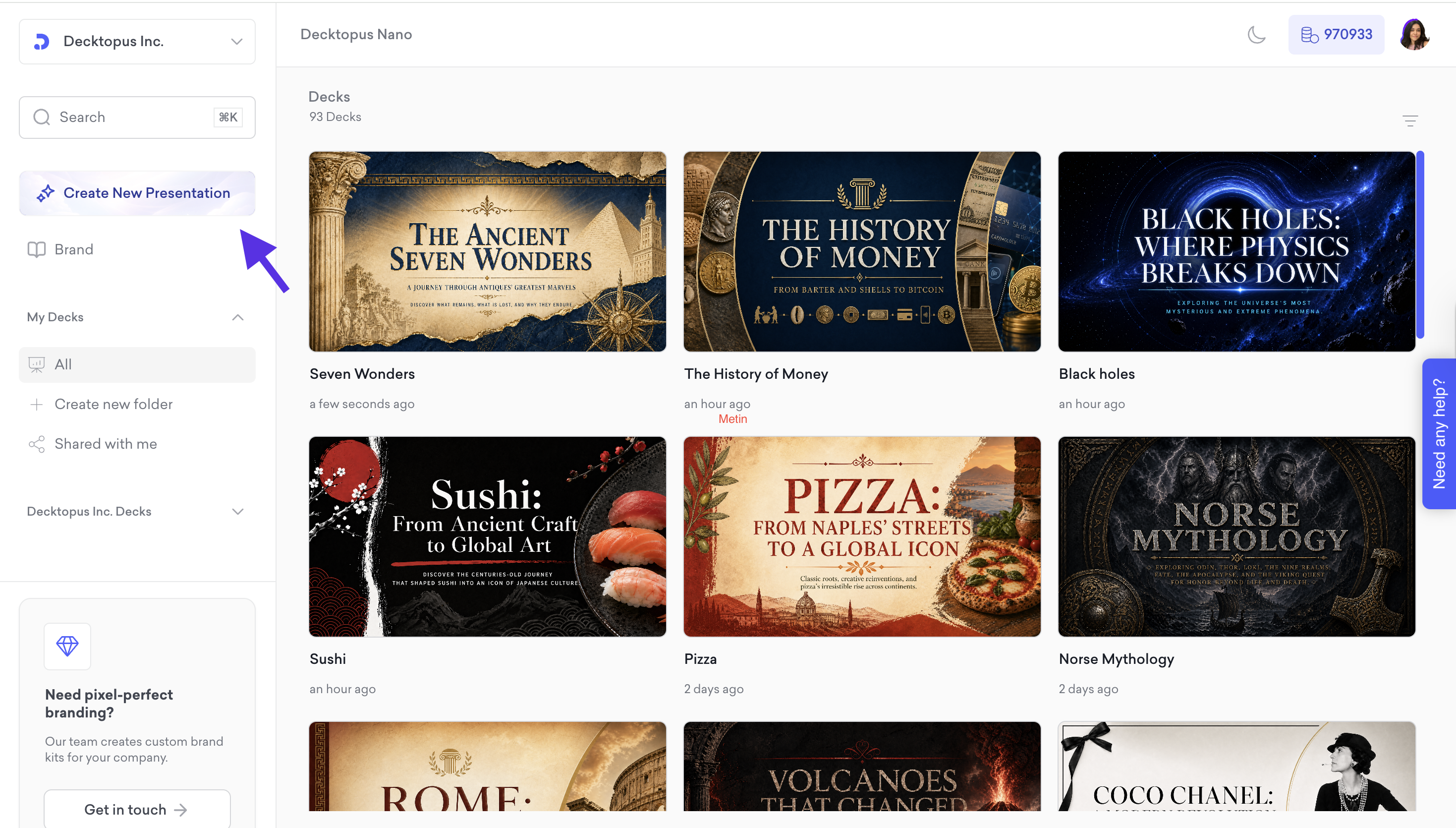
Click Create New Presentation on the left sidebar of your dashboard.
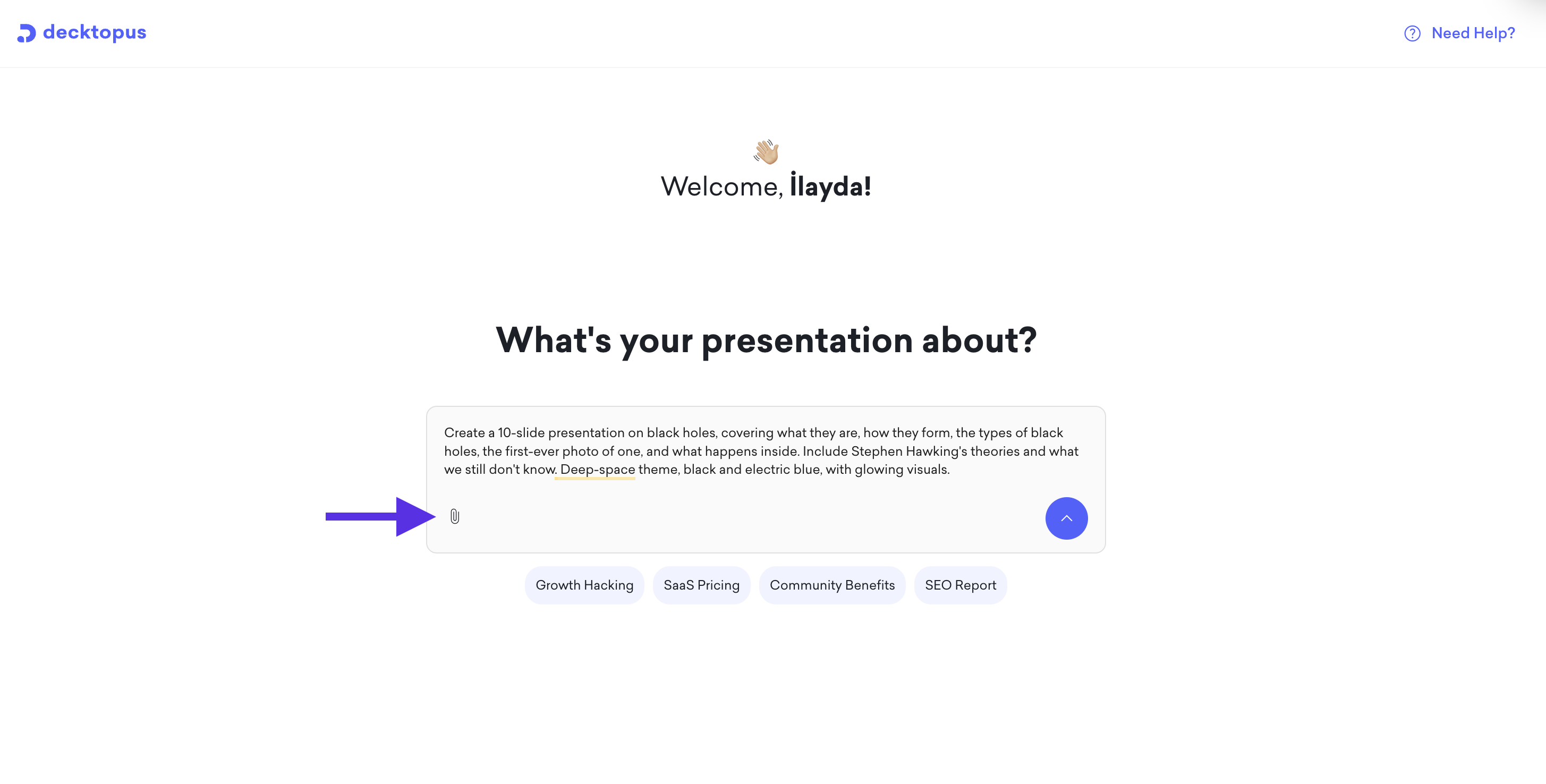
Enter your topic/prompt. And then click the attach icon at the bottom left of the text field.
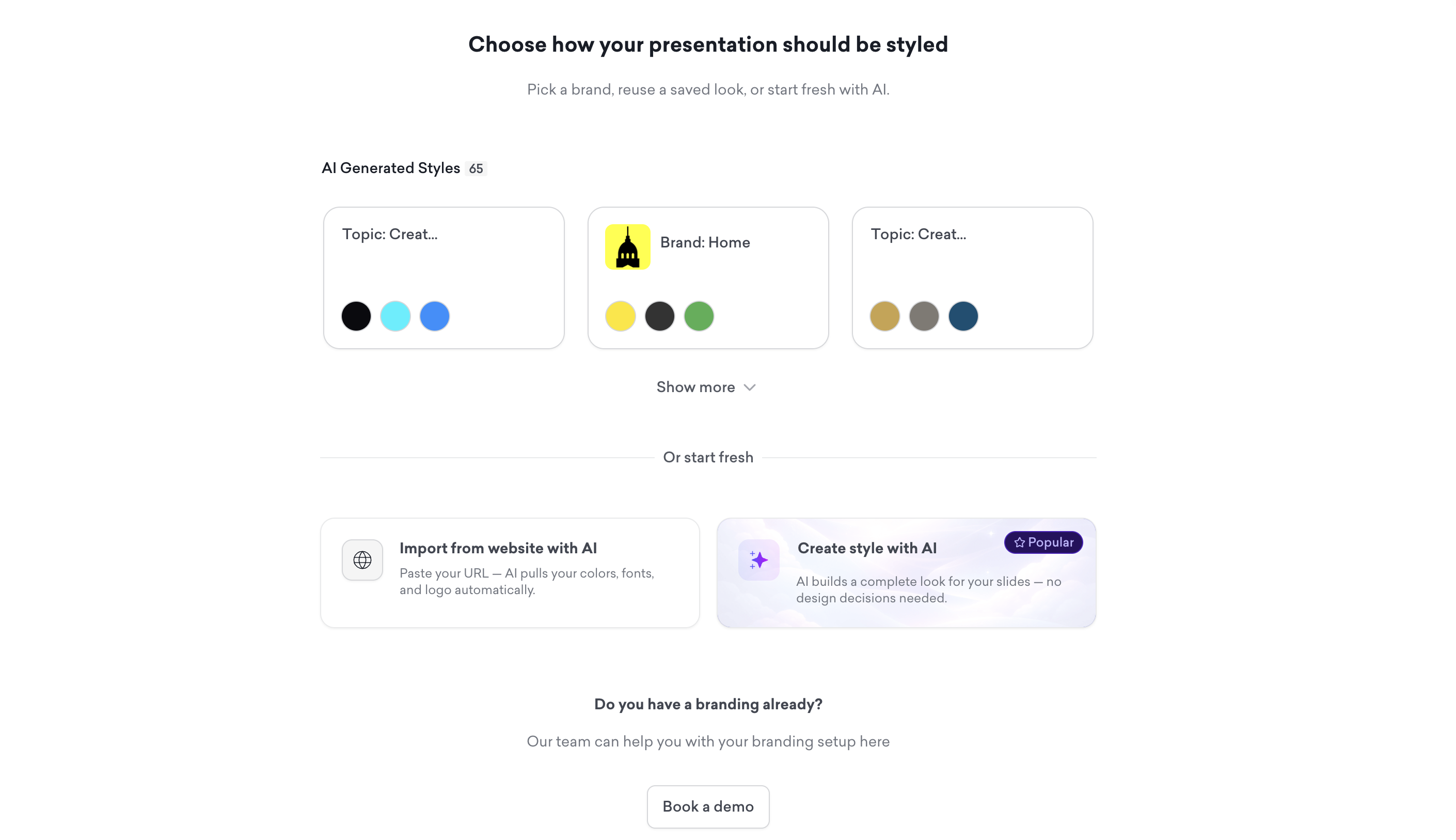
Choose how you want your presentation to look. You can select a saved brand kit, import your brand from your website, or let AI generate a style from scratch.
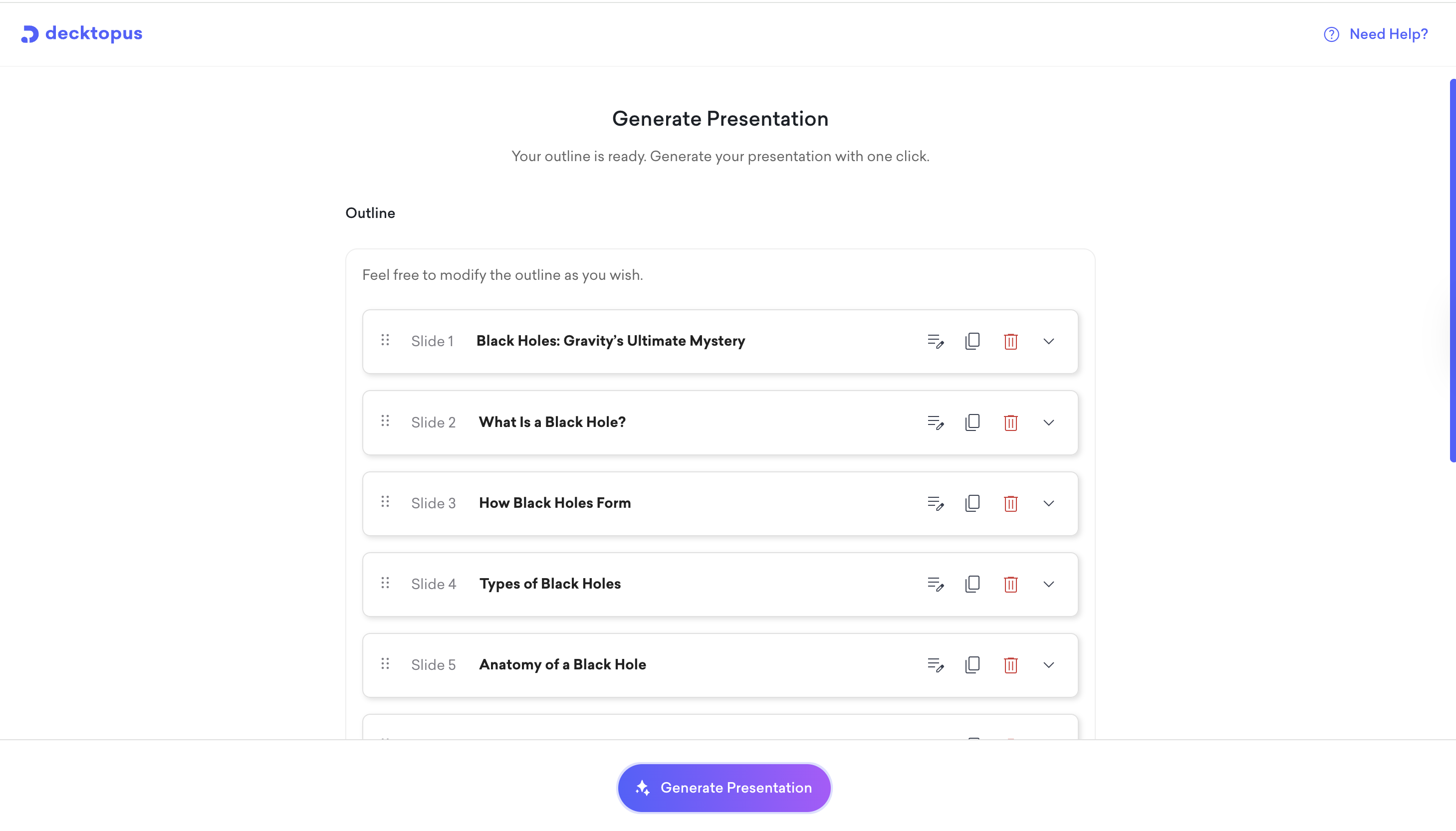
Review the outline Decktopus generates. You can adjust the slide order and content focus before moving forward. When ready, click to build the full presentation.
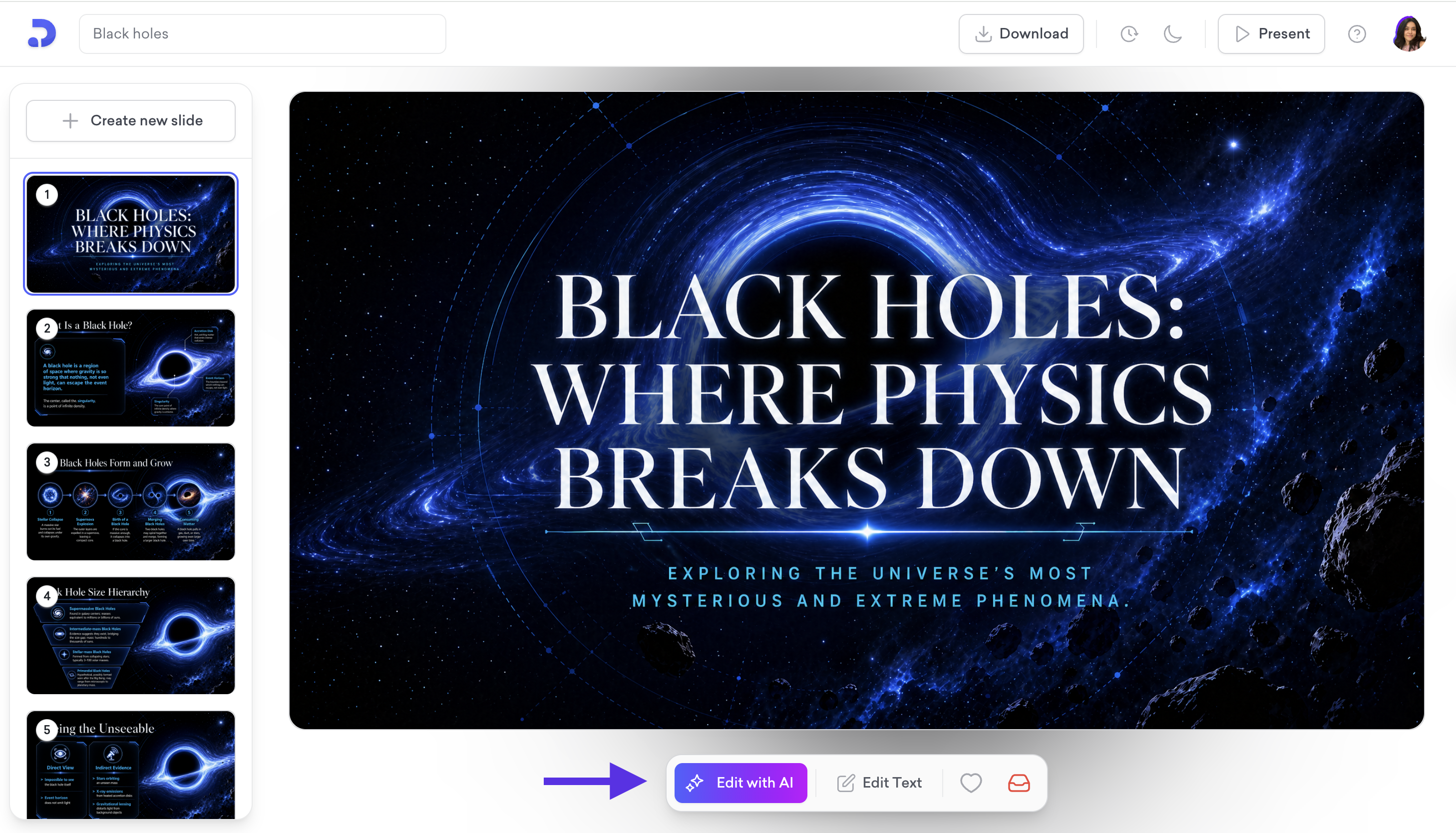
Once the editor opens, your presentation is ready. You can present or share it straight away, or make changes using Edit with AI for instant AI-powered edits or Edit Text to update content manually. All edits are saved in the version history.
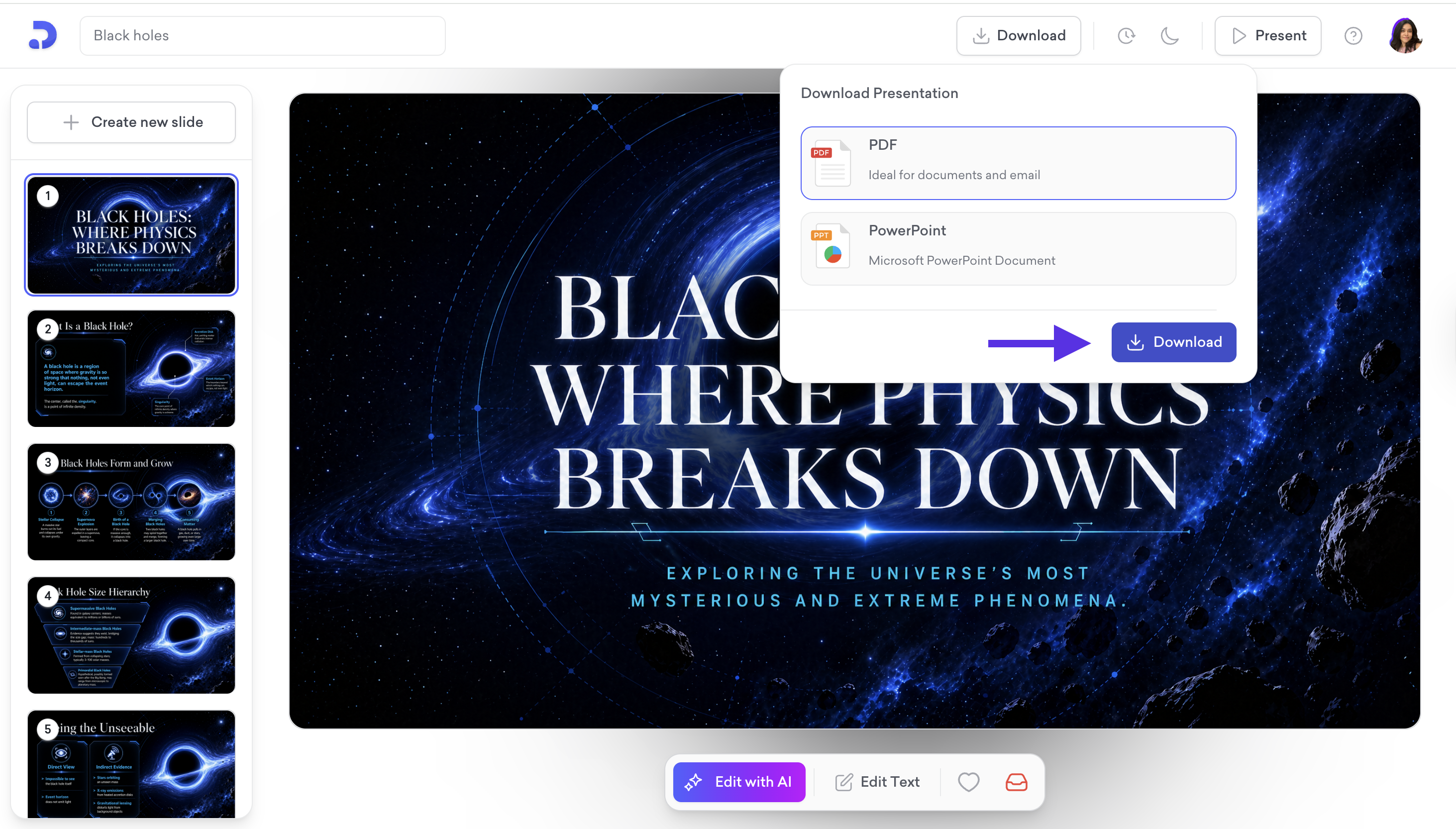
When done, download as PDF or PowerPoint, share via link, or present directly from the editor.
That is all! Your presentation is ready. Enjoy it!