
From the editor:
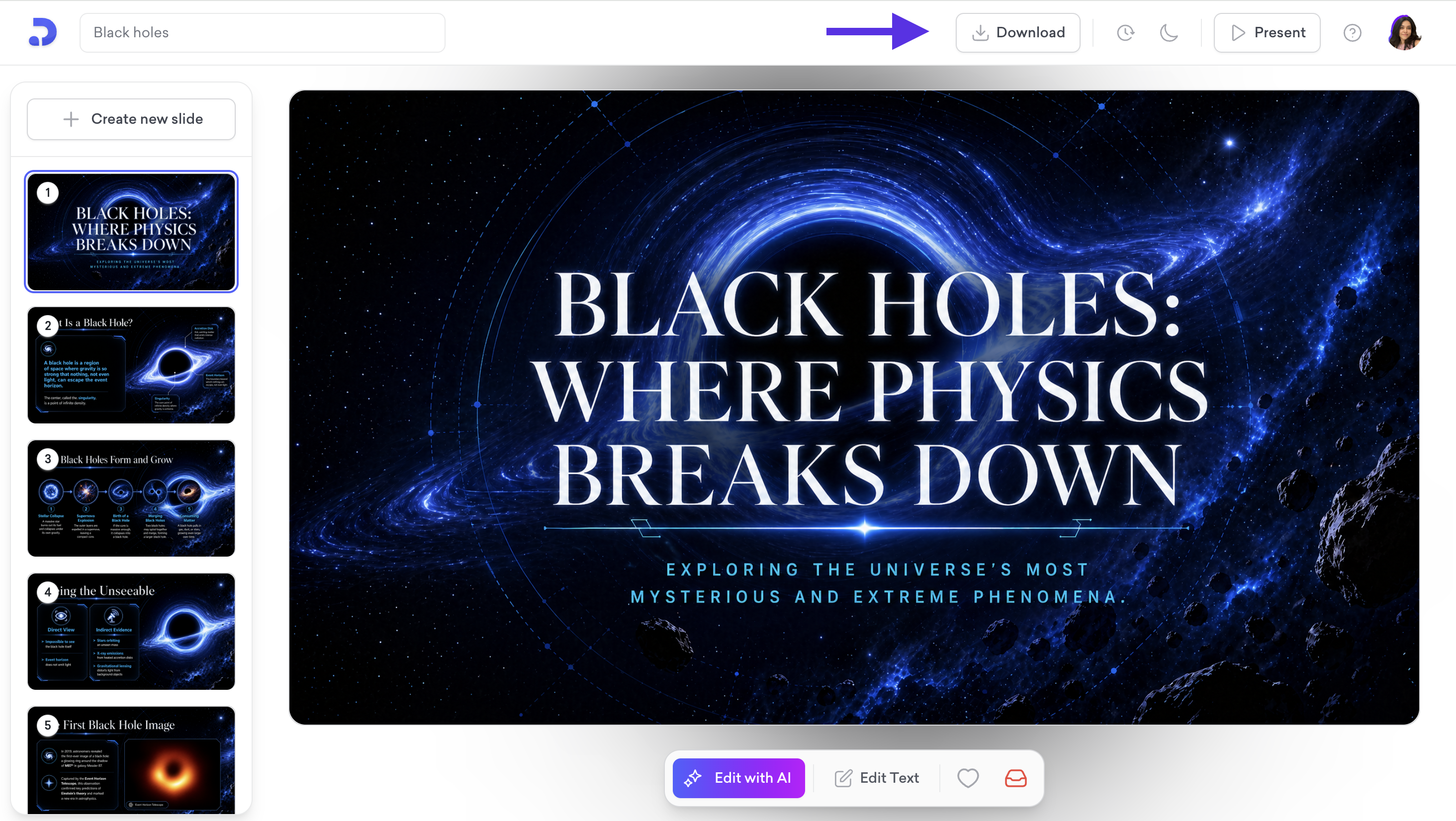
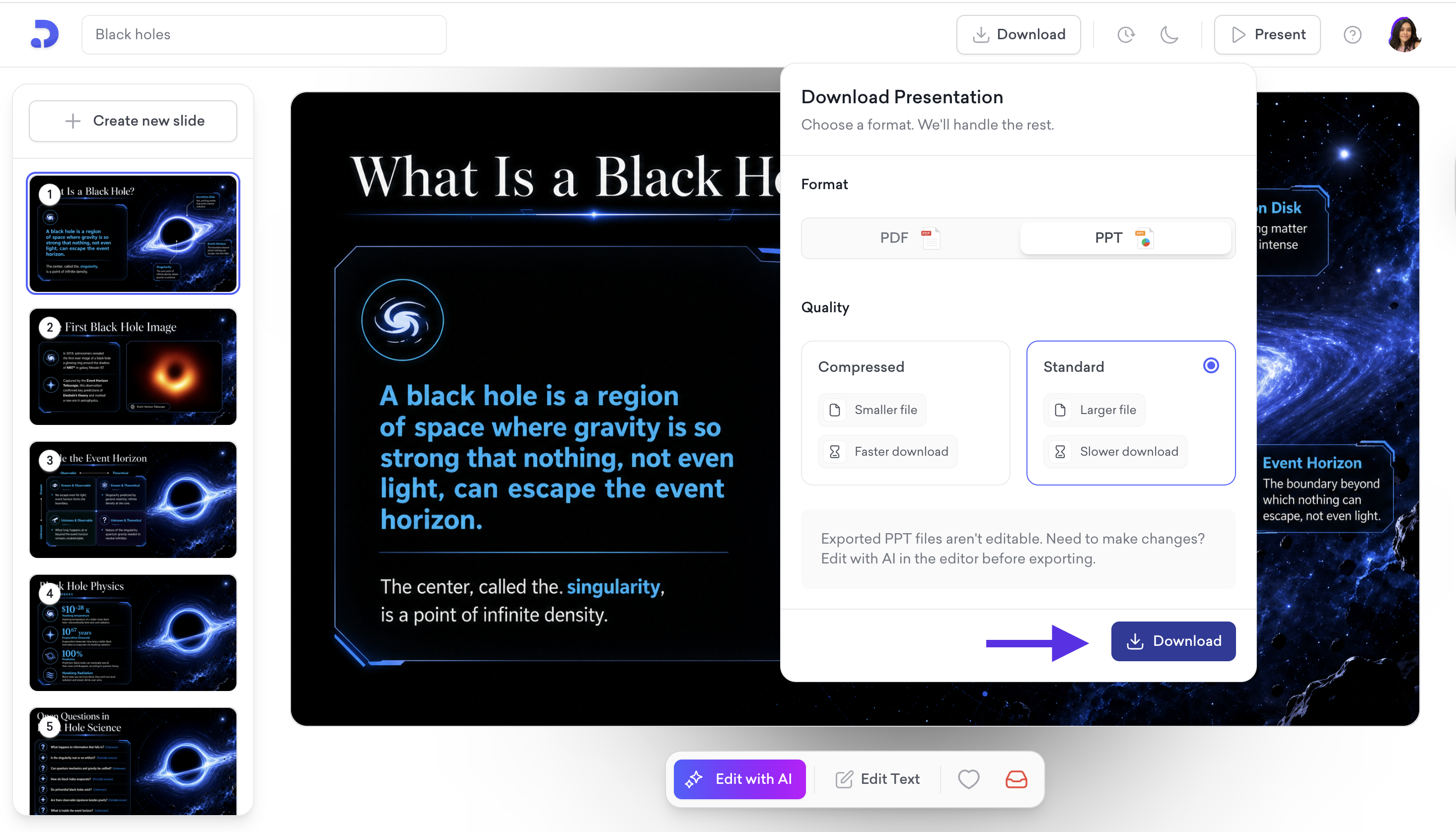
Once your presentation is open in the editor, click Download at the top right.
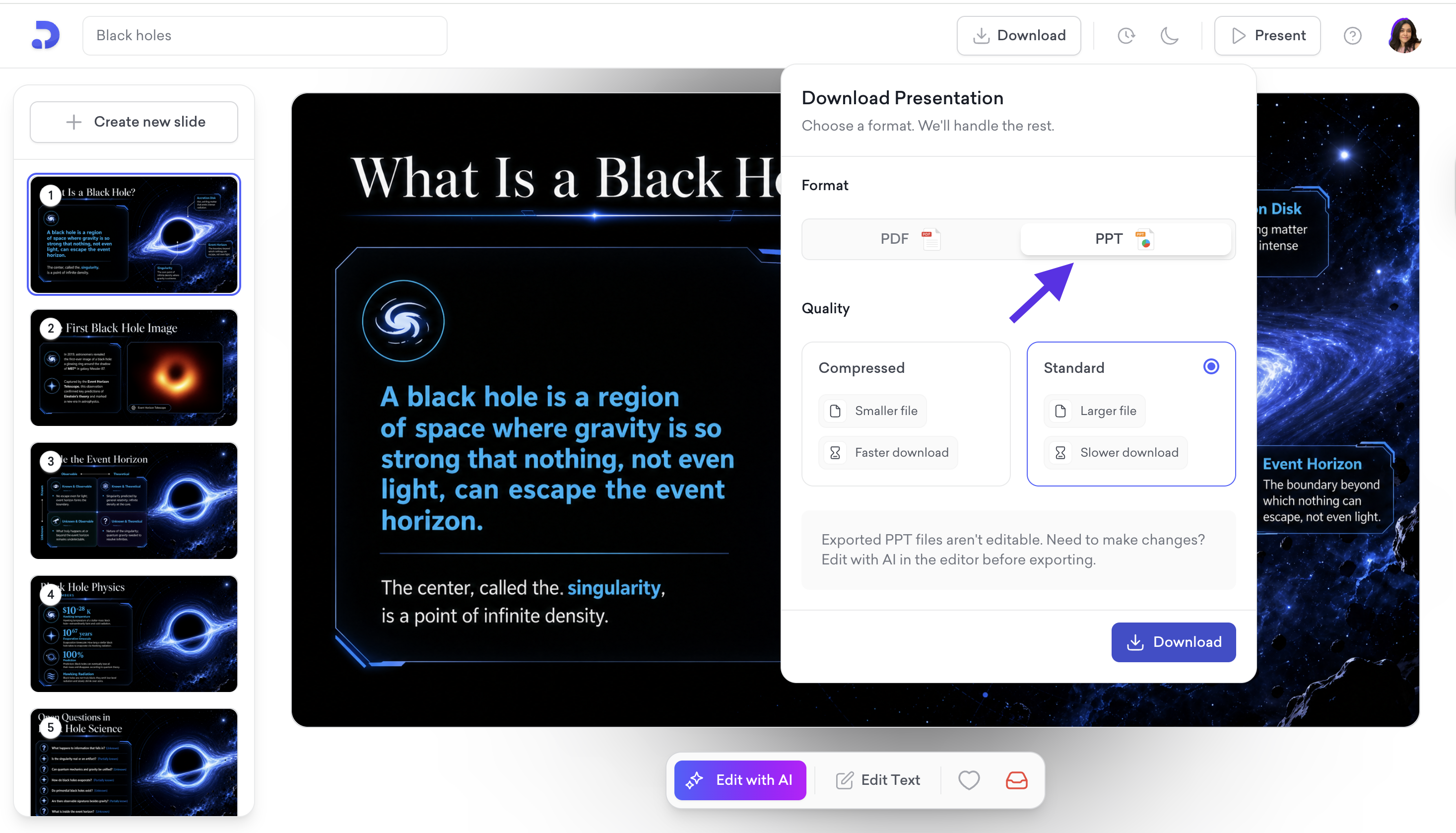
A menu will appear with two options. Select PPT.
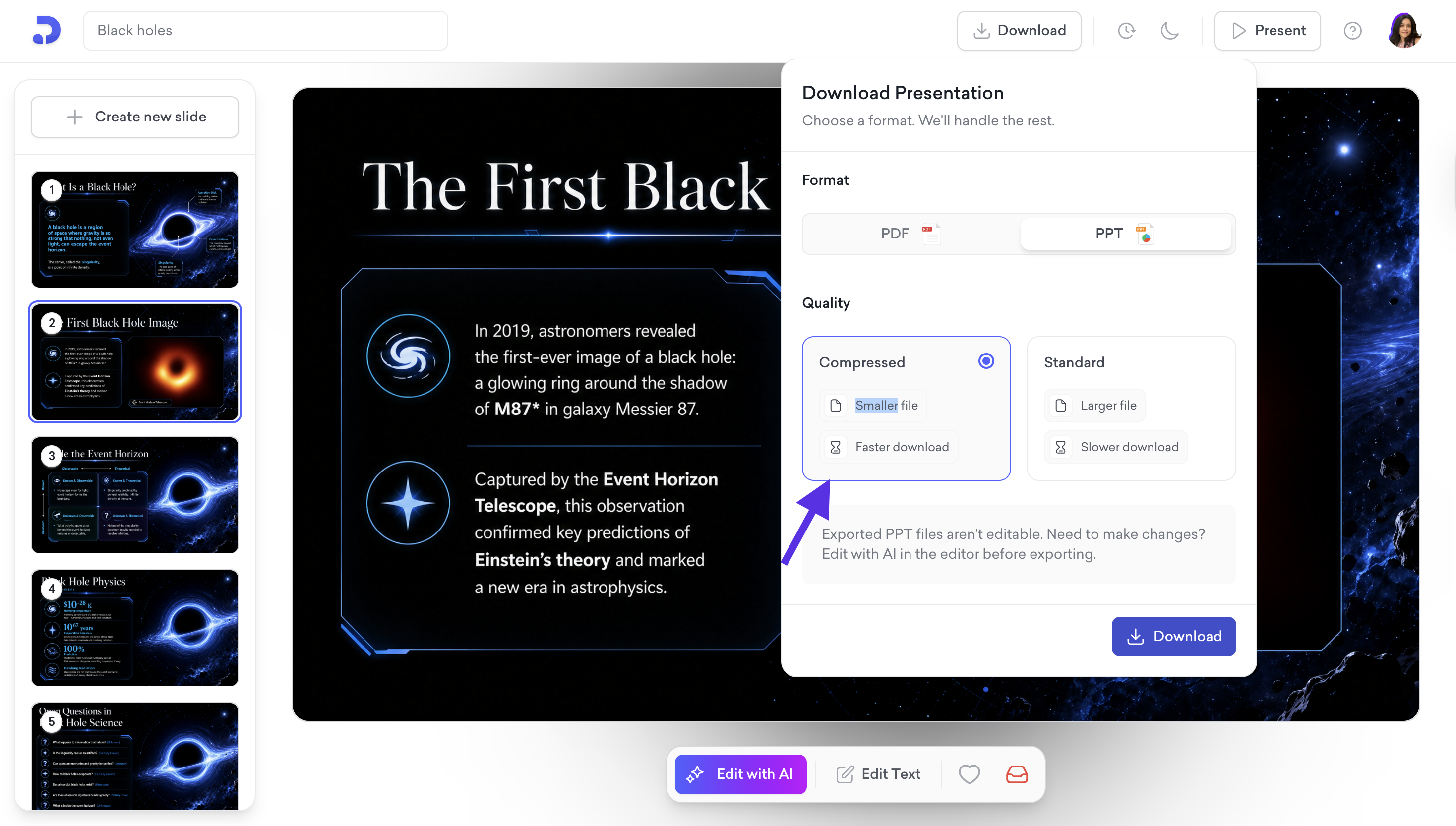
Choose your quality option:
Compressed: Smaller file size and faster download.
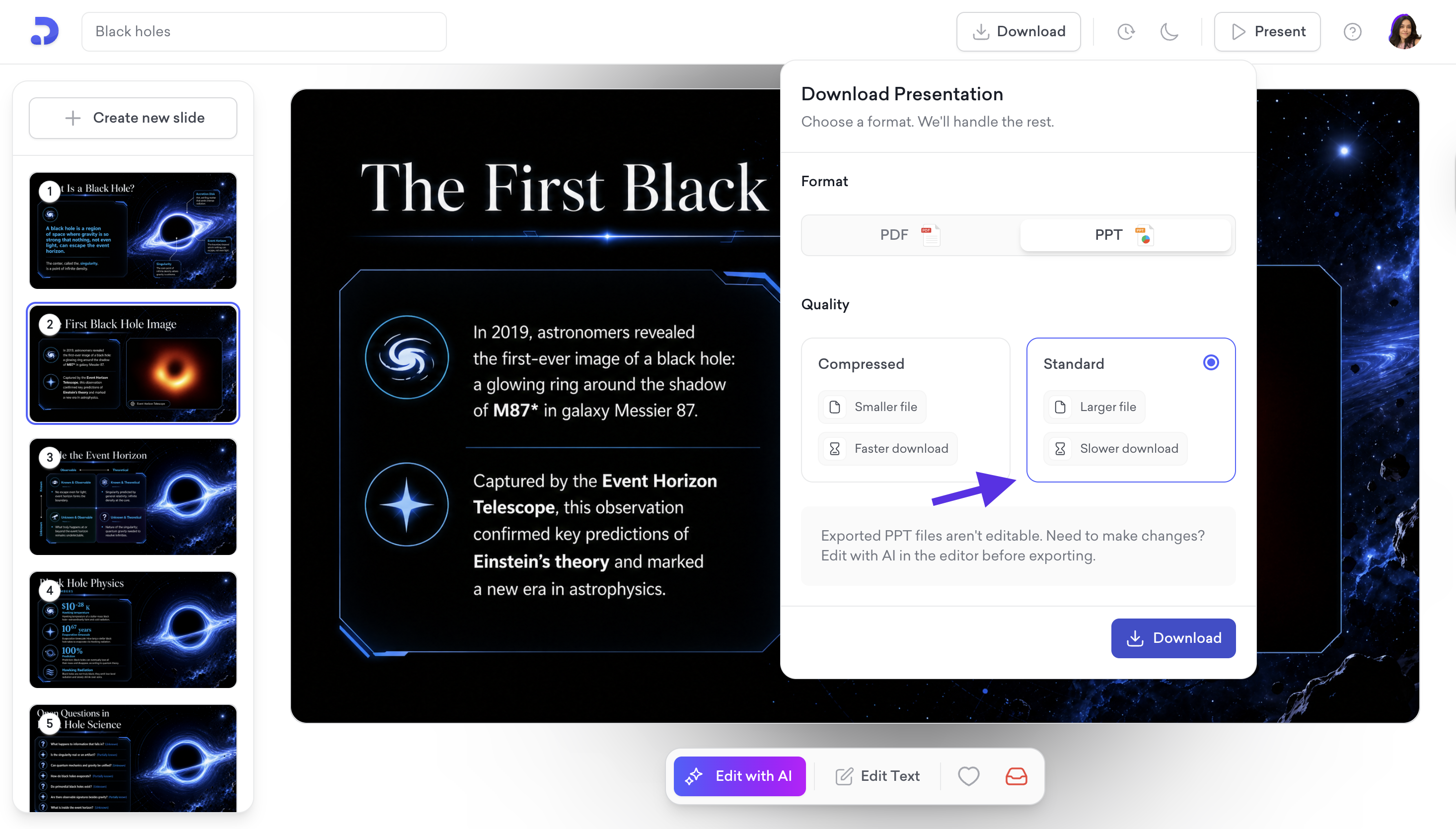
Standard: Higher resolution, larger file size, and slower download.
Click Download to save the file to your device.
From your dashboard:
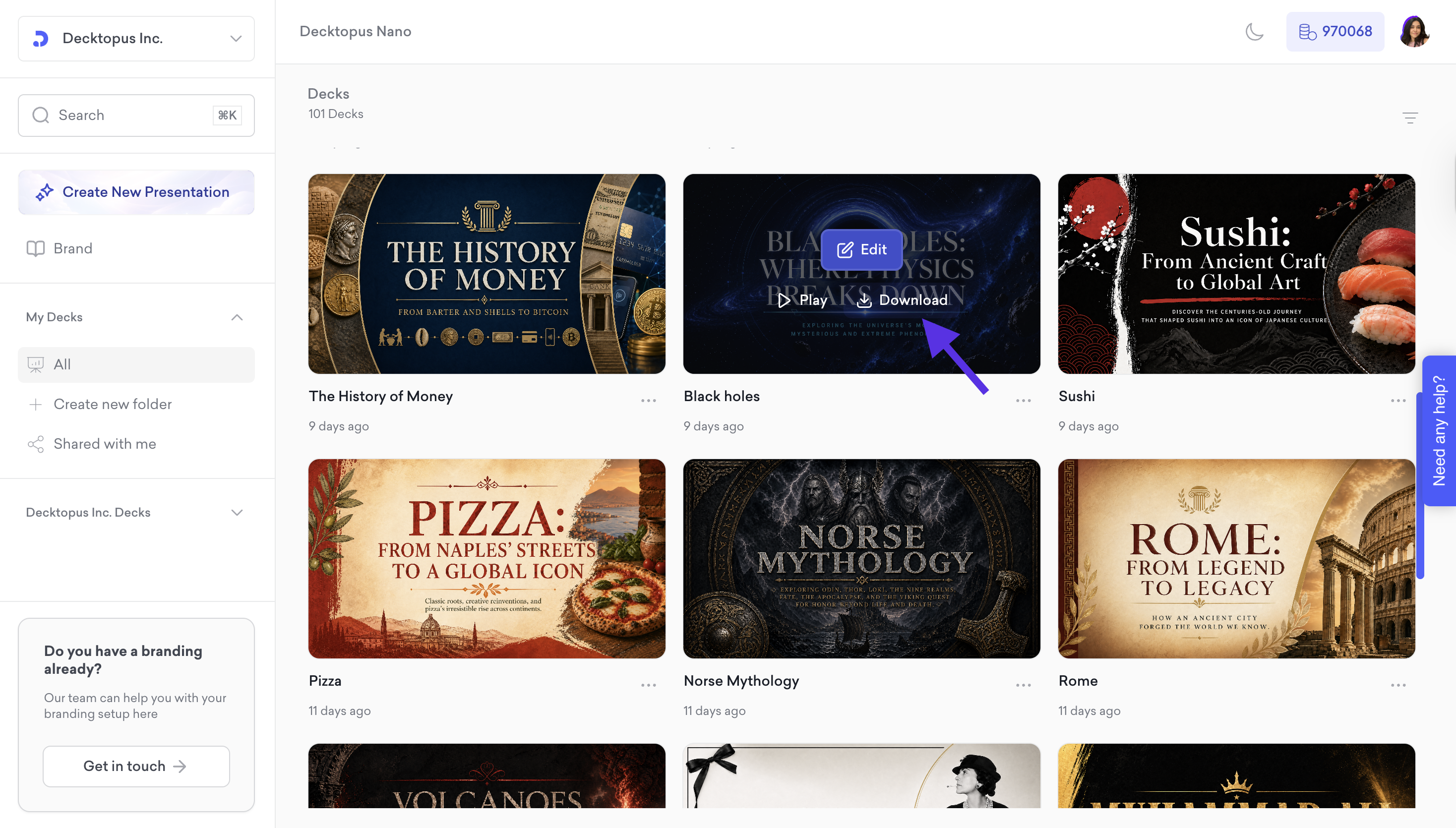
Hover over the presentation you want to export and click Download on the deck card.
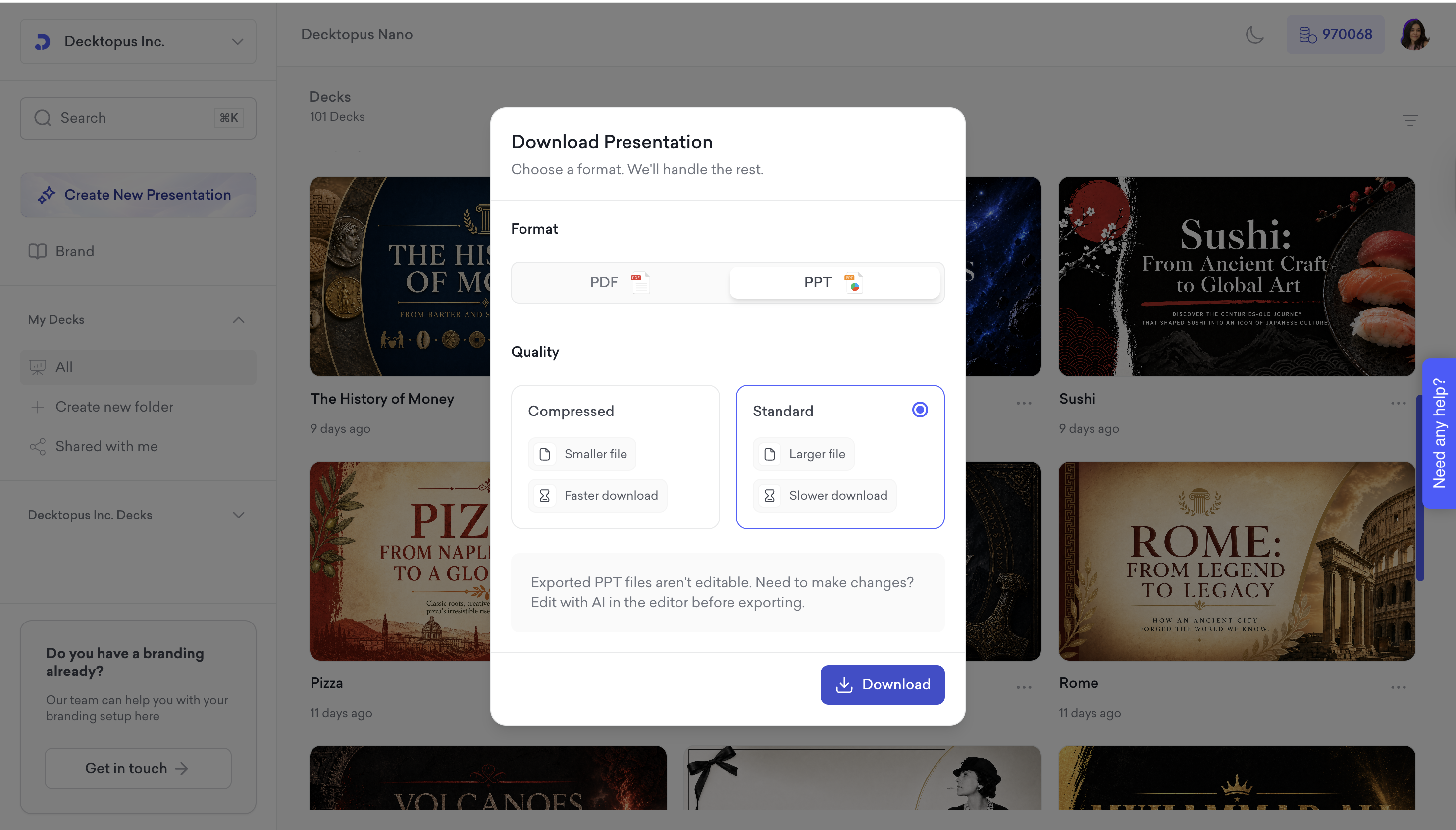
Then, in the Download Presentation menu:
Select PPT as the format.
Choose your quality option:
Compressed: Smaller file size and faster download.
Standard: Higher resolution, larger file size, and slower download.
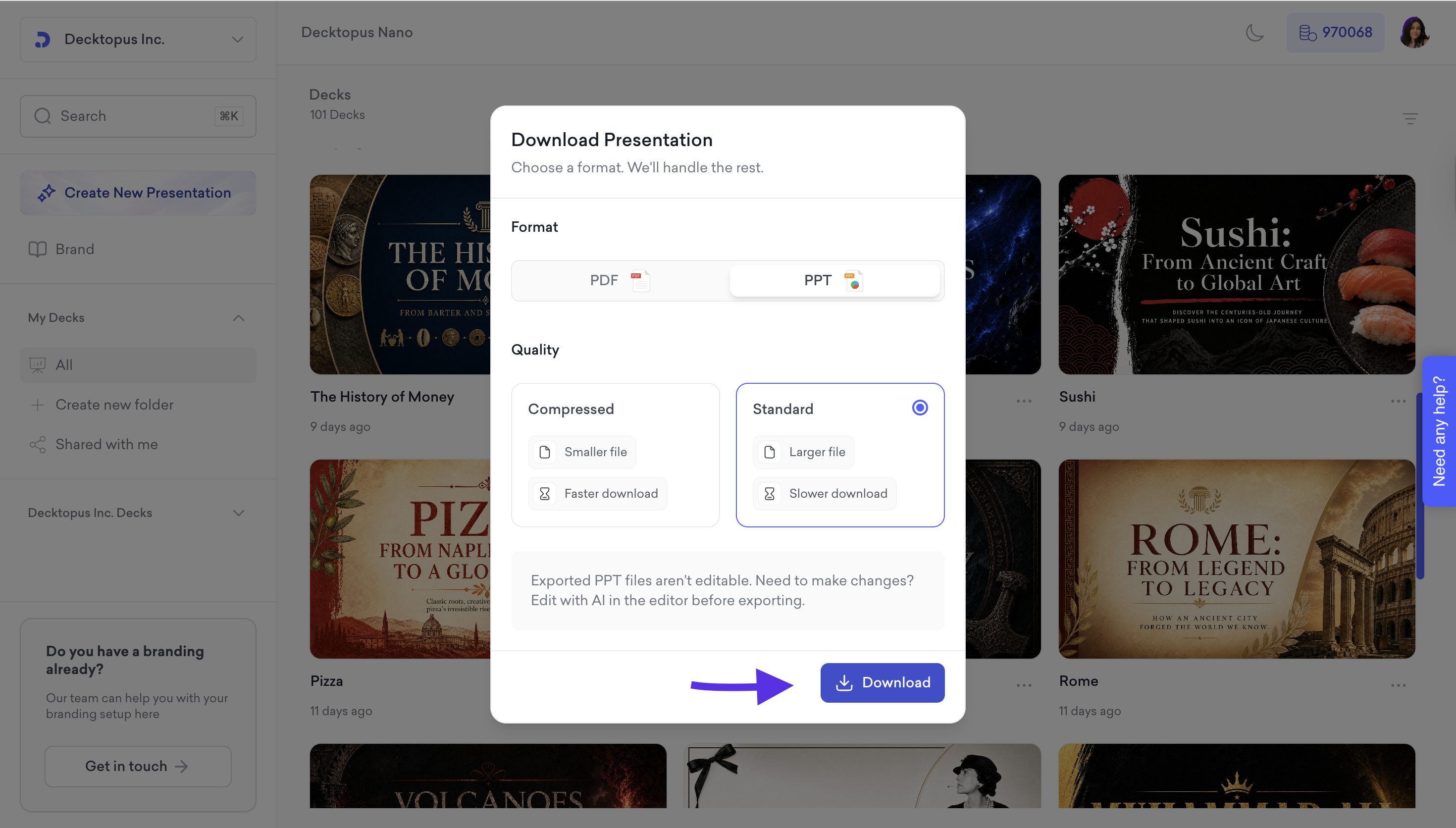
Click Download to save the file to your device.
That's all!
If you require any additional help, feel free to contact us at [email protected].