
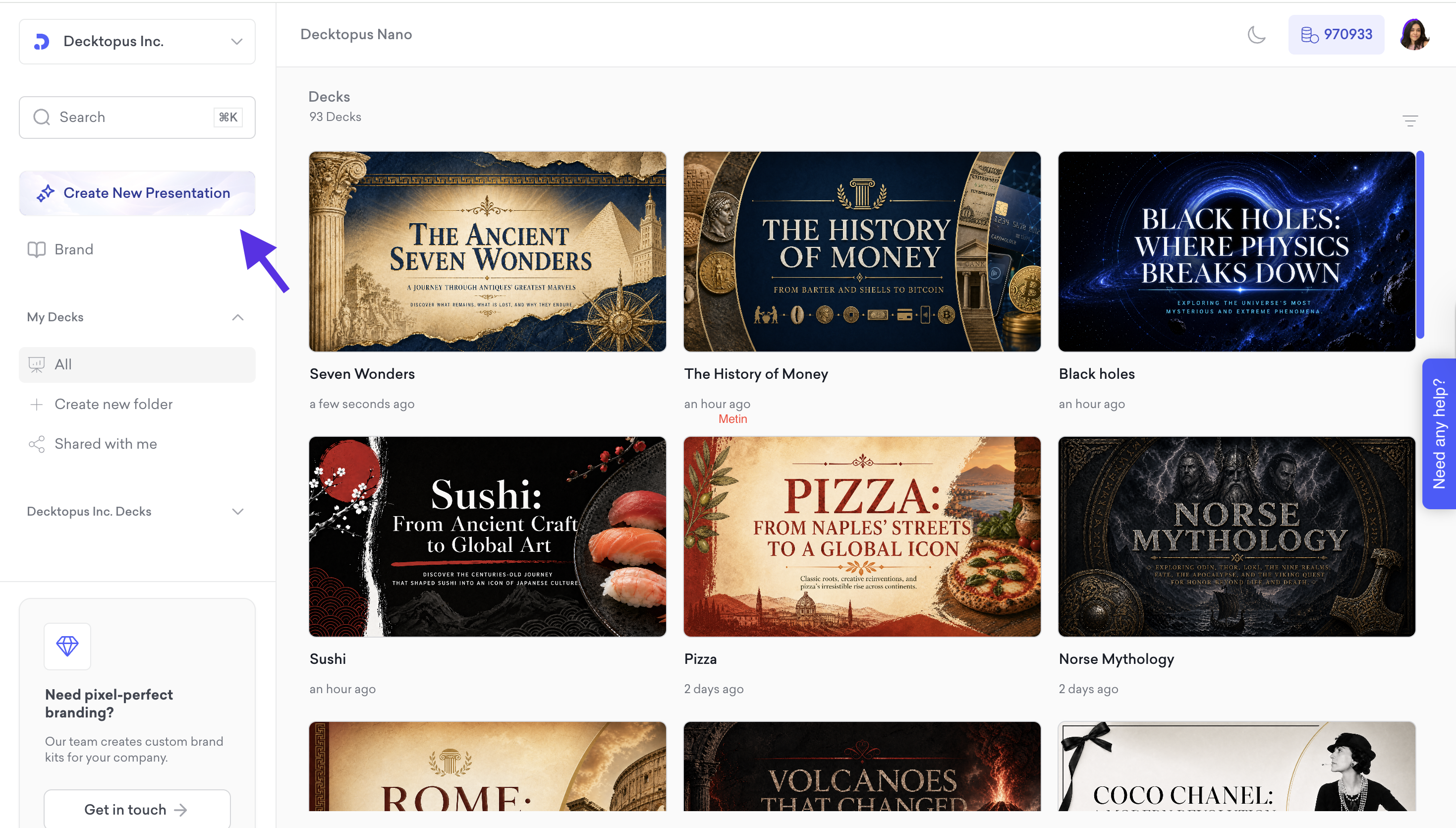
Click Create New Presentation on your dashboard.
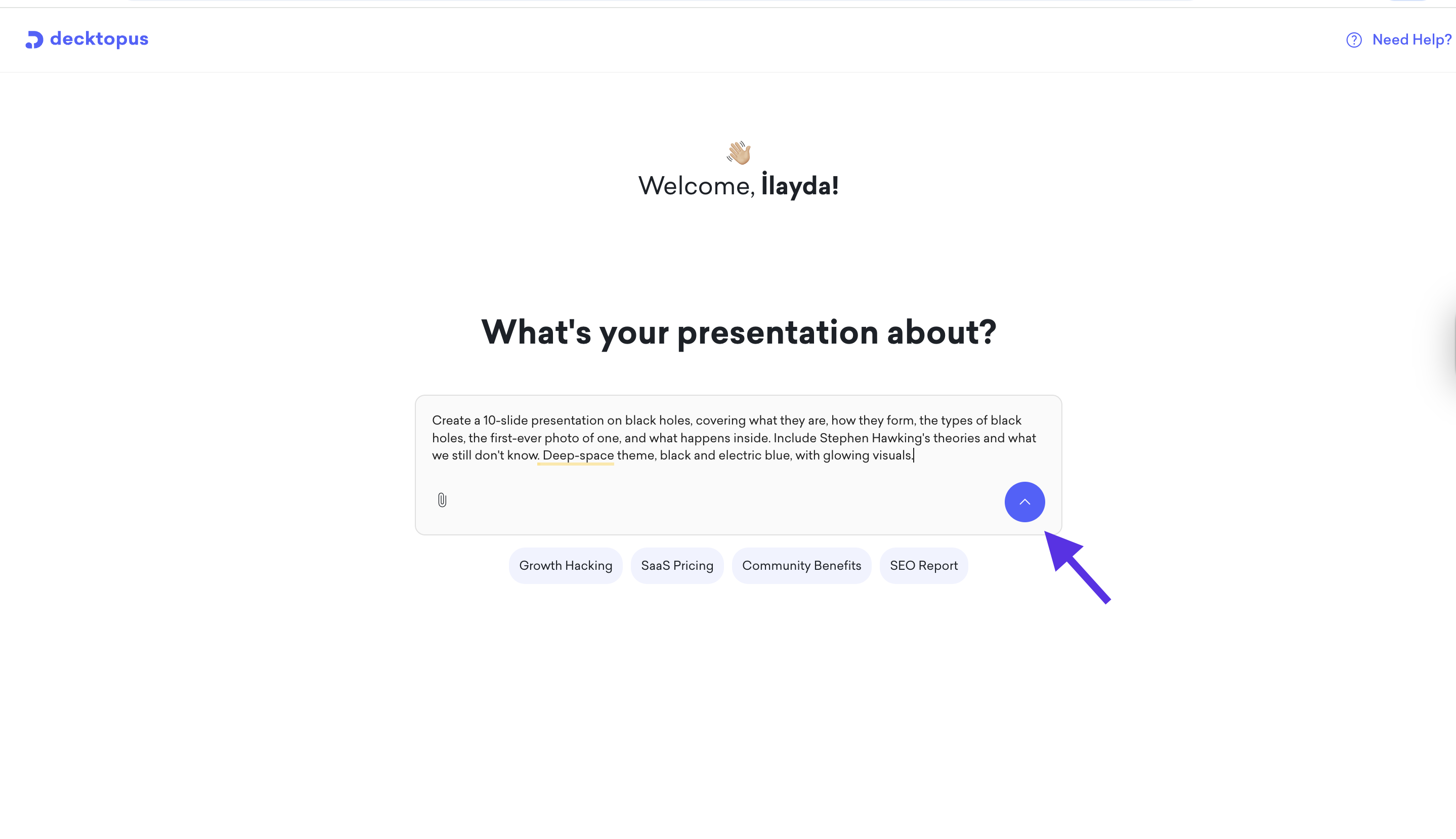
Enter your topic. You can also upload a supporting file like a PDF or document to give the AI more context.
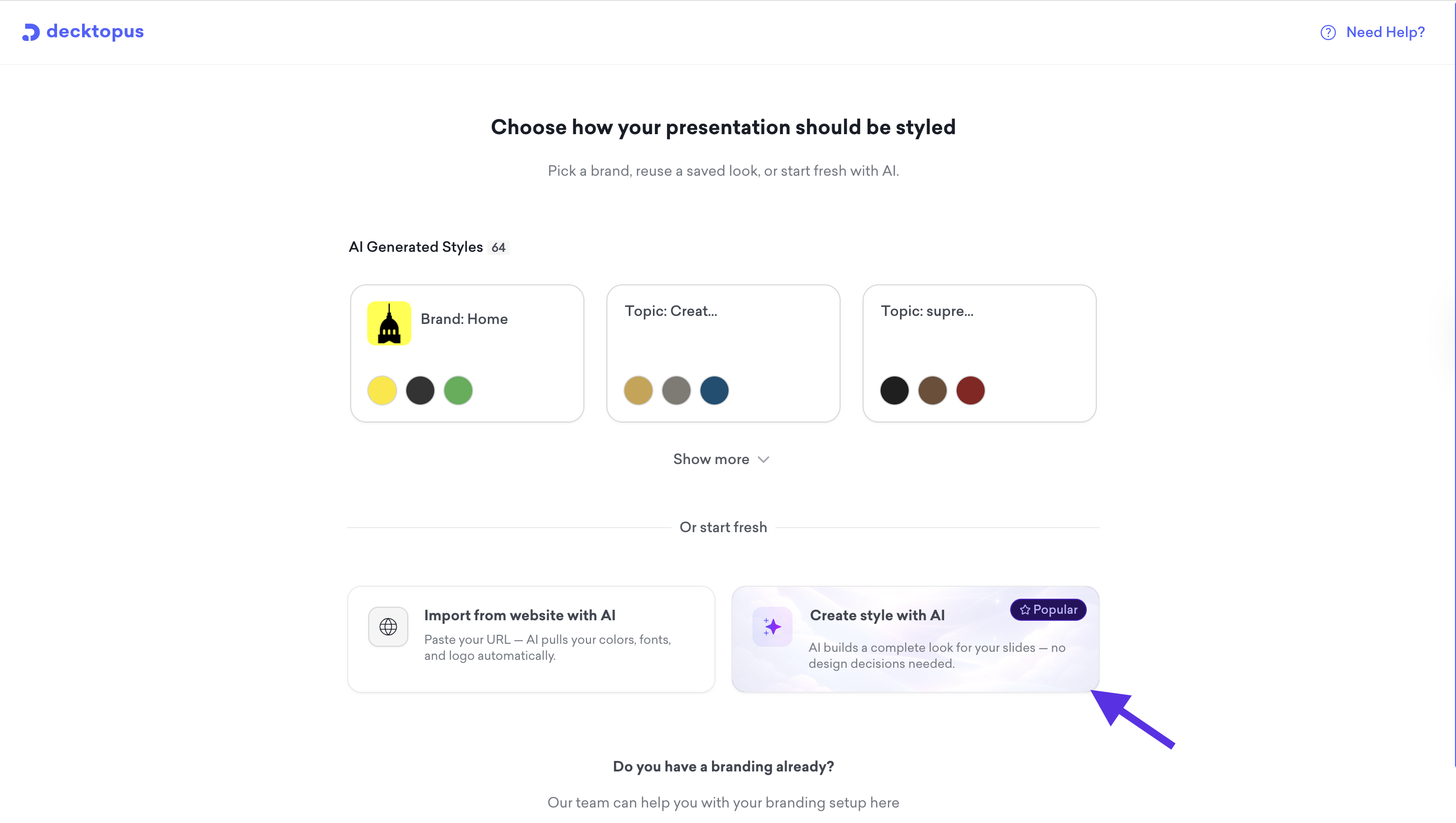
On the style step, click Create style with AI under the "Or start fresh" section. AI builds a complete look for your slides automatically.
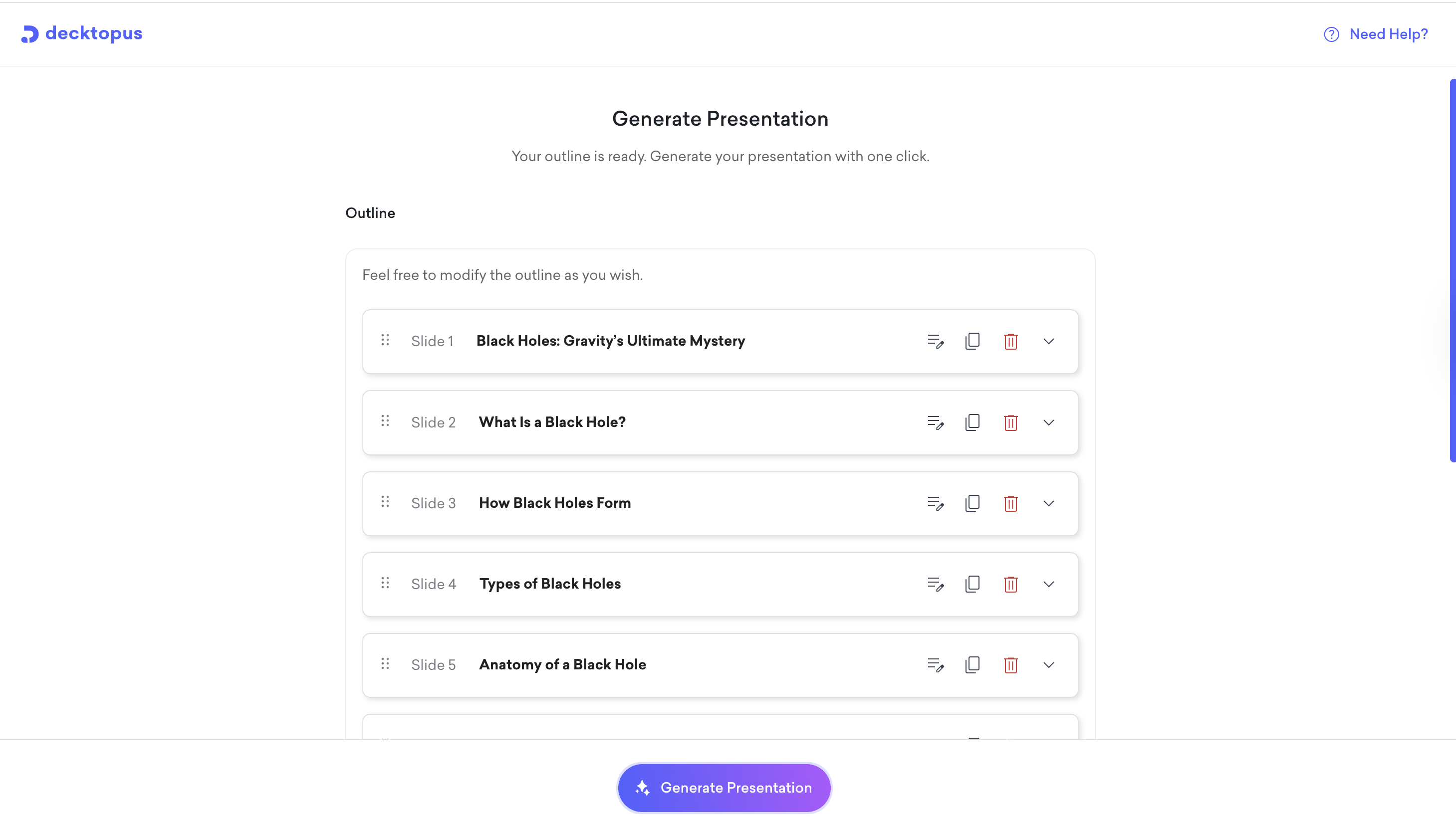
Review the outline. You can adjust the slide order and content focus before moving forward. When ready, click to Generate Presentation.
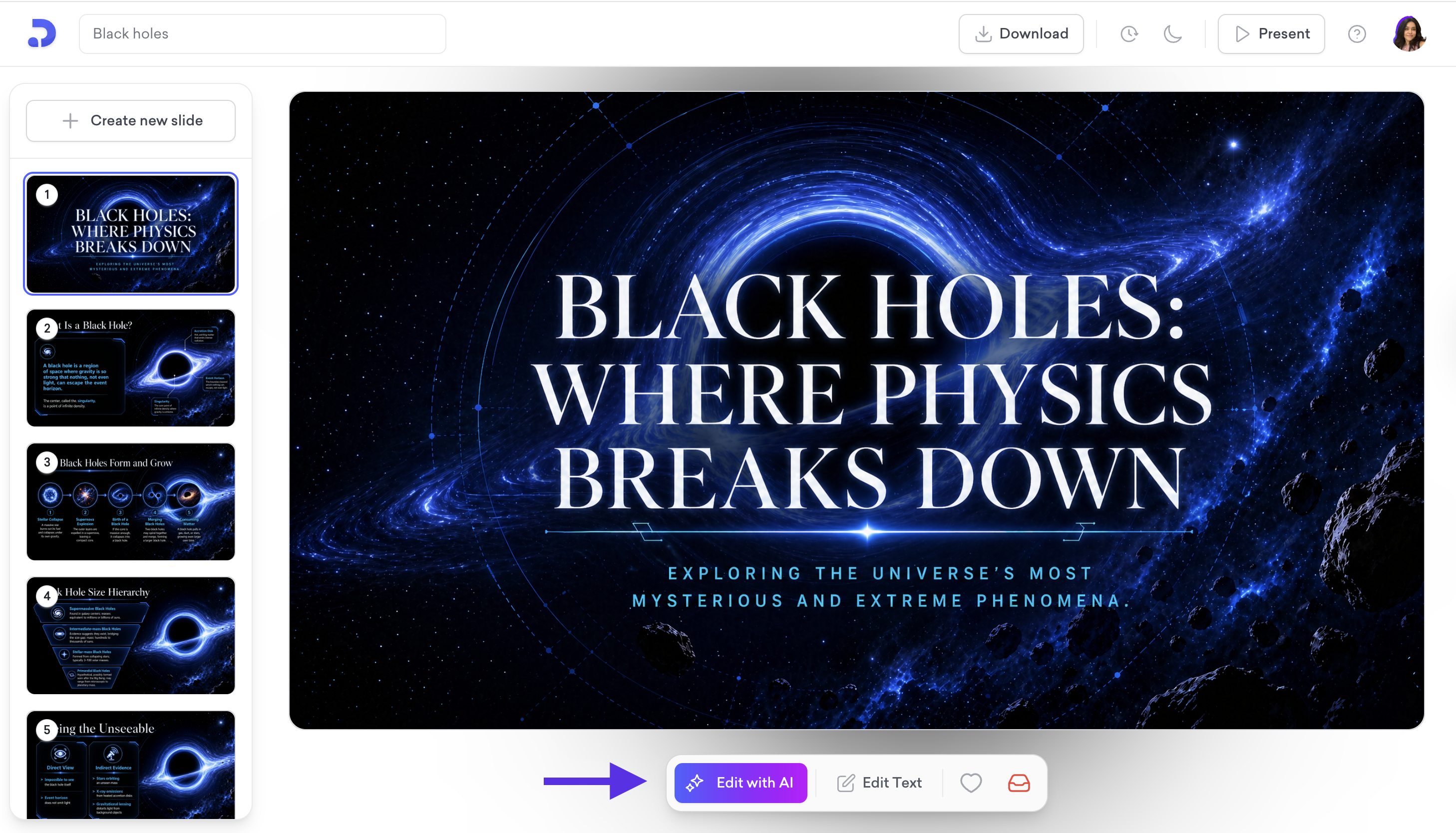
Once the editor opens, your presentation is ready with your branding applied. You can present straight away or make edits using the Edit with AI prompt bar or the Edit Text panel.
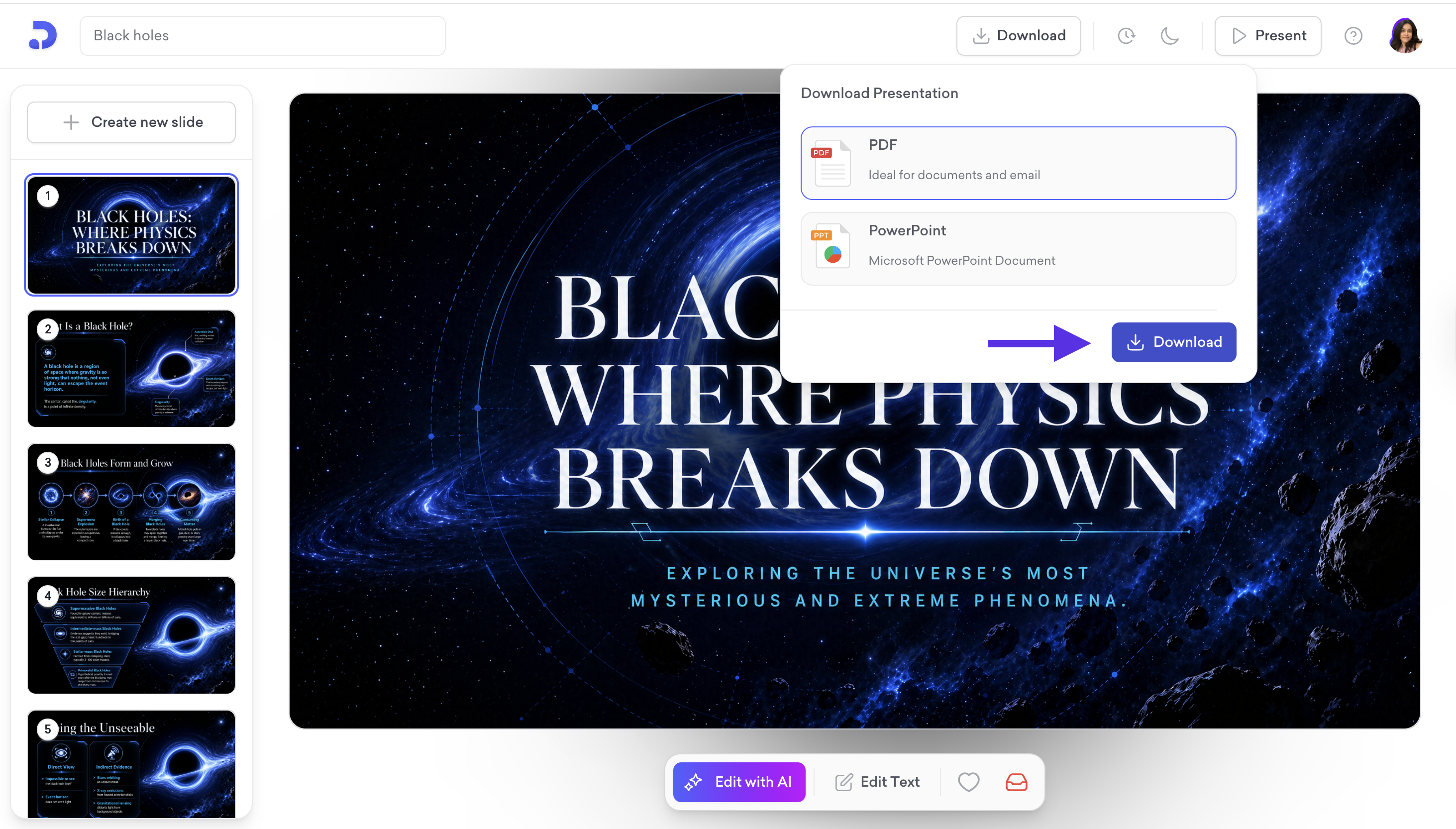
When done, download as PDF or PowerPoint, share via link, or present directly from the editor.
That is all! Your presentation is ready. Enjoy it!